
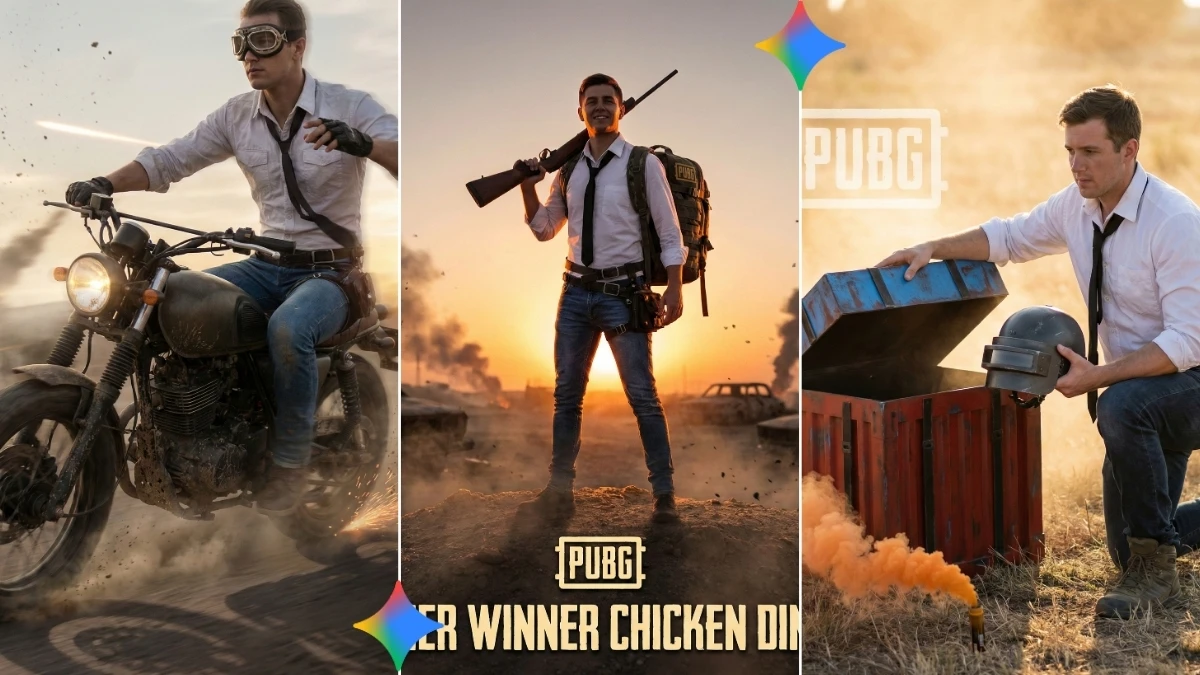

Gaming Feeds Heat Up as PUBG‑Inspired Gemini AI Photo Editing Prompts Give Boys Viral Battle‑Style Visual Upgrades
PUBG-style dust, sky, and tension with your real face in the centre of the action, that’s the promise of these 10 PUBG‑inspired Gemini AI photo editing prompts for boys.
These prompts are designed to turn normal selfies into battle‑ready portraits with tactical outfits, realistic weapons, dramatic lighting, and cinematic backgrounds while still keeping your facial identity clear and believable for social media, game profiles, or thumbnails.
From lobby‑style character screens to last‑circle chaos, each prompt focuses on sharp detail, gritty atmosphere, and trending visual upgrades like smoky skies, flare lights, and high‑contrast color grading so your images feel like stills from a PUBG trailer, not cheap filters.
The article will show how to copy‑paste these prompts into Gemini AI, attach your selfie, and instantly generate 4K–8K PUBG‑inspired portraits that look perfect for YouTube gaming banners, Discord profiles, Instagram posts, or clan posters.
You’ll also learn how to control elements like helmet style, backpack, weapon pose, and map‑style environment (desert, forest, ruins) so every portrait feels like a fresh loadout.
With a simple workflow and a few smart tips, boys can build a whole library of consistent, PUBG‑inspired portraits that look professional and stay on‑trend for the 2025 gaming aesthetic.
How to create the image (simple steps)
Open Gemini AI
- Go to the Gemini AI website/app and select the image creation or photo‑editing option.
Choose your base selfie
- Pick a clear, front‑facing photo with good lighting and visible facial details; avoid blurry or dark images for best results.
Paste the PUBG‑inspired prompt
Copy one of your “PUBG‑inspired Gemini AI photo editing prompts” into the text box, describing:
- PUBG‑style outfit (tactical vest, helmet, gloves)
- Environment (desert battleground, ruins, city rooftop)
- Mood (intense, tactical, heroic, last‑zone atmosphere)
Upload your photo (for face‑based edits)
- Attach your selfie so Gemini uses your face as the main character while applying the PUBG‑inspired armor, gear, and scene.
Set quality and style
- Add text like “ultra realistic, 4K or 8K resolution, detailed textures, cinematic lighting” inside the prompt to push high quality.
Generate the image
- Click generate and wait a few seconds for the AI to create your PUBG‑style portrait. Review the output carefully.
Refine and regenerate
- If something feels off (helmet shape, background, or pose), tweak a few words in the prompt (e.g., change “sunset desert” to “night rain city” or adjust weapon type) and generate again.
Save, crop, and use
- Download the best version and crop it to square for profile pictures, 16:9 for thumbnails, or vertical for Reels/Shorts covers.
Tips and tricks for PUBG‑inspired portraits
Lock realism and identity
- Always include a line like “keep real face and expression, realistic skin texture, no face distortion” so the portrait still looks like you, not a random soldier.
Use true PUBG atmosphere keywords
- Add phrases such as “battle royale battleground, dusty sky, realistic tactical gear, muted color palette, cinematic war movie lighting” to match PUBG’s gritty, realistic tone instead of cartoon style.
Be specific with gear and pose
- Mention helmet type (level‑3 helmet), weapon (rifle, sniper, shotgun), and pose (“standing with gun ready, looking at camera, confident stance”) to avoid generic, messy outputs.
Control the background like a map
- Think of PUBG maps when writing prompts: “Erangel‑style green fields,” “Miramar‑style desert town,” or “rainy urban rooftop with distant explosions” for recognizable vibes without naming the map directly.
Add negative prompts for clean results
- End prompts with: “no extra limbs, no double faces, no blur, no cartoon style, no text or watermark” to reduce AI artefacts and keep images sharp and usable.
Match format to use case
- For gaming profile pictures, ask for “centred character, clean blurred background, square framing”; for thumbnails, ask for “wide composition, space on sides for text, strong contrast.”
Experiment with multiple “loadouts”
- Keep the same selfie and base structure, but change outfit color (black tactical, desert camo, urban grey), time of day, or weather (fog, rain, sunset) to create a full PUBG‑inspired series around your face.
Join This Channel for Trending AI Image Prompts - CLICK HERE
PUBG-Inspired Gemini AI Photo Editing Prompts for Boys: Epic Shots, Battle-Ready Creativity, Trending Visual Upgrades
Prompt 1:
Use This:
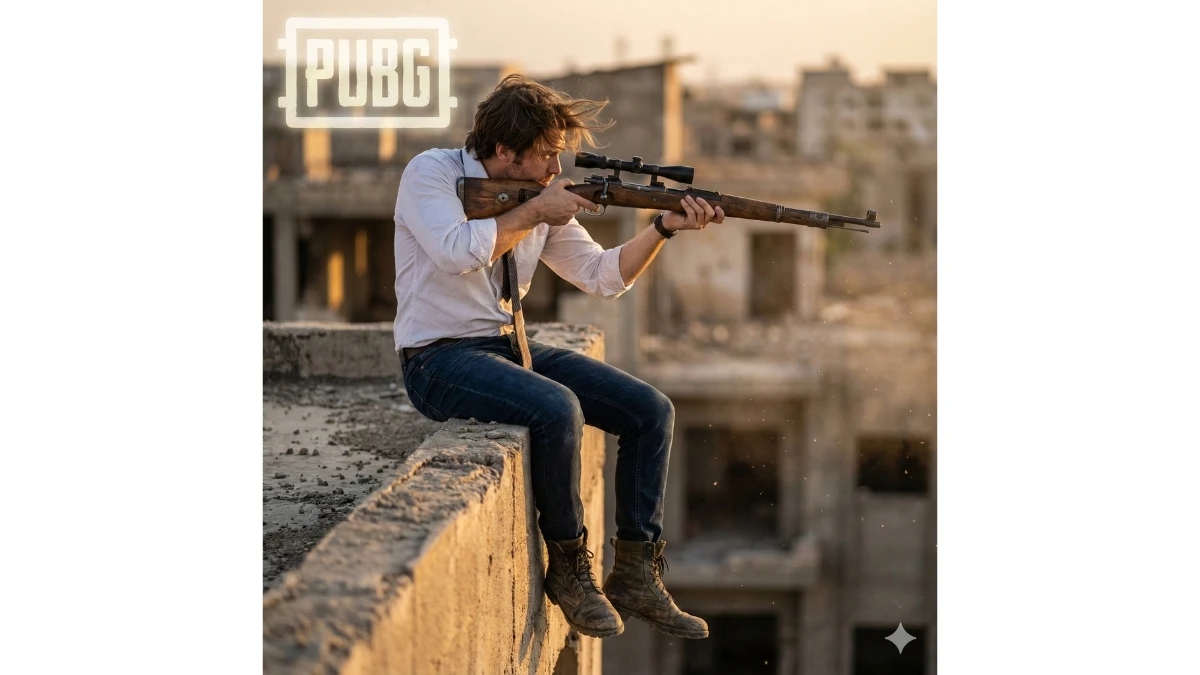
"Recreate my photo in a PUBG-inspired rooftop sniper scene wearing the classic PUBG outfit: white button-up shirt, loosened tie, dark blue jeans, and combat boots. Pose: standing on the edge of a destroyed rooftop, one knee slightly bent, holding a Kar98k sniper against the shoulder while looking outward as if scouting enemies. Add dust particles, wind-blown hair, and gritty textures. Scene: urban ruins under golden sunset light. Camera: DSLR 85mm lens, shallow depth of field, low-angle heroic shot. Place the PUBG logo subtly in the top-left corner with a cinematic glow."
Prompt 2:
Use This:
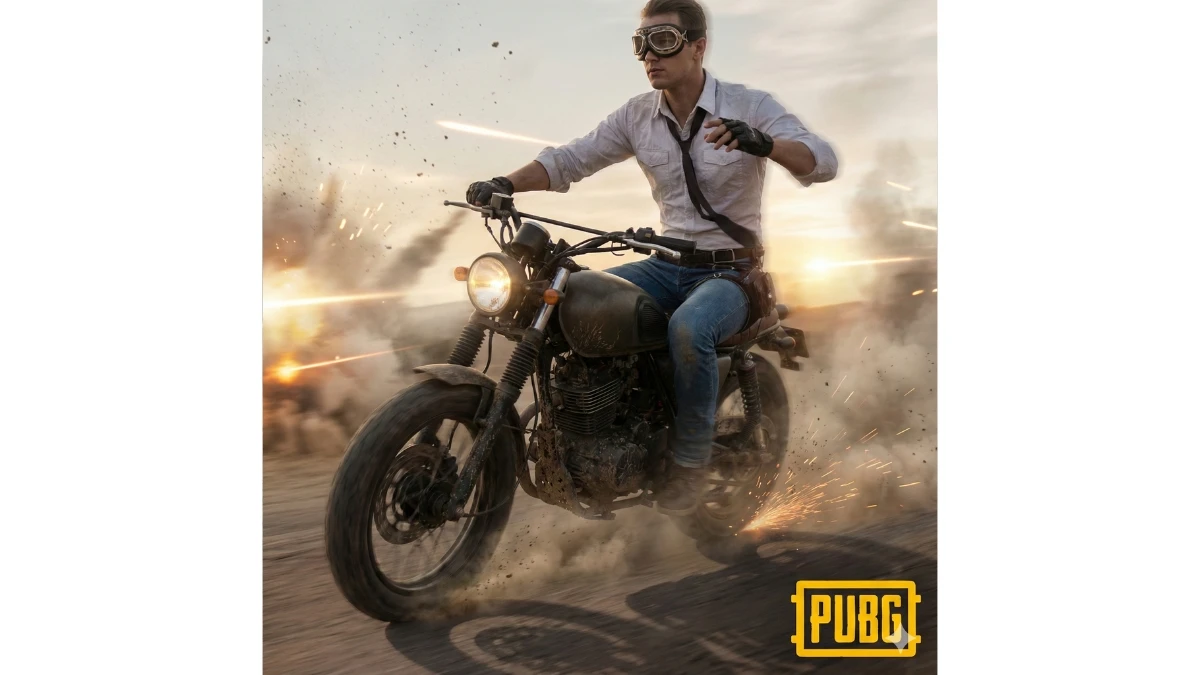
"Transform my photo into a PUBG motorcycle escape moment. Outfit: classic PUBG white shirt, loosened tie, rolled-up sleeves, blue jeans, fingerless gloves, aviator goggles. Pose: sitting on a rugged PUBG bike, one hand gripping the handlebars, the other raised slightly as if signalling a turn. Scene: dusty battlefield road with motion blur and smoke trails. Camera: DSLR 35mm lens, dynamic tracking, side angle. Add sparks, sand particles, and cinematic light streaks. Place the PUBG logo at the bottom-right in bold yellow."
10 Gemini AI Prompts for Ultra-Realistic Girls’ Portraits - Try Now!
Prompt 3:
Use This:
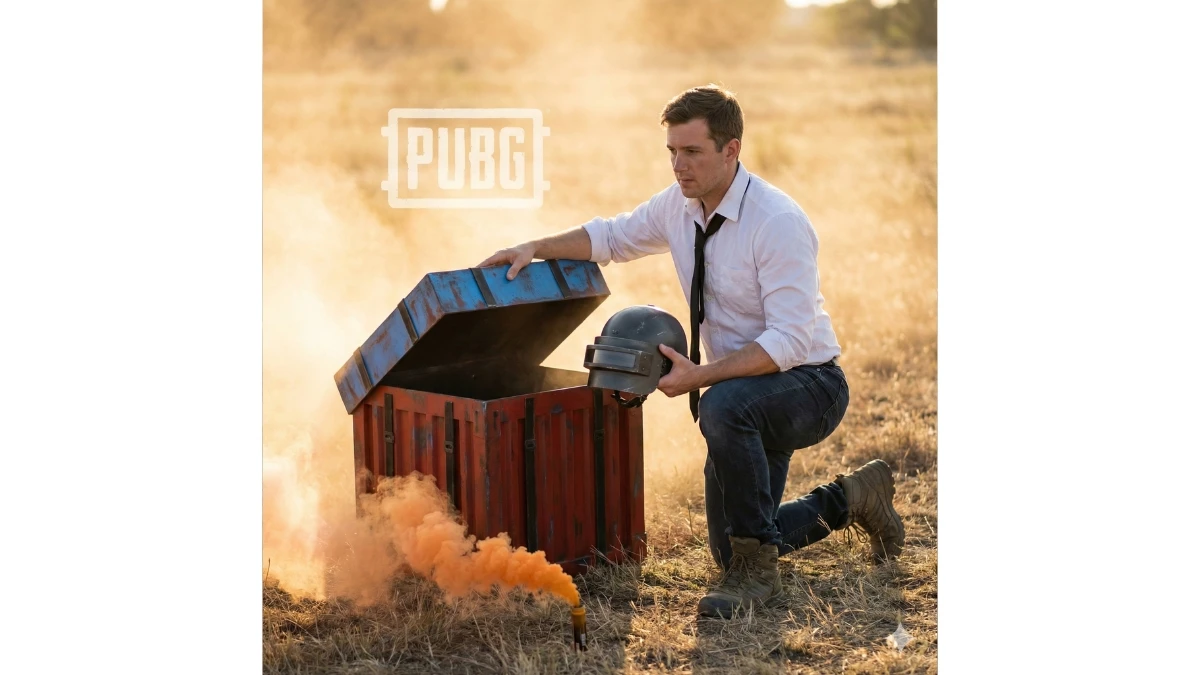
"Recreate my photo as if I’m looting a PUBG airdrop crate. Pose: kneeling next to the iconic red-blue airdrop, lifting the lid with one hand while grabbing a Level 3 helmet with the other. Outfit: PUBG classic white shirt partially unbuttoned, black tie hanging loose, denim jeans, tactical boots. Add soft dust glow around the flare smoke. Scene: grassy open field with rising smoke plume. Camera: DSLR 50mm lens, mid-shot, warm golden-hour lighting. Add the PUBG logo floating above the crate in a subtle graphic overlay."
Prompt 4:
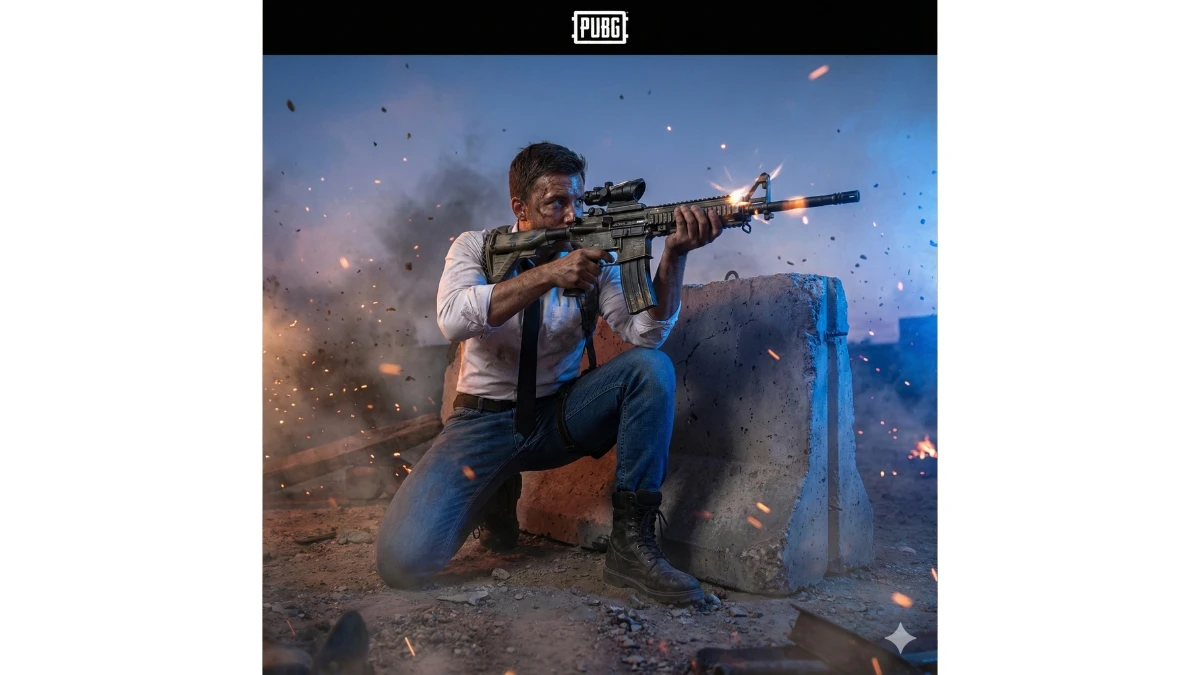
Use This:
"Create a final-circle PUBG showdown scene with me wearing the classic white shirt, black tie, blue jeans, and combat boots. Pose: crouching behind a broken concrete barrier, aiming an M416 rifle with high tension. Add sweat, dust, embers, and blue-zone glow closing in behind. Scene: battlefield with smoke haze and sparks. Camera: DSLR 24mm ultra-wide, dramatic low-angle action shot. High realism: muzzle reflections, debris, and cinematic shadows. Place the PUBG logo in the top-centre like an official poster."
MUST TRY - Optical Illusion: Spot 53 & 85 in 5 Seconds
Prompt 5:
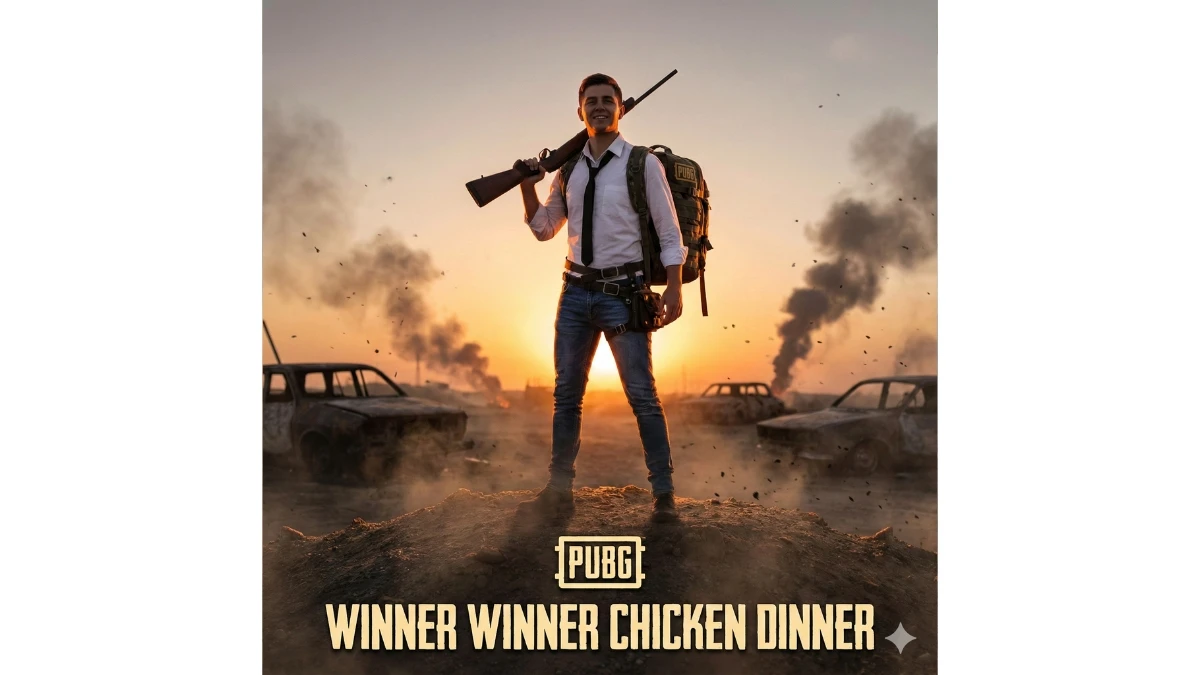
Use This:
"Recreate my photo in a PUBG victory celebration moment wearing the iconic PUBG white shirt, black tie, tactical belt, blue jeans, and backpack Level 3. Pose: standing on a small hill holding a rifle raised over the shoulder, confident and victorious. Scene: sunset battlefield with burned-out cars, smoke, flying ash, and glowing orange atmosphere. Camera: DSLR 70–200mm telephoto lens, centered hero portrait with lens compression. Add strong rim-lighting from behind. Display the PUBG logo and ‘Winner Winner Chicken Dinner’ text at the bottom in official poster style."
Prompt 6:
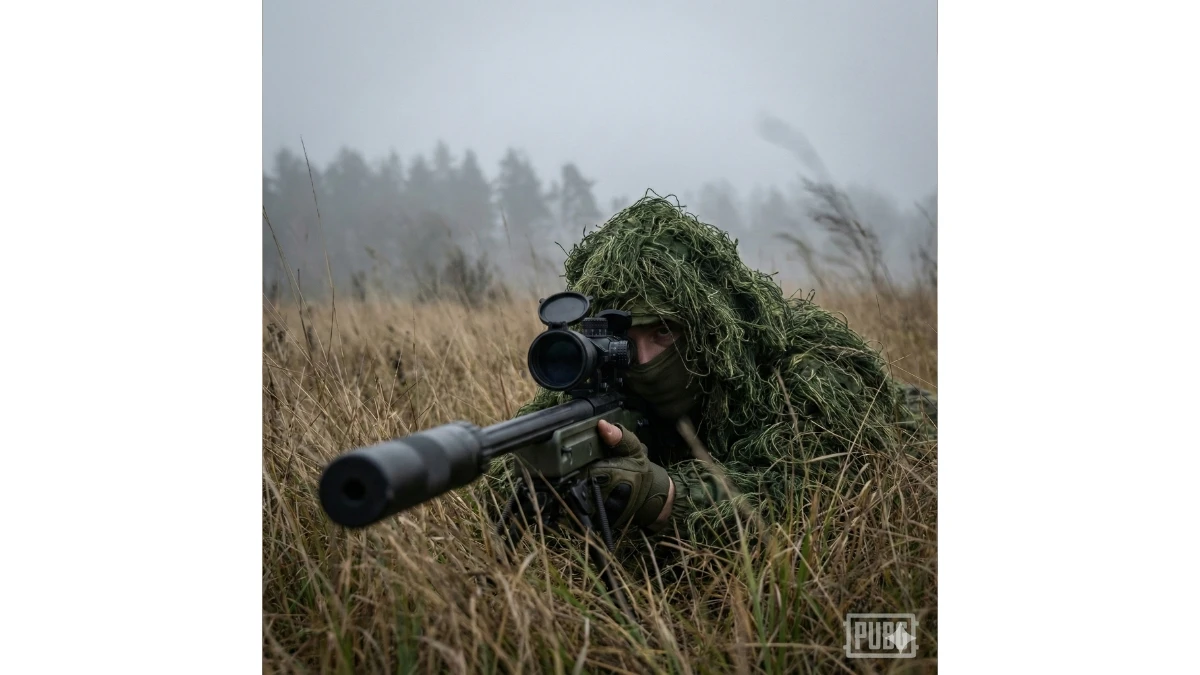
Use This:
"Recreate my photo as a PUBG sniper hidden in Erangel grasslands. Pose: lying prone with a suppressed AWM resting on the ground, eye aligned with the scope. Outfit: full green ghillie suit blending into the tall grass. Scene: foggy open field with subtle wind movement and depth haze. Camera: DSLR 200mm telephoto, ultra shallow depth for sniper realism. Include faint PUBG logo bottom-right."
10 Gemini AI Portrait Prompts for Girls - Try Now!
Prompt 7:
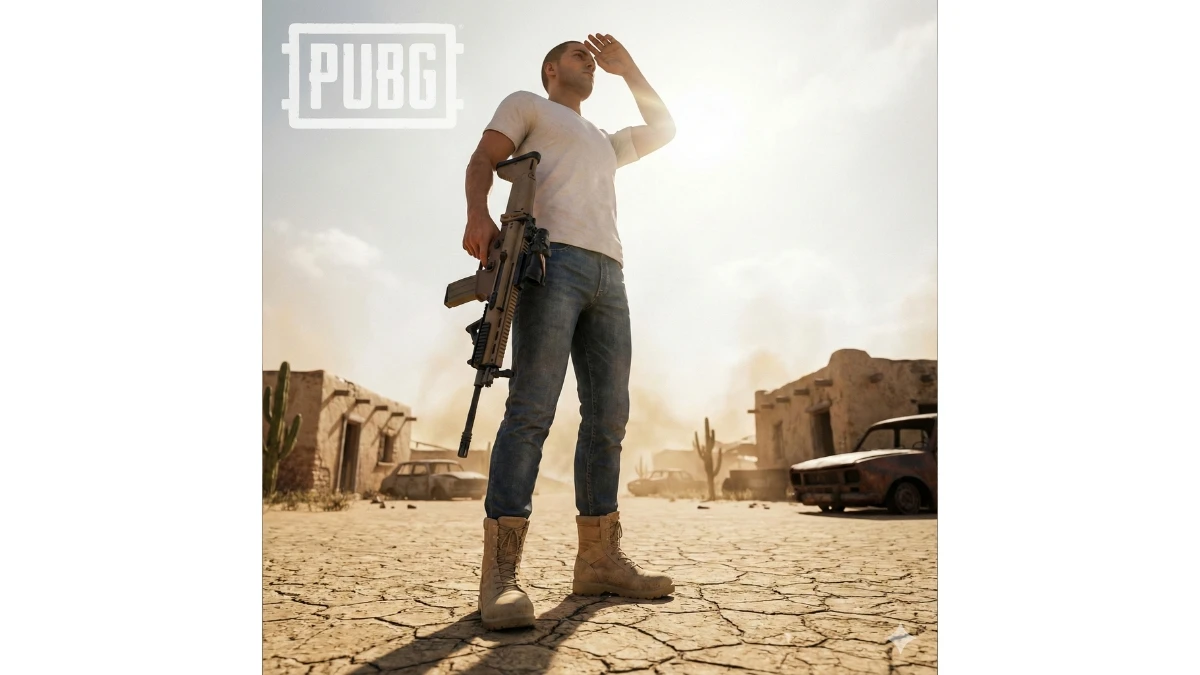
Use This:
"Create a PUBG Miramar desert scene with me in a classic white shirt, blue jeans, and desert boots. Pose: standing on cracked sand, holding a SCAR-L rifle while shielding eyes from the sun with one hand. Scene: abandoned buildings, heatwaves, and desert lighting. Camera: DSLR 35mm lens, low-angle cinematic shot. Add PUBG logo top-left."
Prompt 8:
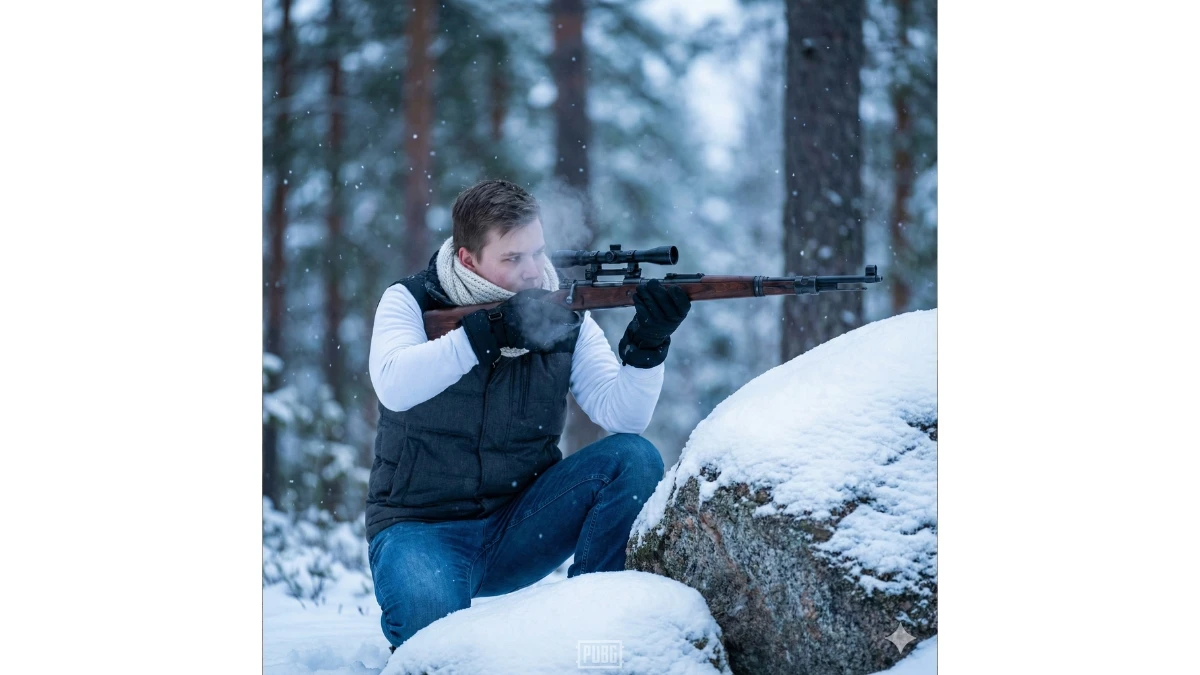
Use This:
"Recreate my photo in Vikendi’s snowy terrain. Pose: crouching behind a snow-covered rock, aiming a Kar98k with breath-visible cold effect. Outfit: PUBG white shirt layered under a padded winter vest, blue jeans, snow gloves, and white scarf. Scene: pine forest, falling snow, bluish cold lighting. Camera: DSLR 70–200mm lens, crisp details and soft snowfall bokeh. Add small PUBG watermark bottom-centre."
MUST TRY - Optical Illusion: Spot 88 in 9 Seconds
Prompt 9:
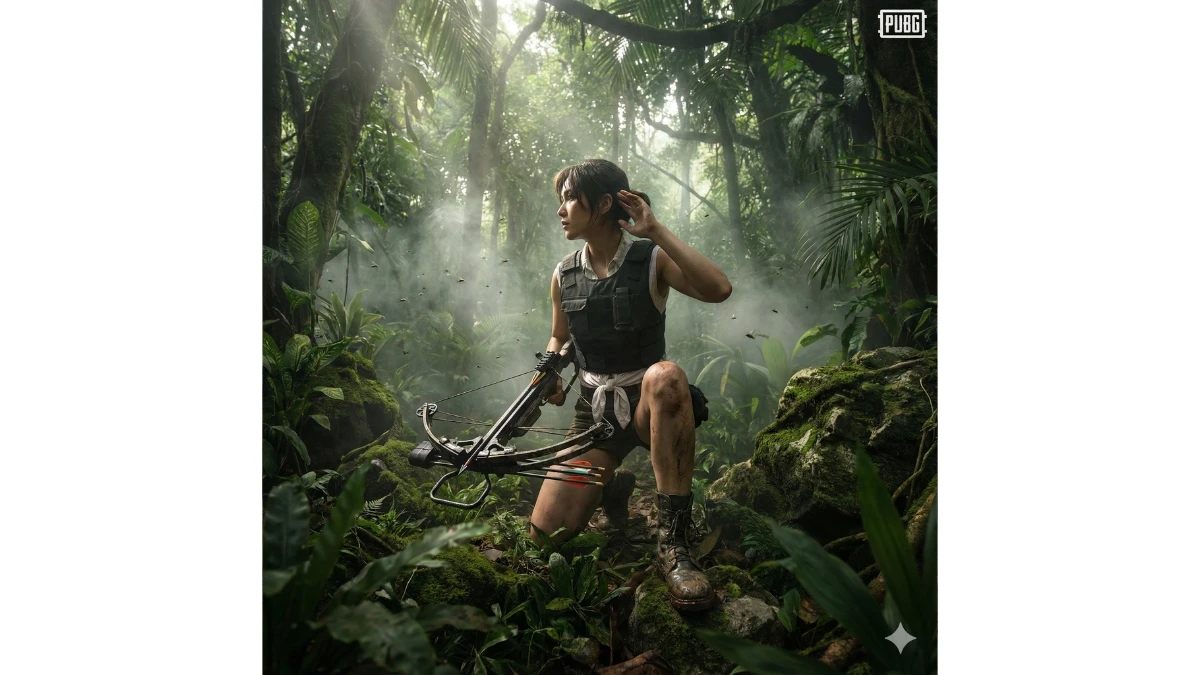
Use This:
"Transform my photo into a Sanhok jungle stealth scene. Pose: standing with a crossbow loaded, one knee slightly bent, listening for footsteps. Outfit: sleeveless tactical vest, PUBG classic white shirt tied at waist, jungle boots. Scene: dense tropical greenery, filtered sunlight, insects and fog. Camera: DSLR 24mm wide-angle, immersive close-environment depth. Place PUBG logo top-right."
Prompt 10:
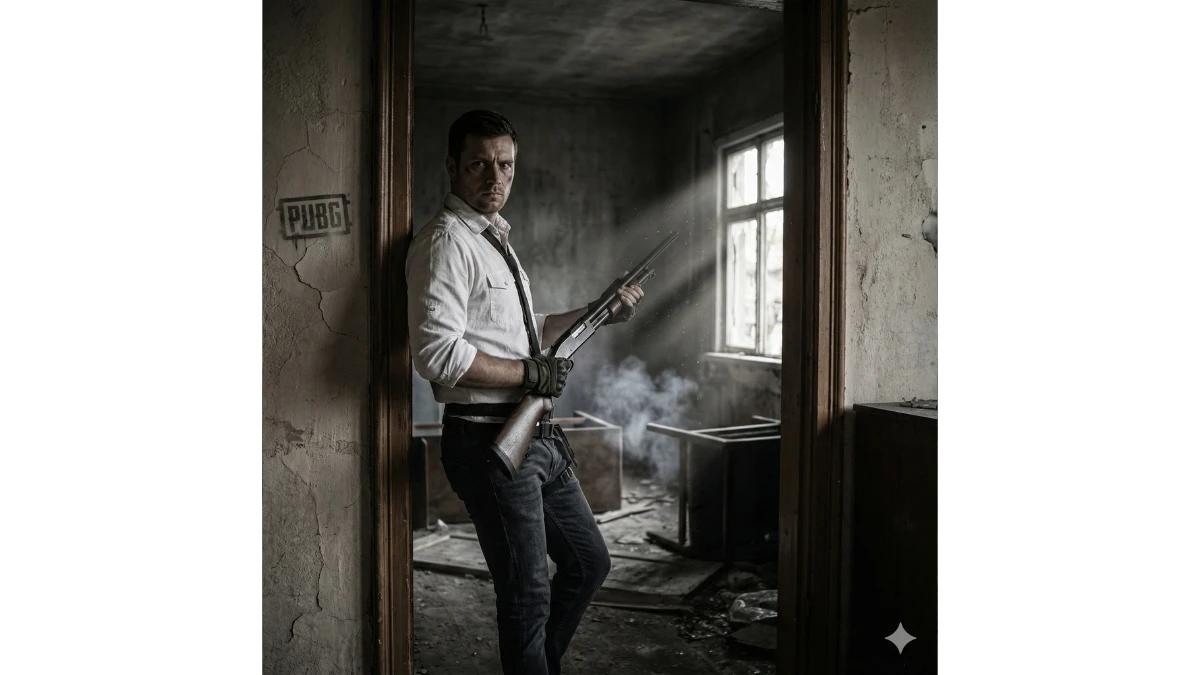
Use This:
"Recreate my photo in a Pochinki house raid scene. Pose: standing inside a dim room holding an S1897 shotgun while leaning near a doorway. Outfit: white shirt with rolled sleeves, jeans, tactical gloves. Scene: broken furniture, dusty sunlight beams, smoke in the background. Camera: DSLR 50mm lens, medium shot with gritty contrast. Include PUBG logo subtly on the wall."
12 Gemini AI Christmas Portrait Prompts for Girls - Try Now!
Image Credits: Google Gemini AI


















































