
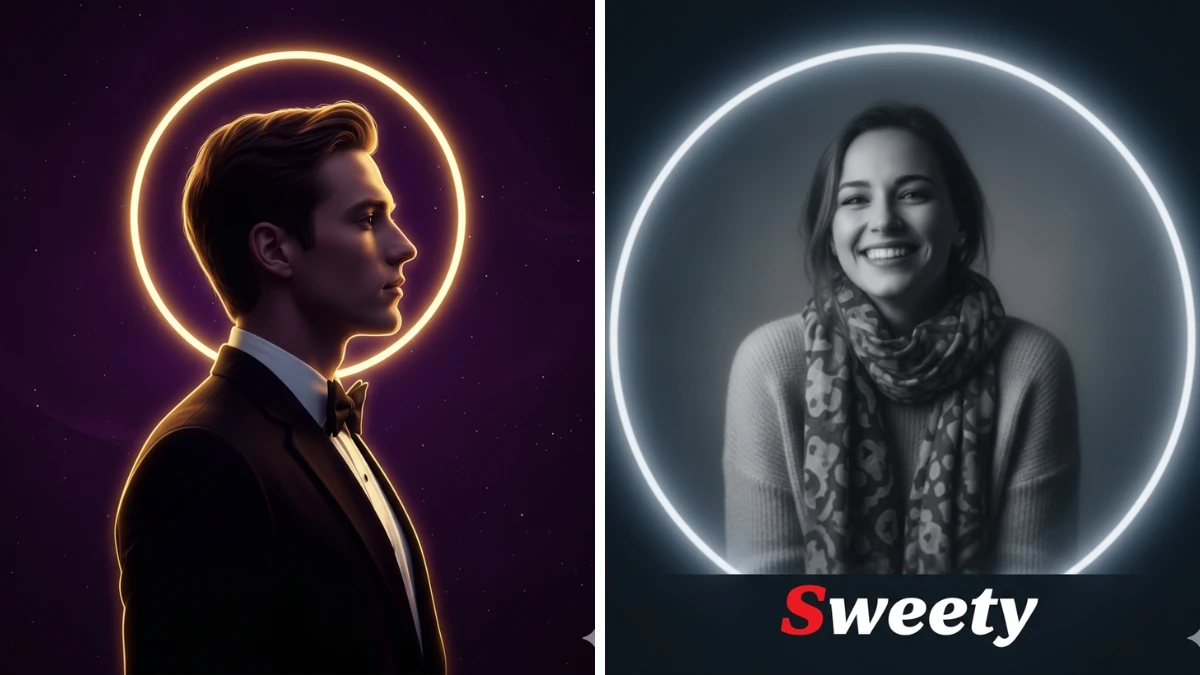

Upgrade Your Online Presence: 15 ChatGPT Photo Prompts for Eye-Catching Profile Makeovers
First impressions count more than ever, and your profile picture is your online handshake. Thanks to ChatGPT’s latest photo editing and generation features, anyone can achieve a pro-level, eye-catching look with just a few words, no advanced Photoshop skills or expensive gear required.
The “15 ChatGPT Photo Editing Prompts” highlighted in this guide offer fast, creative ways to refine your profile picture: from cinematic lighting upgrades and powerful headshots to subtle retouching or elegant business attire.
Whether for LinkedIn, social media, or portfolio use, these AI-powered prompts instantly transform your image into a striking visual that commands attention and conveys professional confidence.
How to Create a Profile Picture Using ChatGPT
Open ChatGPT with Image Feature:
- Use a version with integrated image generation capabilities (such as GPT-4o or relevant plugins).
Upload or Link Your Photo:
- Select a clear, high-resolution selfie or portrait. Upload the image within ChatGPT’s chat, or provide a direct link to your photo.
Paste or Write Your Prompt:
- Copy one of the profile-upgrade prompts, for example: “Generate a professional headshot from the attached photo. Use soft studio lighting, neutral gray background, and a confident, approachable expression.”
- “Upgrade my photo: keep the face and features unchanged. Dress me in a charcoal suit, subtle digital retouching, and magazine-quality finish.”
- “Add cinematic bokeh background, balance skin tones, brighten the eyes, maintain a natural look.”
- Edit prompt specifics as needed for attire, lighting, background style, or mood.
Generate and Review:
- Submit the prompt. Review the result and (if needed) refine your prompt to adjust details, such as smile, skin tone, or clothes, and re-run until satisfied.
Download and Save:
- Once happy, download your new profile image and upload it across your favorite platforms.
Pro Tips & Tricks for Eye-Catching Results
- Crystal Clear Input: Use a high-res photo with good lighting and no hats or sunglasses. AI works best with full facial data.
- Prompt Precision: For subtle edits, specify “keep face unchanged,” “only edit background,” or “refine lighting only.”
- Professional Touch: Add “neat business suit,” “natural makeup,” or “studio headshot” to look more polished.
- Emotional Tuning: Specify “friendly expression,” “slight smile,” or “confident look” as needed for target platforms.
- Background Enhancement: Try “soft gradient,” “blurred modern office,” or “simple color fill” to avoid distraction.
- Iterate and Edit: Don’t hesitate to try several prompts or edit results until your profile picture matches your ideal professional image.
With ChatGPT’s prompt-driven image editing, anyone can upgrade their online presence for maximum visual impact, quickly, creatively, and without the usual hassle.
Join This Channel for Trending AI Image Prompts - CLICK HERE
ChatGPT Photo Editing Prompts to Instantly Upgrade Your Profile Picture for a Pro-Level Eye-Catching Look
Prompt 1:
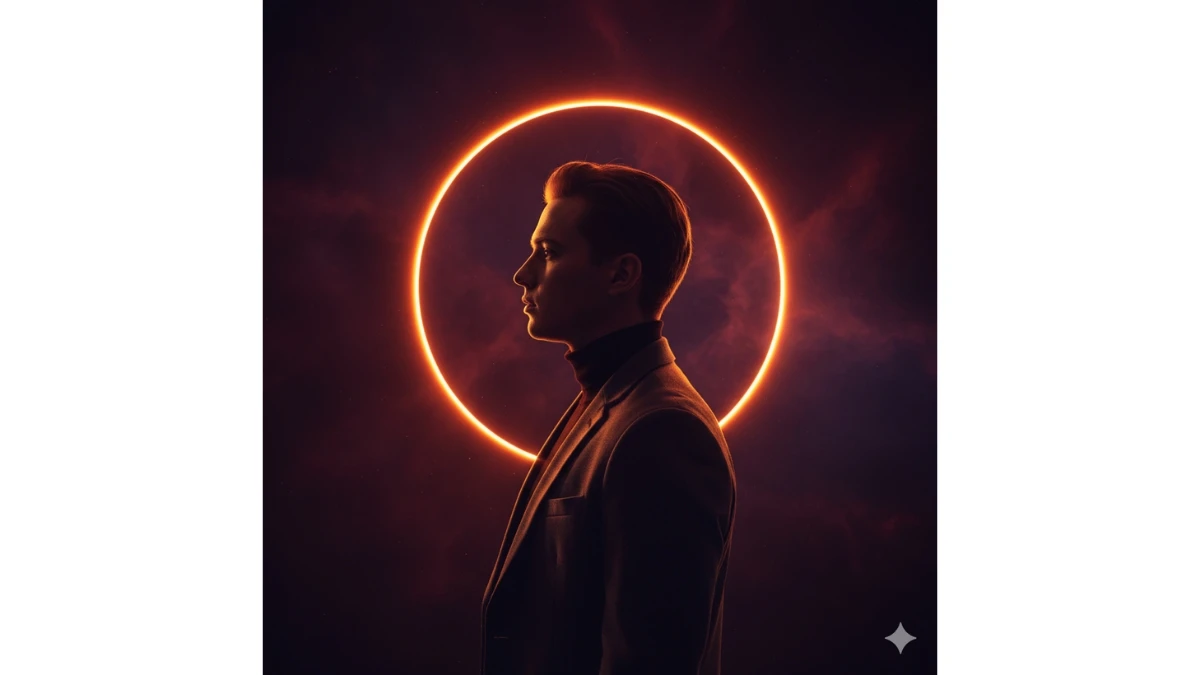
Use This:
“Create a cinematic side-profile portrait of me (use the uploaded image for 100% accurate face and features), standing in front of a glowing circular orange-red halo light, resembling a solar eclipse. I wear a dark blazer over a black turtleneck. The dramatic rim lighting outlines my profile, casting a golden rim light that highlights my silhouette against a deep, reddish-purple background. The lighting is moody and dramatic, creating a celestial, divine atmosphere with an air of mystery and elegance. The overall effect should evoke a sense of otherworldly beauty, with a focus on the striking contrast between the warm halo light and the cool, dark tones in the background.”
Prompt 2:
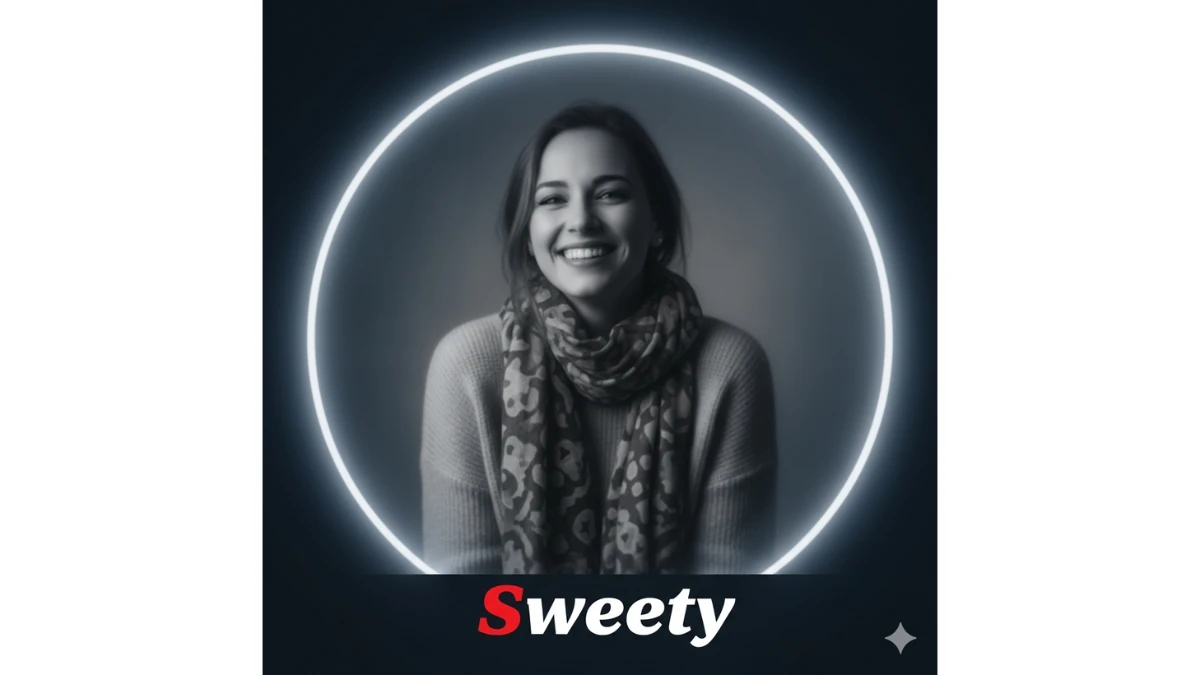
Use This:
“Create a black-and-white soft blur portrait effect of a smiling female subject (use the uploaded image for accurate face and clothing). Retain the original face and clothing while applying a grayscale style. Use cinematic lighting to add depth and highlight the subject’s features. Add a circular white glowing frame around the image and place the name 'Sweety' at the bottom in bold, hotdog-style font. The first letter 'P' should be bright red, and the rest of the name in white. The image should have a 1:1 ratio, with dark blue-red edges to create a dramatic, vintage effect.”
Prompt 3:
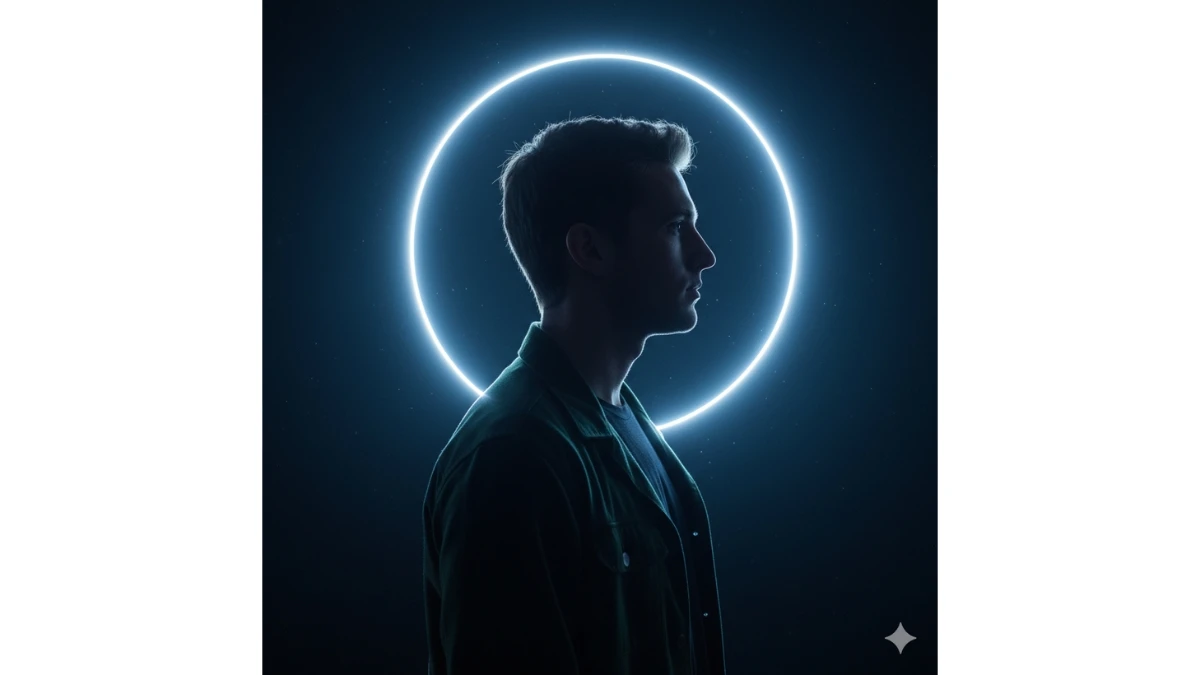
Use This:
"Create a cinematic side-profile portrait of me (use the uploaded image for 100% accurate face and features), standing in front of a glowing silver-blue halo light, resembling a lunar eclipse. I wear a deep green jacket over a black shirt. The dramatic rim lighting outlines my profile, casting a cool rim light that highlights my silhouette against a deep blue background. The lighting is moody and otherworldly, evoking a celestial, mysterious atmosphere."
20 Trending Google Gemini AI Photo Editing Prompts for Boys - Try Now!
Prompt 4:
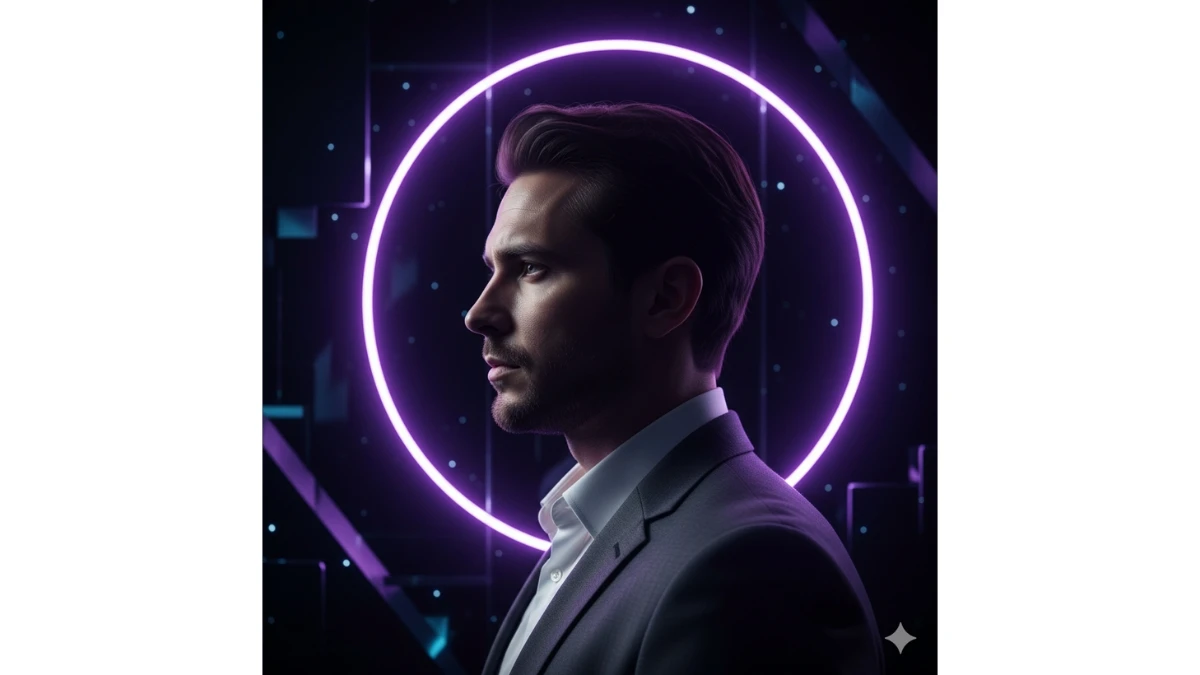
Use This:
"Create a profile shot of me (use the uploaded image for accurate face and features), surrounded by a glowing neon purple ring of light. I am wearing a charcoal suit with a white shirt. The lighting should create a sleek, futuristic vibe with a sharp contrast of shadows and highlights, giving the scene a mysterious and glamorous atmosphere. The background should be dark, with hints of metallic shine and cool hues to add to the enigmatic feel."
Prompt 5:
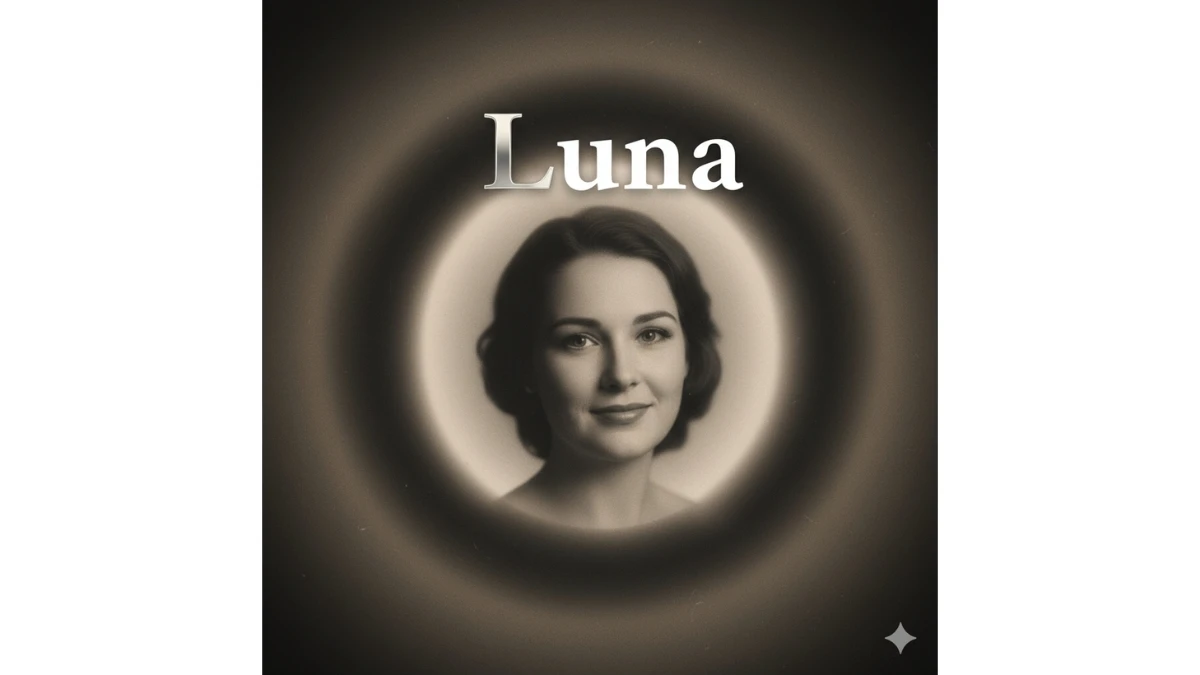
Use This:
"Create a vintage black-and-white portrait of a smiling female subject (use the uploaded image for accurate face and features), with soft focus and cinematic lighting. The subject should be framed within a soft-glowing oval light, and the name 'Luna' should appear in a classic serif font, with 'L' in silver and the rest in bold white. The edges should have a slightly blurred gradient, creating a nostalgic yet timeless look."
Prompt 6:
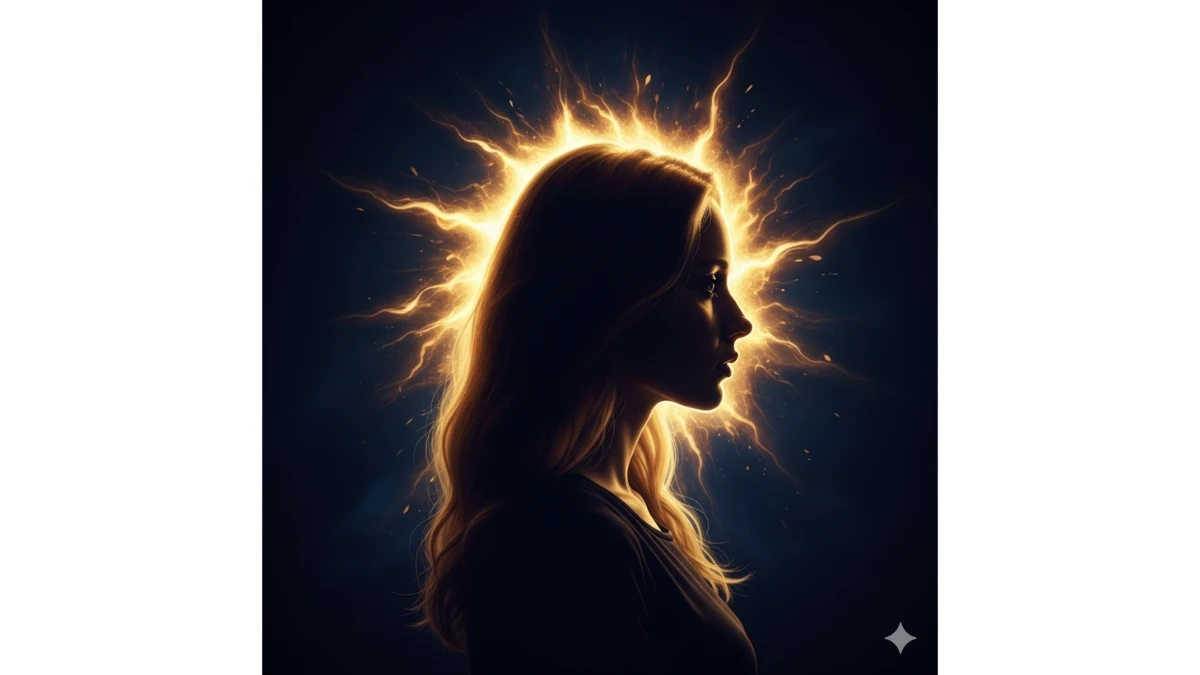
Use This:
"Create a high-contrast profile portrait of me (use the uploaded image for accurate face and features) with a glowing gold halo light surrounding me. The halo resembles a solar flare and creates dramatic rim lighting, with the silhouette of my face outlined against a rich, deep navy blue background. The overall effect should evoke a sense of celestial elegance and timeless beauty, with a touch of divine mystery."
MUST TRY - 7-Second Optical Illusion: Spot the Number 7933
Prompt 7:
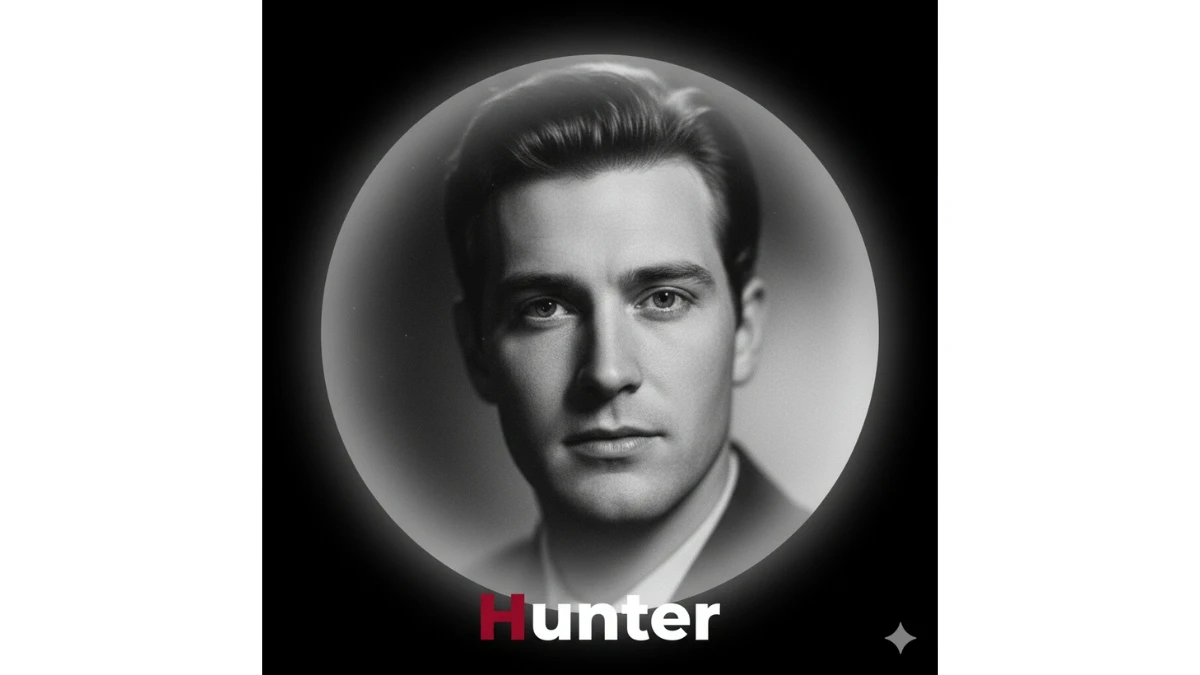
Use This:
"Create a black-and-white soft blur portrait of a male subject (use the uploaded image for accurate face and features) with cinematic lighting highlighting the subject’s features. The subject should be framed within a soft, glowing circular white frame. Add the name 'Hunter' at the bottom in a bold, modern font. The first letter 'H' should be in deep crimson, while the rest is in white, with a vintage, dramatic feel to the image."
Prompt 8:
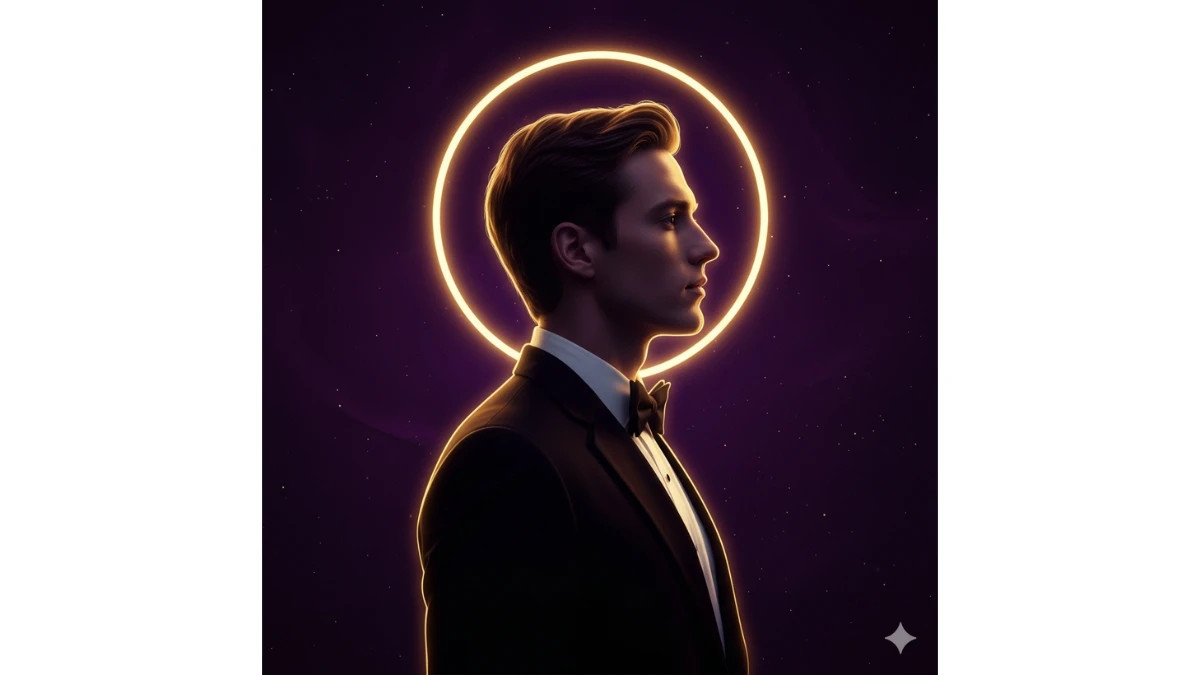
Use This:
"Create a side-profile portrait of me (use the uploaded image for accurate face and features) with a golden halo light glowing behind me, creating a sharp rim lighting effect that highlights my features. I am wearing a sharp, dark tuxedo. The background should be a deep violet, enhancing the dramatic celestial mood, creating a surreal, divine atmosphere."
Prompt 9:
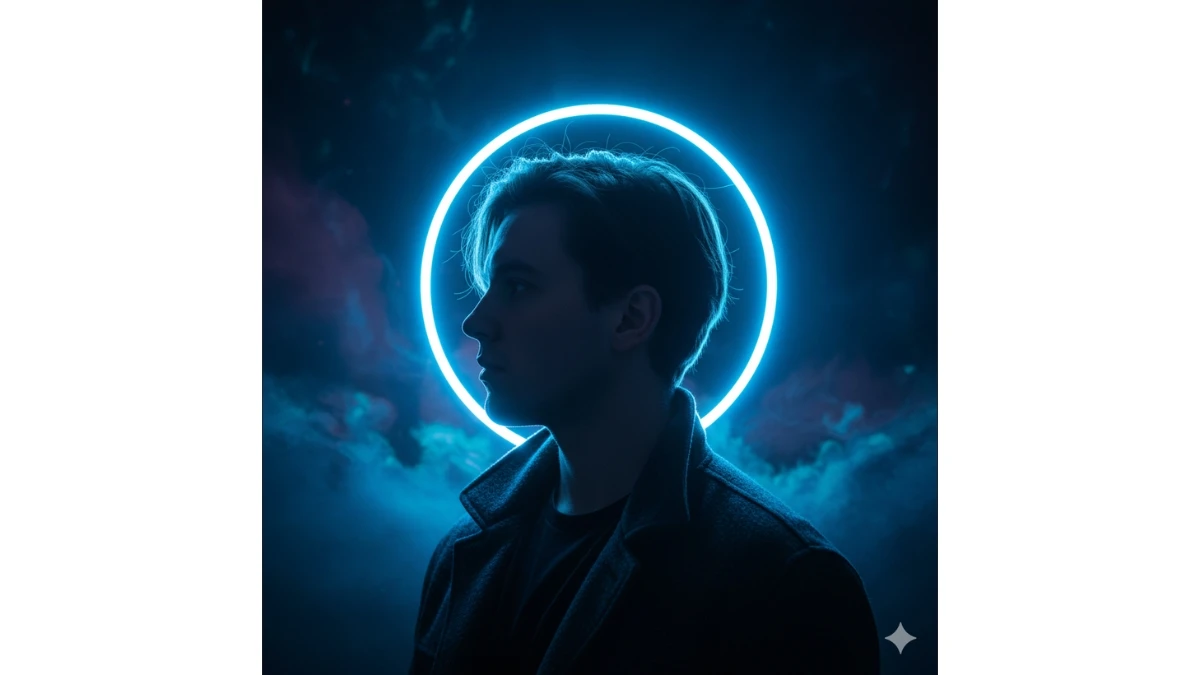
Use This:
"Create a cinematic profile portrait of me (use the uploaded image for accurate face and features) with a glowing icy-blue halo light behind me. I wear a dark jacket over a black t-shirt. The halo should create a dramatic rim lighting effect around my face, with the deep, cool background adding a sense of mystery and intrigue."
Prompt 10:
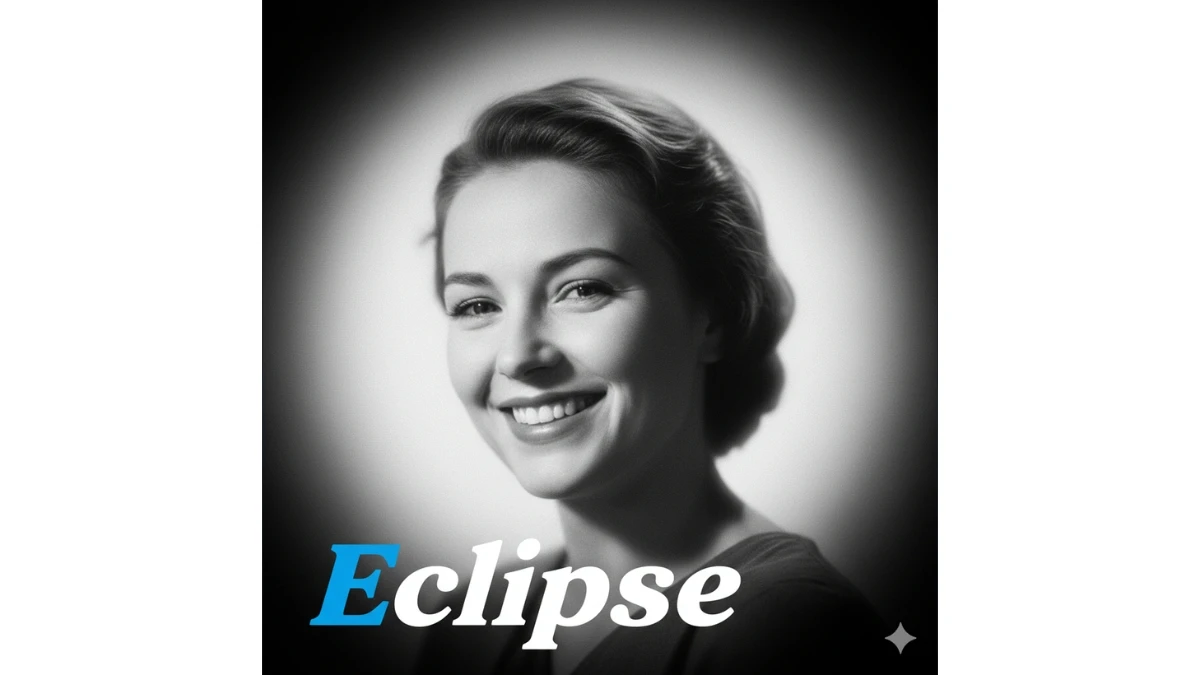
Use This:
"Create a dramatic black-and-white portrait of a smiling female subject (use the uploaded image for accurate face and features), surrounded by a soft glow. The image should evoke a vintage, cinematic feel with dark edges, while the subject’s features are enhanced by subtle lighting. Add the name 'Eclipse' in a bold, artistic font, with the 'E' in electric blue and the rest in white."
Prompt 11:
"Create a profile portrait of a male subject (use the uploaded image for accurate face and features), framed by a vibrant, electric green glowing ring of light. The halo light should create sharp, dramatic rim lighting against a deep blue-green background. The overall effect should be bold and futuristic, with an aura of power and mystery."
Prompt 12:
"Create a soft-focus, black-and-white portrait of me (use the uploaded image for accurate face and features), captured in a dreamy, cinematic style. I wear a light gray jacket and a black shirt, and the circular light around me should glow softly, with a vintage, ethereal effect. The edges of the image should transition to a soft, smoky haze, creating a romantic and nostalgic mood."
15 Viral Aesthetic Beach Gemini AI Photo Editing Prompts for Boys, Girls, and Couples - Try Now!
Prompt 13:
"Create a side-profile portrait of me (use the uploaded image for accurate face and features), standing under a glowing white halo light. I wear a classic black suit, and the halo creates sharp rim lighting, emphasizing my facial features against a soft, dark background. The image should feel both cinematic and otherworldly, with a divine touch of elegance."
Prompt 14:
"Create a vintage-inspired black-and-white portrait of a female subject (use the uploaded image for accurate face and features), with a soft-focus effect. She is framed within a glowing circular light, and the name 'Aura' appears at the bottom in a delicate, hand-written script font. The edges of the image should have a dark gradient, creating a moody and dramatic vintage atmosphere."
Prompt 15:
"Create a high-contrast side-profile portrait of me (use the uploaded image for accurate face and features), surrounded by a glowing neon red and purple halo light. The halo should create dramatic rim lighting against a dark, ethereal background. The effect should evoke a sense of otherworldly beauty, blending bold colors with celestial elegance."
15-Second Challenge: Spot 3 Differences Between the Pictures - Try Now!


















































