
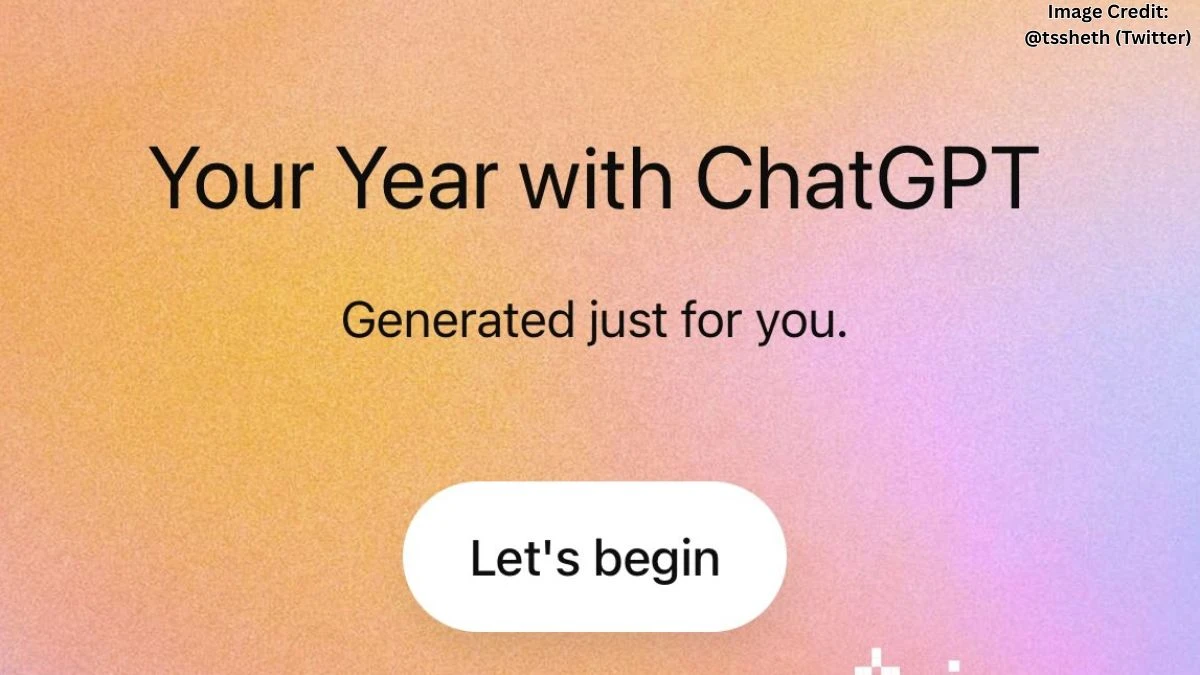

ChatGPT Wrapped 2025
ChatGPT Wrapped 2025 is essentially a year‑end recap of your conversations with the chatbot, similar in spirit to Spotify Wrapped but focused on prompts, projects, and rabbit holes rather than playlists. It pulls together details like how many chats were started, what topics kept coming back, when you were most active, and even how you tend to “behave” with AI, more curious student, stressed worker, or late‑night overthinker. Rishabh Negi (@YourbroRishabh) shared on X that ChatGPT’s Wrapped or year recap feature is now live, allowing users to look back at their activity.
Some versions of Wrapped, especially the more polished experiences being promoted this month, go beyond raw numbers and add things like:
-
A “user archetype” (for example, productivity power user, creative tinkerer, exam warrior).
-
“Top eras” or phases of the year, like the week you spammed job‑search prompts or the month you obsessed over coding errors.
-
A fun “ChatGPT anthem” or soundtrack suggestion that matches the mood of your chats.
Anecdotally, many users are discovering that most of their messages weren’t about work at all, which matches broader data showing non‑work chats climbed to around 70%+ of usage by mid‑2025. There’s something oddly comforting about realizing others also spent June asking for vacation itineraries, breakup texts, and last‑minute email rewrites instead of just “serious” productivity.
How to Get ChatGPT Wrapped?
Getting a ChatGPT Wrapped‑style recap in 2025 is surprisingly easy, but there are two main paths: an “inside ChatGPT” approach using prompts, and an “export + third‑party tool” route that turns your history into shareable graphics.
Use a prompt‑based Wrapped inside ChatGPT
Yes, a Wrapped‑like summary can be generated directly in the chat by letting the model analyze your history (especially if features like Memory are enabled). Tech guides over the past couple of weeks have been showing essentially the same pattern:
-
Open ChatGPT (web or app) and sign into the account you’ve used all year.
-
Go to Settings → Personalization or Memory and make sure Memory is turned on, so the assistant can reference your past interactions at a high level.
-
In a new chat, paste a detailed prompt like: “Analyze how I’ve used ChatGPT in 2025 and create a ChatGPT Wrapped summary with my user archetype, top eras, rabbit holes, power skills, vibe, quirks, and a short ‘year in one line’ recap.”
-
Let it generate the overview, then ask follow‑ups to make it more playful, more serious, or more data‑driven depending on what feels right.
This style feels less like a polished product page and more like asking a friend to roast your year. Many people report moments like realizing their “top category” was always exam prep at 2 a.m. or that they had a weirdly long streak of asking about one show or stock.
Head to a Wrapped tool like kapwing.com/chatgpt-wrapped and upload that file to generate a visual recap with stats like number of prompts, total time spent, longest conversation, and even how often polite words like “please” and “thank you” show up.
For people who prefer to stay inside ChatGPT itself and not touch external tools, there is also the official 2025 year‑end summary, which shows high‑level stats and themes without exporting anything. On many accounts, a banner appears on the home screen in December with a “See your year in ChatGPT” style prompt; tapping that loads a swipeable recap with topics, chat counts, and peak usage moments. Free, Plus, and Pro users are included, while some team or enterprise‑type plans may not see the feature yet.
A slightly more DIY approach that has become popular on social media is to simply ask ChatGPT to generate a personal “Wrapped” using a detailed prompt, especially if memory is enabled so it can recall patterns across conversations. It is not as visual as Kapwing’s dashboard, but it can feel surprisingly intimate: a custom archetype, “top eras” (like exam season, job‑hunt month, or side‑hustle grind), and even a mock “soundtrack” for the year.
Tanisha (@tssheth) shared on X that ChatGPT Wrapped is now available and can be accessed using the prompt “Your year with ChatGPT.”
Why ChatGPT Wrapped Feels so Relatable in 2025?
ChatGPT Wrapped hits differently in 2025 because AI is no longer a rare, niche tool; usage has exploded to hundreds of millions of people each week, with most conversations now happening around non‑work tasks, personal life, and curiosity. A year‑end recap turns that invisible habit, quick chats before meetings, last‑minute assignment help, and midnight brainstorming into something concrete and shareable.
For many users, the funny part is how honest the stats are. The recap quietly exposes heavy exam months, frantic job‑search weeks, brief “going to learn to code” phases, and all the abandoned mini‑projects along the way. It feels a bit like someone scrolling through the year’s browser history, but with kinder narration and nicer colors.
Disclaimer
This article is for general informational purposes only and does not represent official communication from OpenAI or any third‑party tool. Features, availability, and interfaces may change over time, so readers should always confirm details inside the ChatGPT app or on official service pages before relying on them.


















































