
New Apple iPhone iOS 26.2 Update Draining Battery? Know Why
Your iPhone battery might drain faster right after installing iOS 26.2, but Apple says it's totally normal and just temporary. Downloaded it last Friday? Yeah, me too woke up Saturday to 20% gone by noon, phone warm like it'd been gymming.
Apple explains it's the background hustle: indexing files, grabbing new assets, updating apps all while you're scrolling. No biggie, they promise it'll settle. Kinda reassuring, right? Beats thinking your battery's suddenly toast.Noah Cat (@Cartidise) vented on X 8 hours ago: "Can we talk about how the iOS 26.2 update just nuked the battery life on everyone’s iPhones ".
What's New in This Update
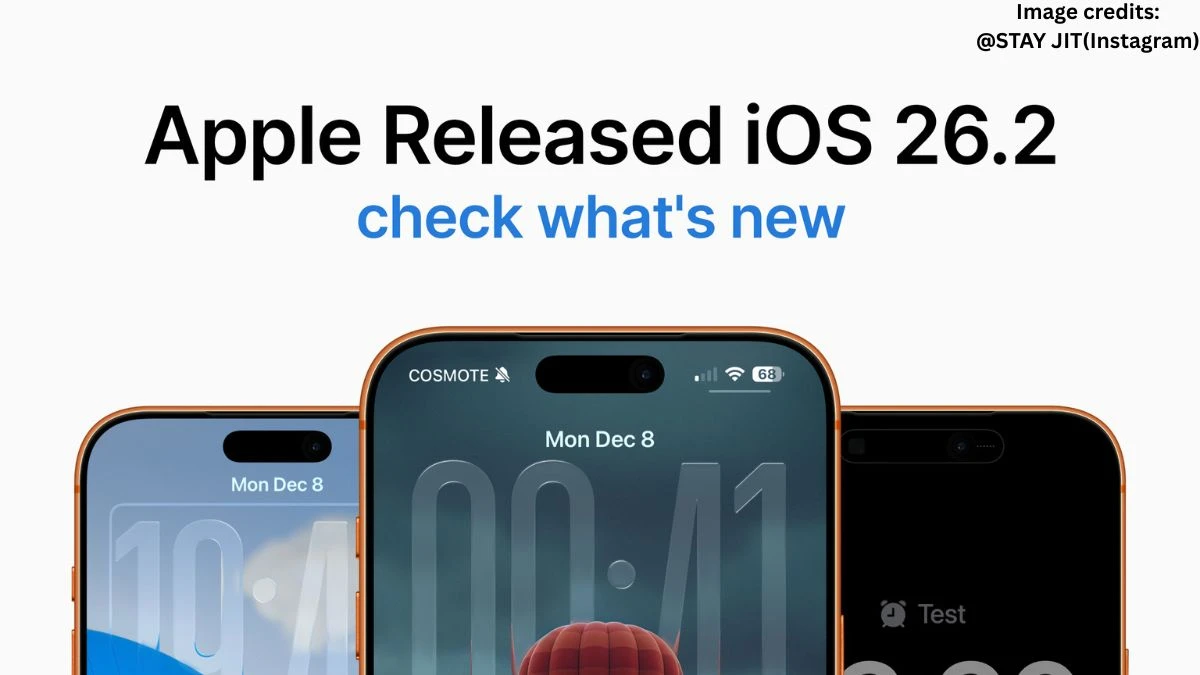
iOS 26.2 dropped December 12 with bug fixes, security patches, and tweaks to make your iPhone feel fresher. Patches two zero-day WebKit bugs that could've let hackers run wild Apple and Google's threat team found 'em, so update ASAP if you haven't.
Liquid Glass gets more sliders now; slide your lock screen clock from frosty ghost to solid block. Measure app's level tool went glassy too, offline lyrics hit Apple Music, Podcasts adds chapters and easy podcast jumps from transcripts.
News app finally has top tabs for Sports, Politics about time. Reminders can scream alarms at you, Enhanced Safety Alerts ping for earthquakes or threats. Sleep Scores recalibrated higher too, so my crappy 7-hour nights look less pathetic.
Oh, and Games library filters, better controller support. Small stuff, but stacks up nice. I fiddled with the clock slider yesterday feels playful, though Reddit's split on glassy vibes.
Reason for the Battery Draining by the Update
Battery dip happens because iOS 26.2's doing heavy lifting post-install, like recalibrating everything in the background. Apple spells it out: major updates mean temporary hits to battery and heat while it indexes your photos, apps, searches.
If you're blasting new features say, tweaking Liquid Glass everywhere or diving into offline lyrics it pulls extra juice. Usage spikes too; I caught myself testing Podcasts chapters during commute, nuking 10% in an hour.
Your habits matter. Heavy Music or News use? More drain. Pro tip: dim screen, close tabs. Mine normalized by day two back to 6-7 hours screen time. Funny how we blame the update when it's partly us doomscrolling harder.
Predicting the Battery Life
Expect full recovery in 24-48 hours as background tasks wrap up Apple's been saying this since September, and it holds. iPhone 17 crowd might see minor dips from glassy animations, but optimized quick. Track in Settings > Battery; if red flags linger past weekend, reset or check apps.
Real talk: my iPhone 16 Pro Max went from anxious 4-hour days to solid 8 again by Monday. Tweak low power mode if paranoid. Future? iOS 26.3 probably refines this, less drama.
Kinda wild how updates promise shiny toys but start with a battery scare. Still, security wins. Grab it if you skipped better safe than hacked. What's your post-update life like?
How to Solve the Issue
Ease the drain with quick habits while it settles.
-
Chill on usage: Let it idle overnight plug in, Do Not Disturb, no fiddling.
-
Restart once: Power off/on resets the chaos; did this, instant 10% mood boost.
-
Battery tweaks: Settings > Battery, toggle off background refresh for non-essentials like News.
-
Update apps: Keeps everything synced without extra drain.
-
Liquid Glass lite: Dial back frosty effects if they're power hogs.
Took mine a coffee run unplugged yesterday survived. Patience is key, but these nudge it along. If paranoia hits, Apple's support page has the full spiel. Update changed my Measure app game for hanging shelves, worth the hiccup.
Disclaimer:
This article is for informational purposes only and reflects personal experience and general observations. Battery performance and features may vary by device, usage, and region; always refer to official Apple sources for accurate and up-to-date details.