
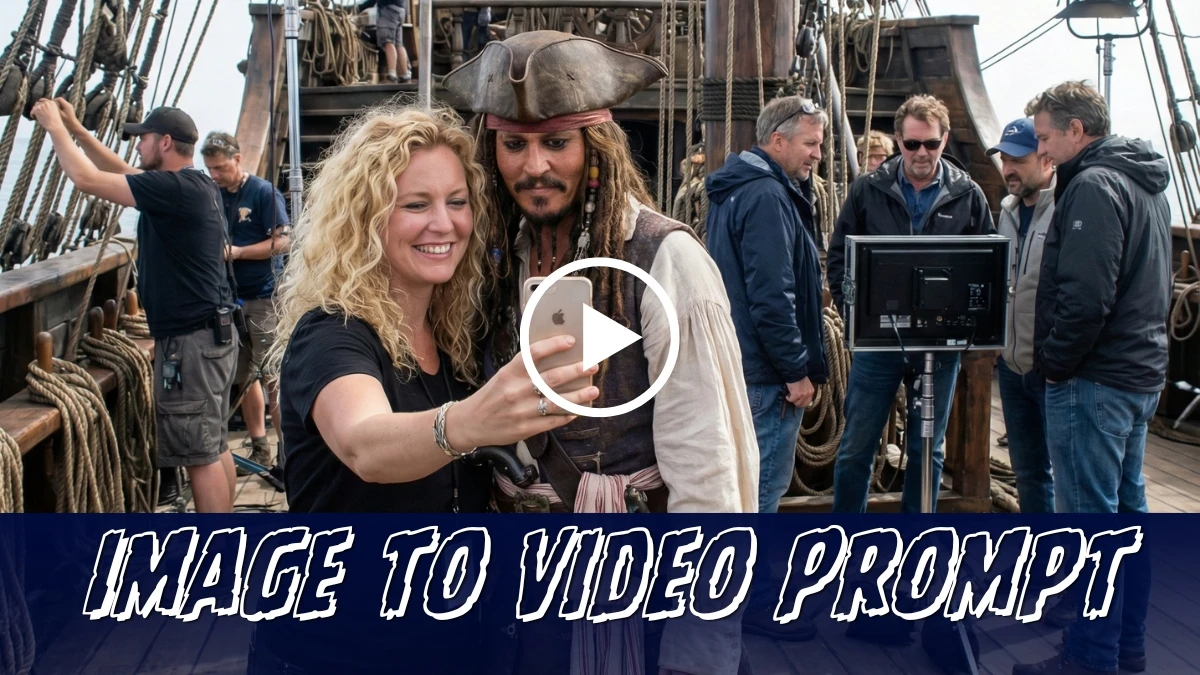

New AI Video Editing Prompts Let Users Create Selfie‑Style Celebrity Clips Effortlessly in 2025
“Selfie with Celebrities AI Video Editing Prompts 2025: Generate Realistic Celebrity Clips Effortlessly” explores how new AI tools can simulate selfie‑style videos that look like they feature famous personalities, without needing a real meeting or a professional shoot.
Used responsibly, these prompts can help creators practice editing, learn shot composition, and experiment with fan‑style content while still respecting privacy, consent, and platform rules about synthetic media.
This guide focuses on safe, clearly labeled “AI‑generated” celebrity‑style clips so users can enjoy creative edits without misleading viewers or impersonating real people in harmful ways.
Join This Channel for Trending AI Image Prompts - CLICK HERE
How to create the image (selfie photo)
- Choose an AI selfie tool (for example, any “AI selfie with celebrities” generator online).
- Upload a clear selfie of yourself with good lighting and your full face visible.
- Select or type the name of the celebrity you want to appear with.
- In the prompt box, describe the scene briefly: casual selfie, camera angle, background, and vibe (for example, “normal phone selfie, both smiling, indoor cafe background”).
- Click Generate and wait a few seconds while the AI blends you and the celebrity into one realistic selfie.
- If needed, regenerate or slightly tweak the prompt (change background, outfits, pose) until the result feels natural.
- Download the final selfie and share it on Instagram, WhatsApp, or TikTok.
Selfie with Celebrities AI Image Editing Prompts 2025: Generate Realistic Celebrity Image Effortlessly
Prompt 1:
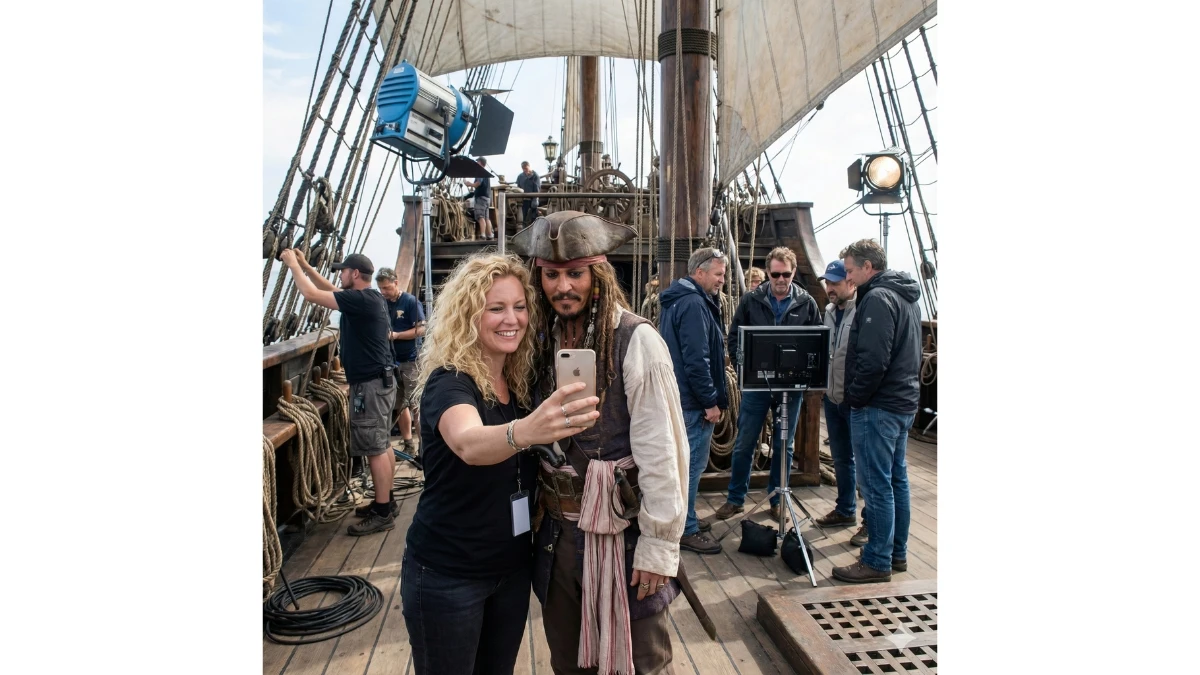
Use This:
"Create a realistic, high-fidelity (8K) image based on the attached reference photo. Maintain the exact facial features, skin tone, bone structure, hairstyle, and expression of the attached person, with no alteration or face swapping. The attached person is taking a selfie with [Celebrity], standing at [Set/Location]. Crew members are adjusting internal lighting and equipment, with cables and gear visible. Directors and managers are standing behind, discussing the next take. Copy to Clipboard"
5 Best Runway Gen-4.5 AI Video Editing Prompts - Try Now!
How to create the clip (short video)
- Pick an AI video tool that supports celebrity‑style clips or image‑to‑video (for example, Kling AI).
- Either upload your AI celebrity selfie as the starting frame (image‑to‑video) or upload a short selfie video of yourself.
- In the prompt box, describe the action and style, such as “handheld selfie video, me and [celebrity] laughing and waving at the camera, realistic 1080p vlog style.”
- Select duration (for example, 5–12 seconds) and vertical 9:16 if you want Reels/Shorts/TikTok format.
- Click Generate and let the AI create the moving clip from your prompt and reference image/video.
- Review the result; if needed, refine with a short follow‑up prompt like “slower camera,” “more natural expressions,” or “indoor concert background” and regenerate.
- Export/download the final clip and add music, captions, or transitions in your usual editor before posting.
Selfie with Celebrities AI Video Editing Prompts 2025: Generate Realistic Celebrity Clips Effortlessly
Prompt:
- Step 1: Upload the reference image
- Step 2: Copy and Paste the Prompt
"The guy takes a selfie and walks to the next set with a smile, in excitement, while vlogging, he holds the camera, which is locked on his face, and takes a selfie again. Crew working on the set in the background. No talking."


















































