
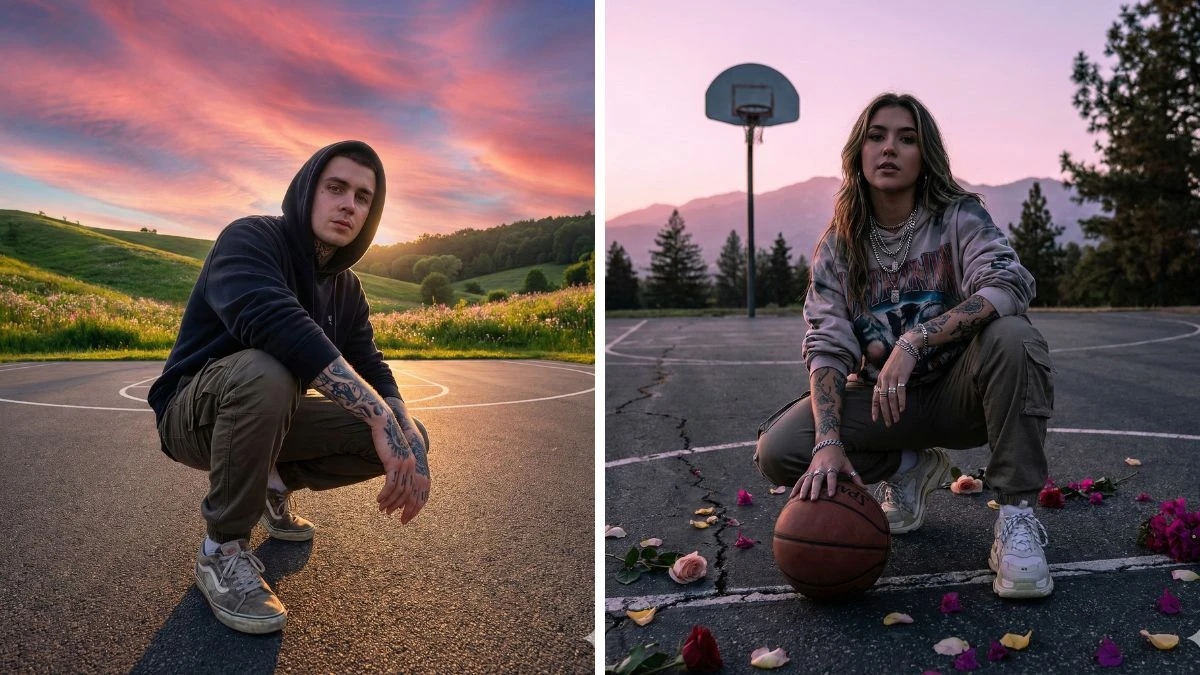

Top 5 Instagram Trending Viral ChatGPT Prompts
As 2025 unfolds, Instagram continues to be a hotspot for creative photo edits, and ChatGPT has become an indispensable tool for enhancing photo editing prompts. With the help of AI, users can take their image editing to new heights, creating viral content that stands out.
Whether it's crafting captivating portraits or transforming everyday photos into artistic masterpieces, these ChatGPT-driven prompts offer endless possibilities. In this guide, we'll share the top 5 Instagram trending viral photo editing prompts to help you stay ahead of the curve and create visually stunning content that could go viral in 2025.
Join This Channel for Trending AI Image Prompts - CLICK HERE
Prompt 1:
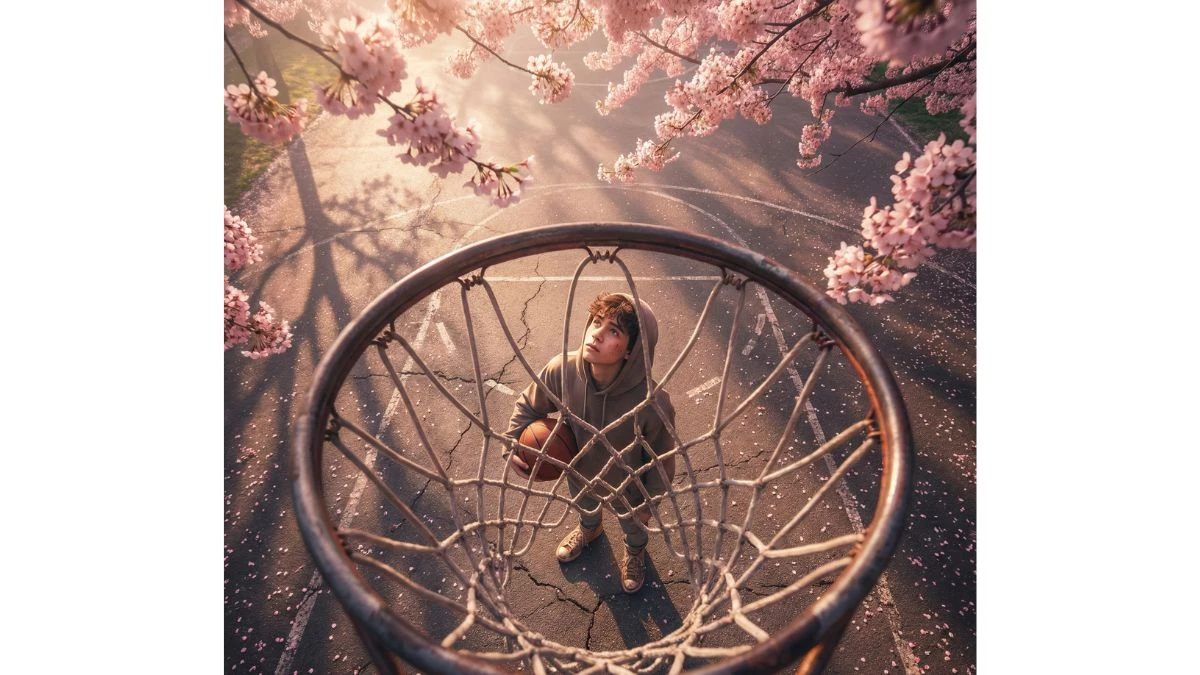
Use This:
"Ultra-realistic cinematic shot looking down through a basketball hoop at a young person standing on the court, looking up at the camera. Surrounded b dreamy pink cherry blossom trees, soft evening light, detailed shadows, and petals scattered on the ground. Highly detailed, 8K, volumetric lighting, shallow depth of field, hyper-realistic textures, dramatic yet aesthetic atmosphere."
Prompt 2:
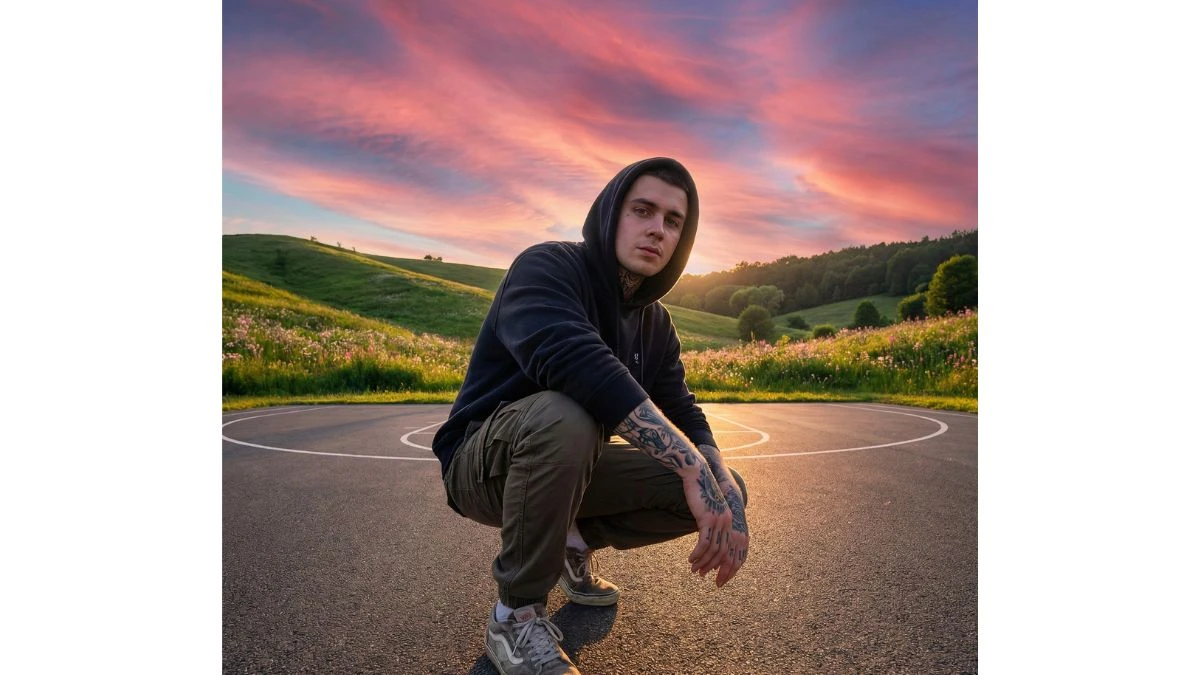
Use This:
"Ultra-realistic wide-angle shot of a young man crouching on a basketball court, wearing casual streetwear, tattoos visible, and looking directly into the camera. The background features vibrant pink and purple sunset skies with glowing clouds, lush green hills, and blooming flowers. The scene has a cinematic look with dramatic lighting, high detail, 8K resolution, and a slightly fisheye lens effect for perspective."
Try Now- 6 Seedream 4.5 AI Photo Editing Prompt
Prompt 3:
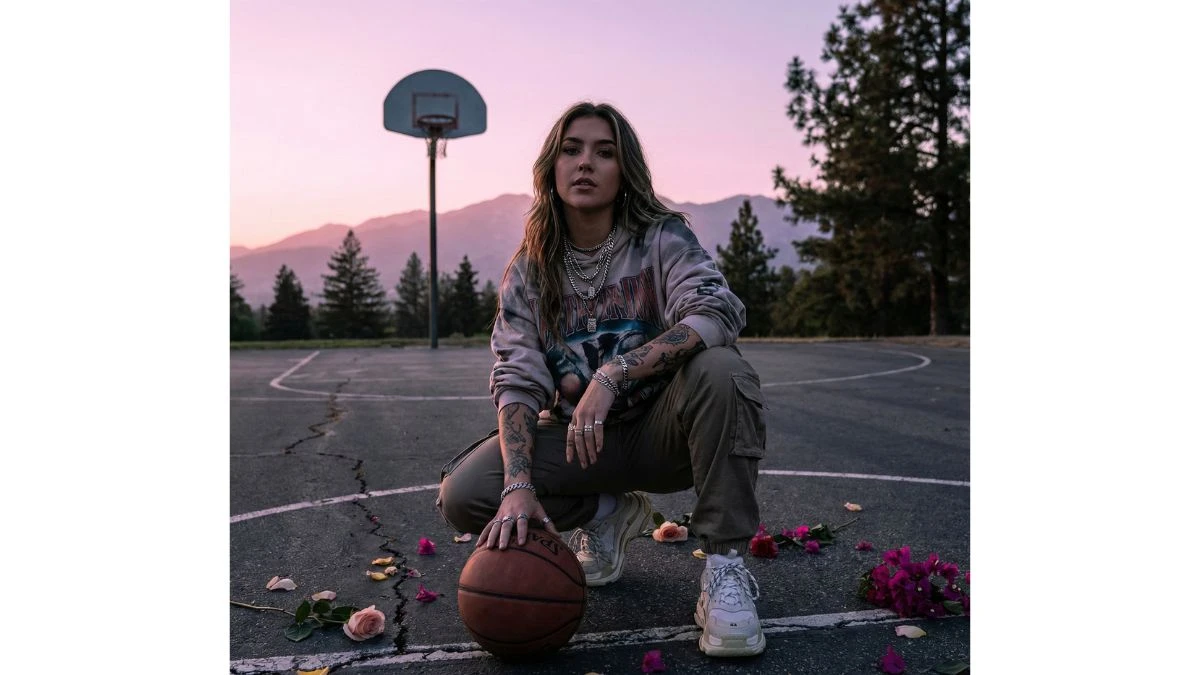
Use This:
"Ultra-realistic cinematic portrait of a young woman crouching on a basketball court with a ball, wearing stylish streetwear, tattoos visible, and layered jewelry. The background shows a mountain with trees and a basketball hoop, under a soft pink and purple sunset sky. Scattered flower petals on the ground add color, with moody dramatic lighting, hyper-detailed textures, 8K resolution, and a fashion-street editorial vibe."
Prompt 4:
Use This:
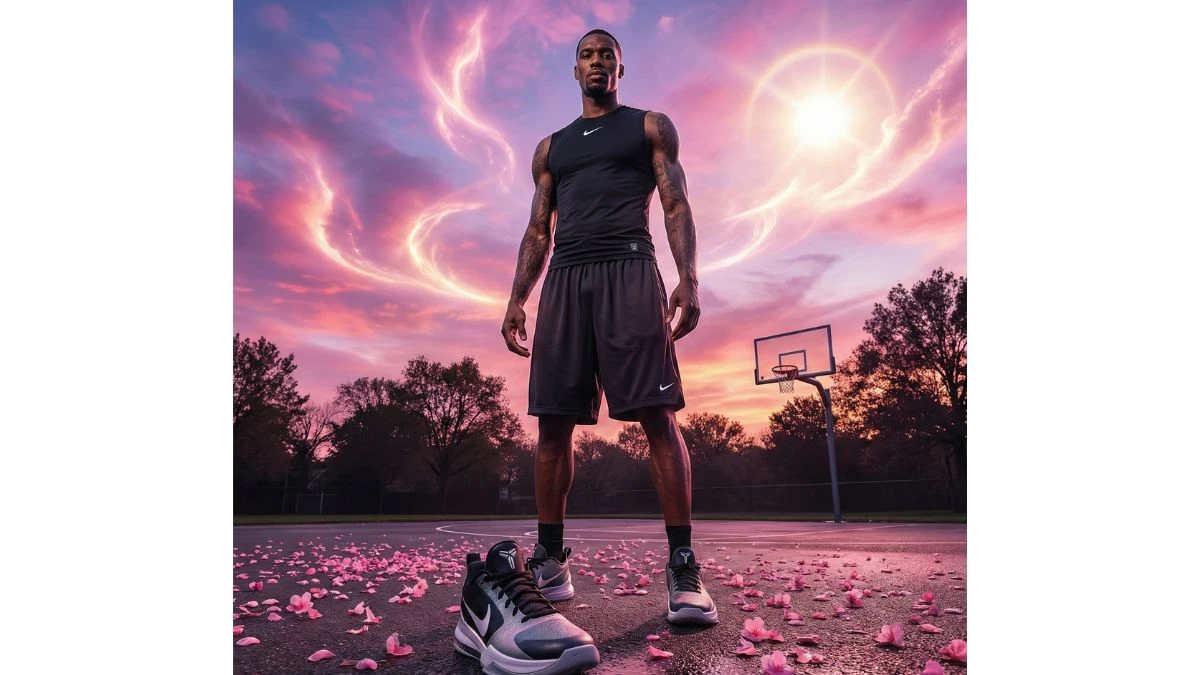
"Ultra-realistic cinematic low-angle shot of a tall athletic man standing on a basketball court, wearing a sleeveless shirt and loose Nike shorts. Sneakers prominent in the foreground, tattoos visible on arms. The sky is surreal with pink and purple tones, dramatic cloud formations, and glowing sunlight. Surrounding trees and distant basketball hoop visible, ground covered with pink flower petals. Dreamy editorial campaign vibe, hyper-detailed, 8K resolution, fashion-sports aesthetic."
Must Try- Only a person with high IQ Level can Spot the Hidden Number 653
Prompt 5:
Use This:
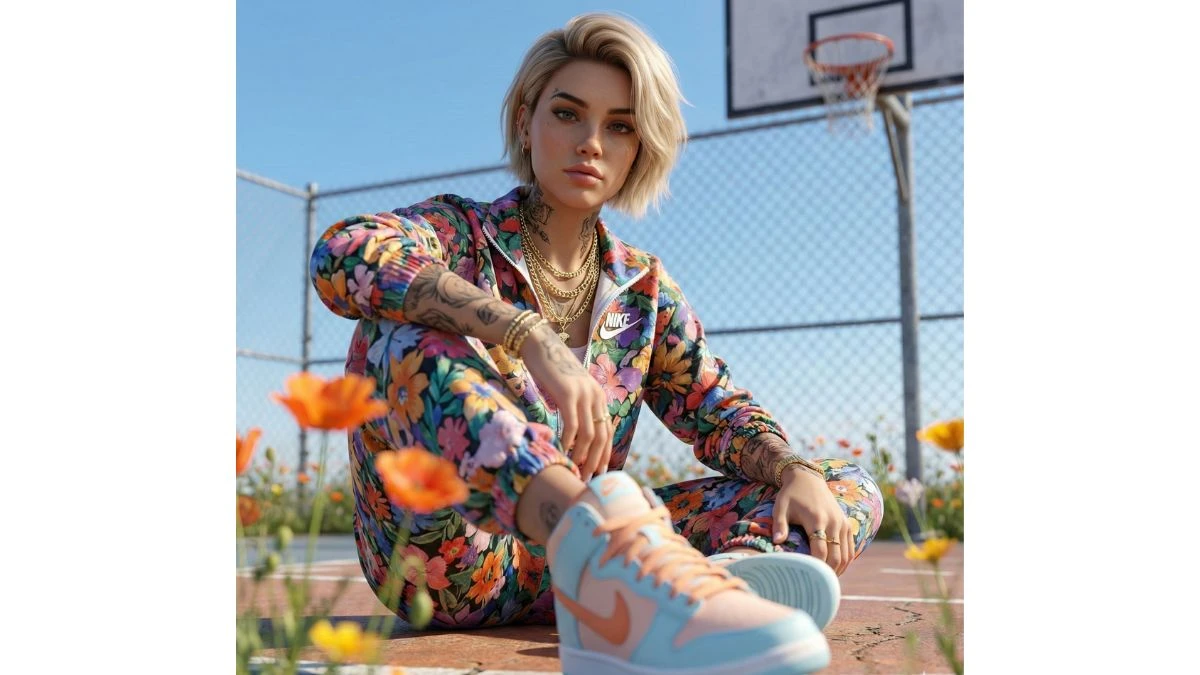
"Ultra-realistic cinematic portrait of a young woman sitting on a basketball court, wearing a colorful floral-patterned Nike tracksuit with layered gold chains. Sneakers in pastel blue and orange with Nike swoosh stand out in the foreground. Tattoos on arms and neck visible, short stylish haircut, confident pose. Bright orange flowers in the foreground with soft blur, chain-link fence and basketball hoop in the background, under a clear blue sky. Editorial streetwear campaign look, hyper-detailed, 8K resolution, fashion- forward aesthetic."
How to Create Images in ChatGPT for Photo Editing?
Creating images with ChatGPT for photo editing involves a seamless process that combines creativity and AI technology. Follow these steps to get started:
-
Access the AI Platform: Begin by logging into your preferred AI photo editing tool that integrates with ChatGPT, such as an AI-based editing app or website.
-
Select Your Editing Style: Choose from a variety of styles—whether you’re aiming for realism, artistic flair, or a completely unique vibe. Most tools offer preset templates or customizable options.
-
Enter a Detailed Prompt: Describe your vision in detail. The more specific you are, the better your results. For example, you might prompt, “Create a vintage-style portrait of a woman with soft pastel colors, a retro background, and flowing hair.”
-
Adjust Parameters: If the platform allows, tweak settings like brightness, contrast, background, and subject positioning to get your desired look.
-
Generate Image: After entering your prompt, hit "generate" and let the AI bring your concept to life. Some platforms will offer a preview and allow you to make additional adjustments.
-
Download & Share: Once you're satisfied with the result, download the image and share it to your Instagram profile. Make sure to include trending hashtags to maximize engagement.


















































