
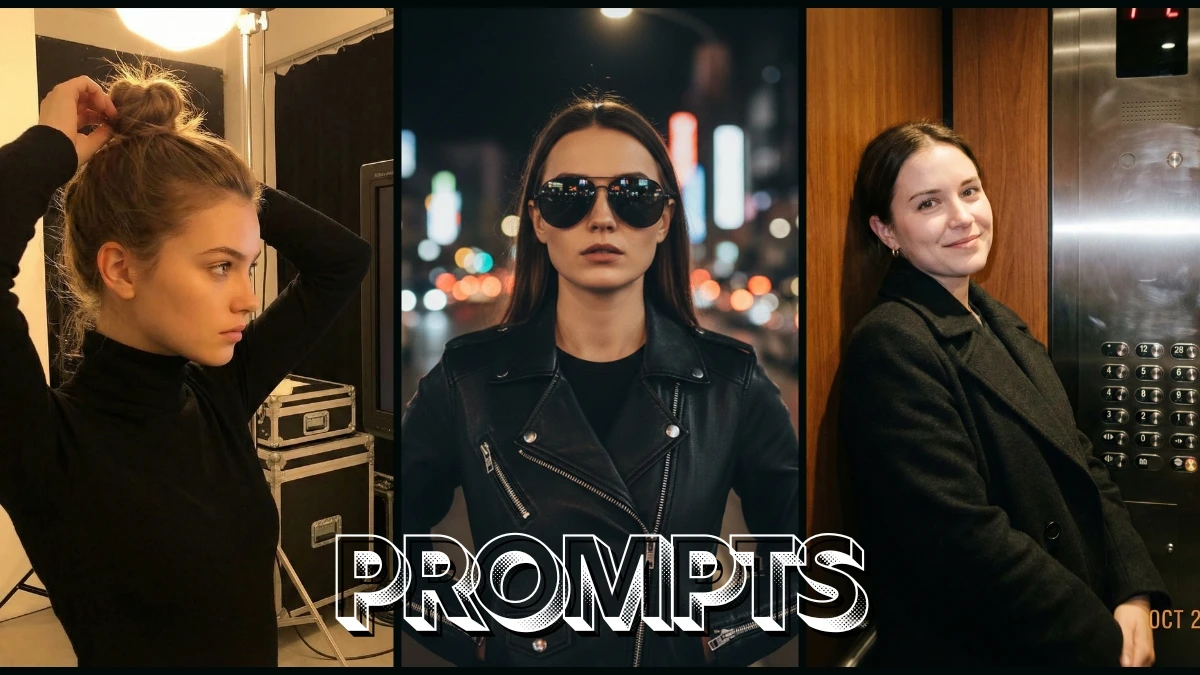

Creators Flock to Nano Banana as 10 Copy-Paste Gemini Prompts Deliver Shockingly Realistic, Filter-Free Girl Portraits
Most girls already have perfect cameras in their pockets, but Nano Banana is the first time the camera actually listens back. “10 Gemini Nano Banana Prompts for Girls to Transform Your Ordinary Image into Natural, Hyper-Realistic Portraits” is not another “filter list,” it is a set of smart sentences that turn everyday selfies into portraits that look like they were shot by a patient, expensive photographer who understands skin, light, and mood.
These 10 prompts are tuned for softness over plastic beauty filters: clean pores instead of glass-skin blur, real hair texture instead of AI smudge, and gentle background bokeh that keeps the face sharp, calm, and scroll-stopping.
Whether the reader wants magazine-style natural light portraits, minimal makeup LinkedIn photos, or dreamy golden-hour social posts, each prompt can be copy-pasted and lightly customized so Nano Banana upgrades the photo without erasing the person.
The article also breaks down a simple Nano Banana workflow and a few “portrait-director” tricks so that even shy, one-take selfies can come out looking intentional, cinematic, and hyper-realistic while still feeling like the real you.
Simple steps: how to create the image
Open Gemini with Nano Banana
- Go to gemini.google.com or open the Gemini app and choose the image creation / Nano Banana (or Nano Banana Pro) option from the tools or model dropdown.
Choose edit vs fresh portrait
- To enhance your selfie: Upload a clear solo image with your full face visible and simple background.
- To generate from scratch: Skip upload and stay in text-to-image mode for a fully AI-created girl portrait.
Paste one of the 10 girl portrait prompts
- Copy a Nano Banana prompt from the article that matches your vibe (natural light, studio, soft glam, outdoor, etc.) and paste it into the prompt box.
- If you uploaded a selfie, add: “use the same face from the photo, do not change facial structure or skin tone” so the output stays recognizably you.
Add core realism details
- Include photography language like “50mm or 85mm lens look, shallow depth of field, soft natural light, detailed skin texture, hyper-realistic 4K portrait” to push Nano Banana toward photo-real results.
Generate and check the result
- Click Generate and wait a few seconds for Nano Banana to create 1–4 portraits.
- Open the best image and zoom into the eyes, hairline, and skin to check for realism and identity.
Refine with short follow-ups
- If needed, send small tweaks like “make makeup softer and more natural,” “reduce skin smoothing,” or “add a little more background blur” and regenerate.
Download and save
- Once satisfied, tap the download / save option and export the final portrait for DP, Reels cover, thumbnails, or portfolio.
Tips and tricks for natural, hyper-realistic girl portraits
Always lock identity first
- Use phrases like “keep the same face and proportions,” “do not change nose, eyes, or jawline,” and “only improve lighting and background” so Nano Banana enhances rather than replaces you.
Start with a clean base selfie
- Use a well-lit, front-facing photo without heavy beauty filters; strong facenet data helps Nano Banana keep pores, lashes, and hairlines realistic.
Speak in “camera language”
- Add terms such as “85mm portrait lens look, f/1.8, creamy bokeh, softbox-style lighting, subtle catchlights in the eyes” to get that DSLR portrait feeling.
Control the “natural” level of beauty
- If the model over-glams you, say “minimal natural makeup, no heavy contour, keep skin texture visible, avoid plastic smoothing” to bring it back to a believable look.
Use negative instructions to avoid mess
- Add “no extra text, no watermark, no distortion, no double earrings, no extra fingers in frame” to keep the portrait clean and usable for branding.
Match background to the platform
- For DPs, ask for “simple blurred neutral background”; for IG aesthetic posts, try “soft pastel room, window light”; for thumbnails, request “clean background with a bit of space around the head.”
Save your best-performing prompt template
- When one prompt consistently gives you flattering, realistic results, save it and only swap mood, outfit, or background, building your own Nano Banana preset library over time.
Join This Channel for Trending AI Image Prompts - CLICK HERE
Gemini Nano Banana Pro Prompts for Girls to Transform your Ordinary Image into Natural, Hyper-Realisitic Portraits
Prompt 1:
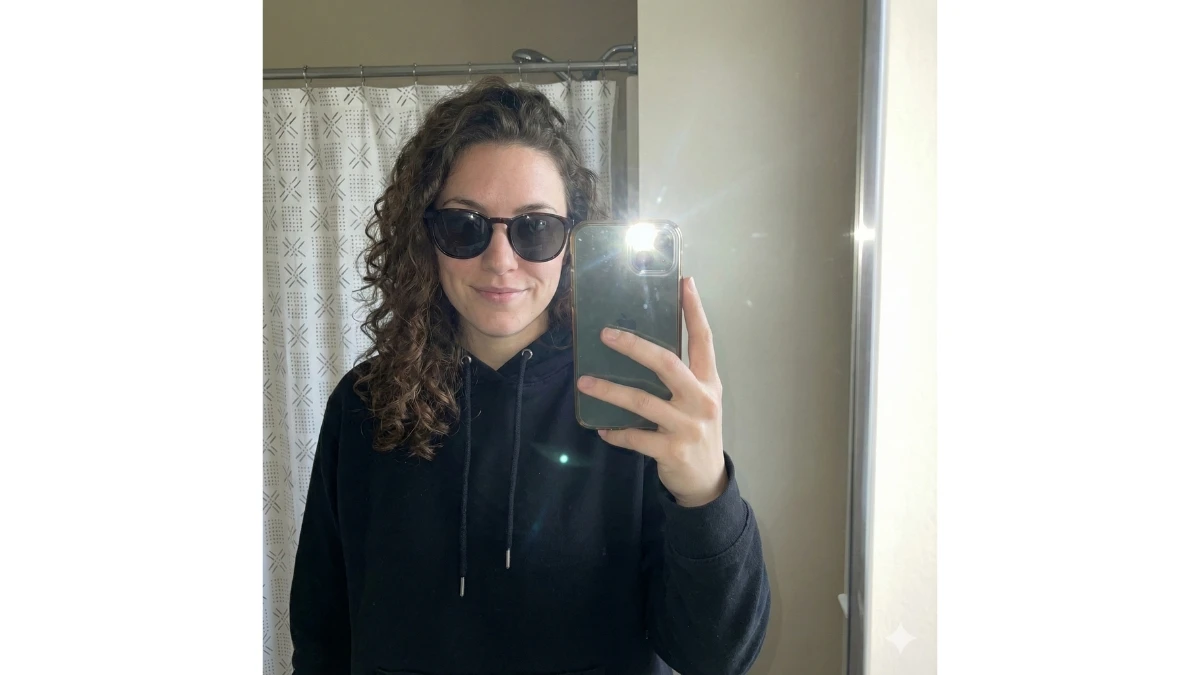
Use This:
"Using the attached face image as the exact identity reference, create a natural iPhone mirror selfie of the same person. The selfie should be taken with direct flash, with no background blur, maintaining a clean, unfiltered look. She is wearing a black hoodie and sunglasses as the only accessory, keeping the vibe simple and casually high-fashion."
Prompt 2:
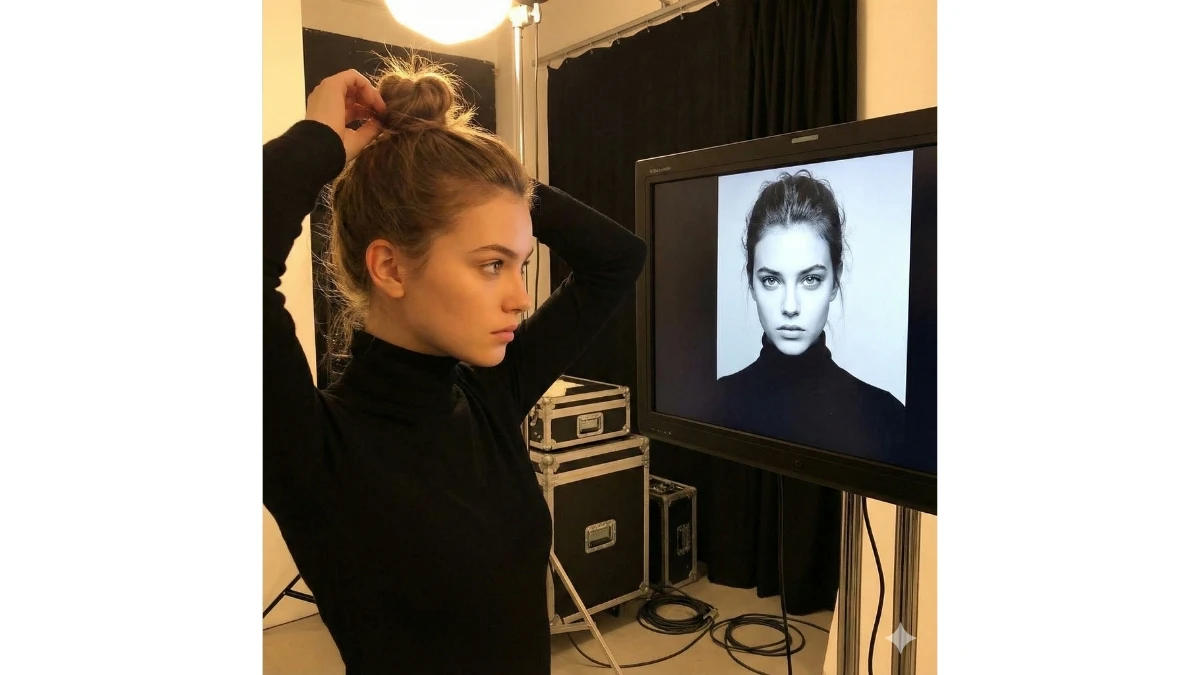
Use This:
"Using the attached face image as the exact identity reference, generate a backstage photoshoot moment where the same person adjusts her hair under studio lights. Capture the scene from the side, with a randomly generated editorial-style portrait of the same person displayed on the studio monitor in the background."
12 Hunyuan 3.0 Prompts for Realistic 90s Retro Candid Portraits
Prompt 3:
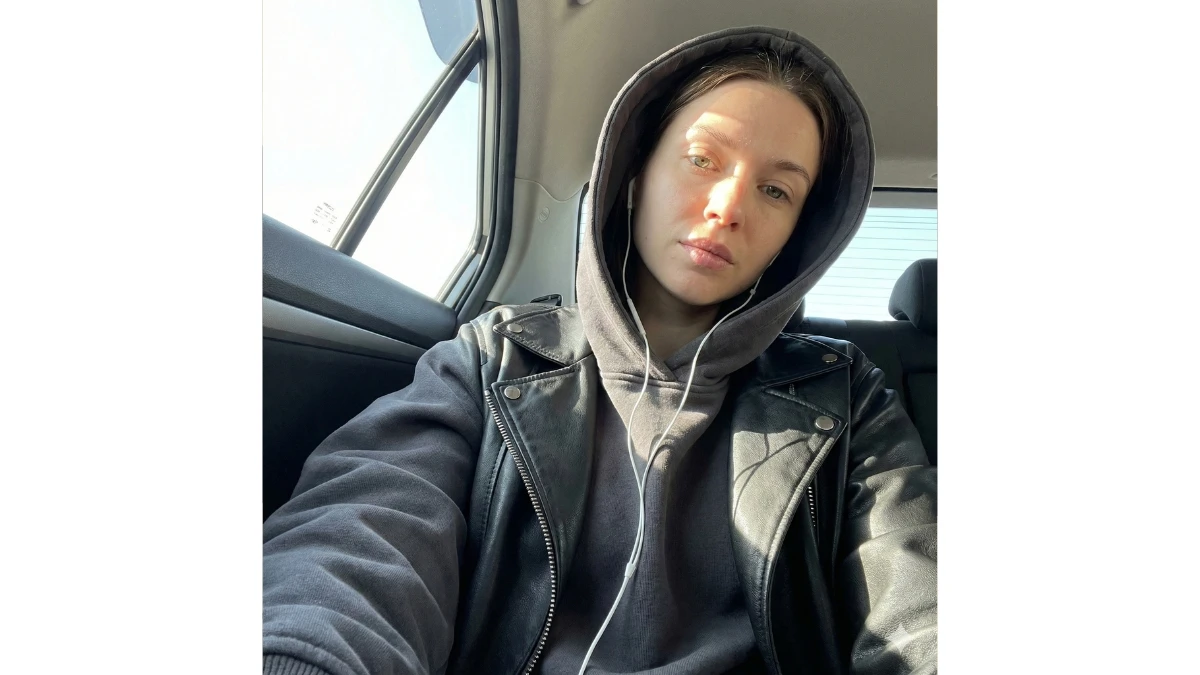
Use This:
"Using the attached face image as the exact identity reference, generate a natural iPhone-style car selfie of the same person. The selfie should be taken with bright sunlight entering from the side window, captured from a low, slightly upward angle as she sits in the backseat. She is wearing an oversized charcoal hoodie with the hood up, layered under a black leather jacket, and has wired earphones in. Keep the lighting sharply natural, with no artificial blur, maintaining a candid, unfiltered atmosphere."
Prompt 4:
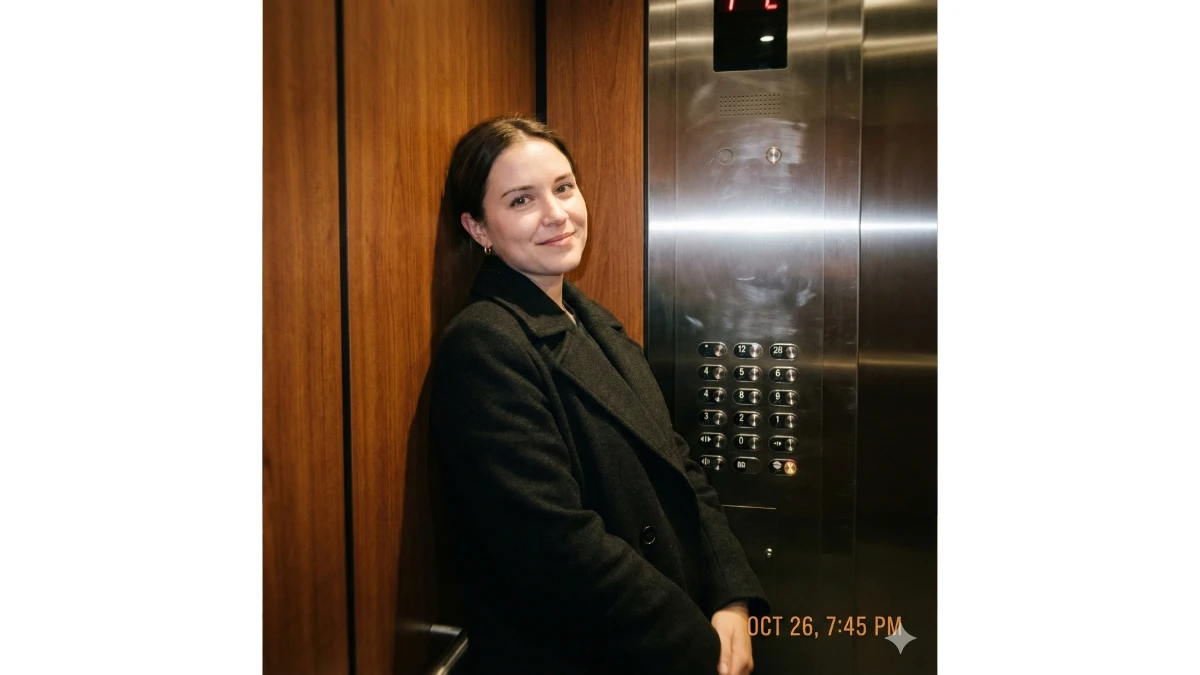
Use This:
"Using the attached face image as the exact identity reference, generate a natural iPhone flash photo inside an elevator featuring the same person. She is wearing a long black coat and standing against the wooden and metal elevator walls, with a soft, natural smile. Add a subtle handheld motion shake to mimic a slightly unsteady real iPhone capture, while keeping the overall image sharp and realistic with no artificial blur. Use harsh, direct iPhone flash lighting and maintain a natural indoor color tone."
MUST TRY - Spot 3 Differences in 14 Seconds: Violin Picture Challenge
Prompt 5:
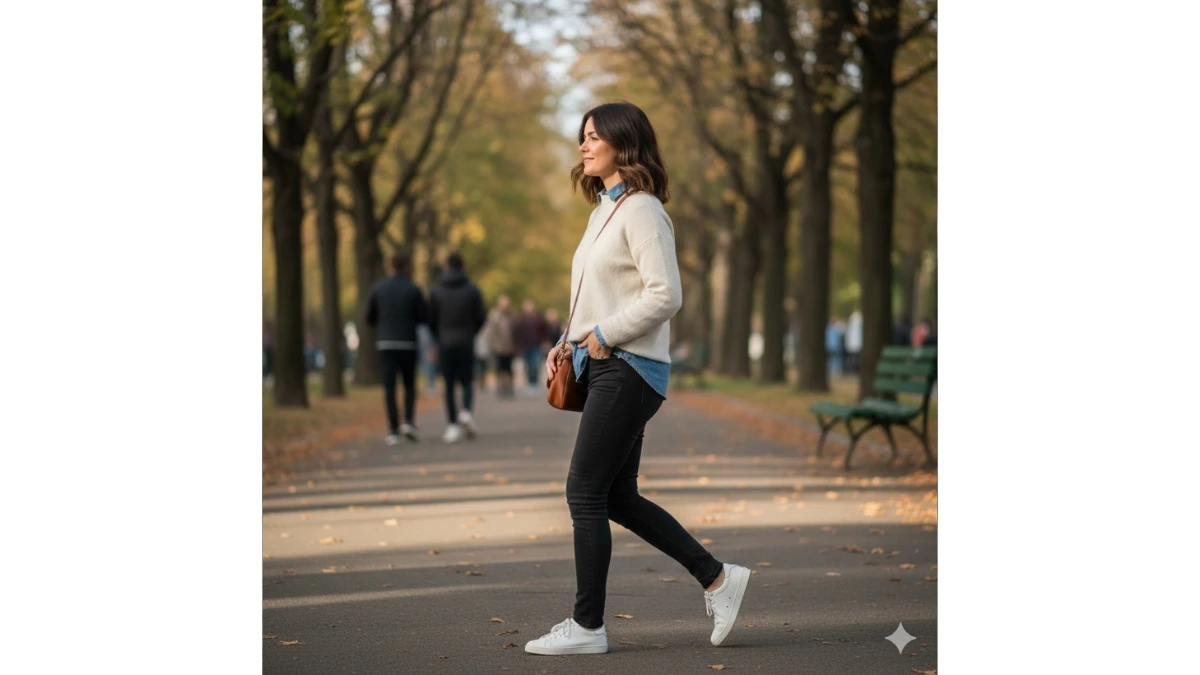
Use This:
"Using the attached face image as the exact identity reference, generate a natural side-view candid shot of the same person walking outdoors. Her hair should be gently moving in the breeze under natural daylight, capturing a relaxed and effortless moment."
Prompt 6:
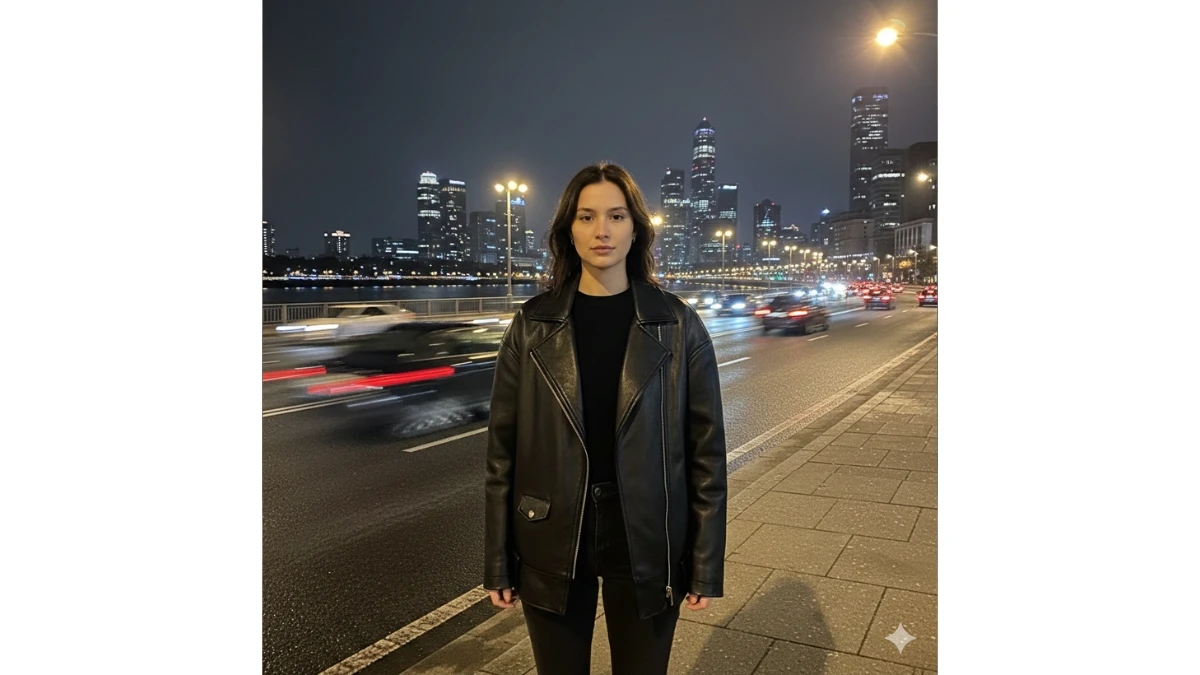
Use This:
"Using the attached face image as the exact identity reference, generate the same person in a natural iPhone night photo. She is standing near a riverside road, with fast-moving cars in the background. Keep the overall background sharp and clear, but allow the passing cars to show natural motion blur to reflect real movement. She is wearing a dark oversized leather jacket with a simple black outfit underneath, maintaining a similar style. Use realistic iPhone flash lighting and capture a clean, authentic night street atmosphere."
11 Midjourney AI Prompts for Cinematic Retro Teal and Orange Scenes - Try Now!
Prompt 7:
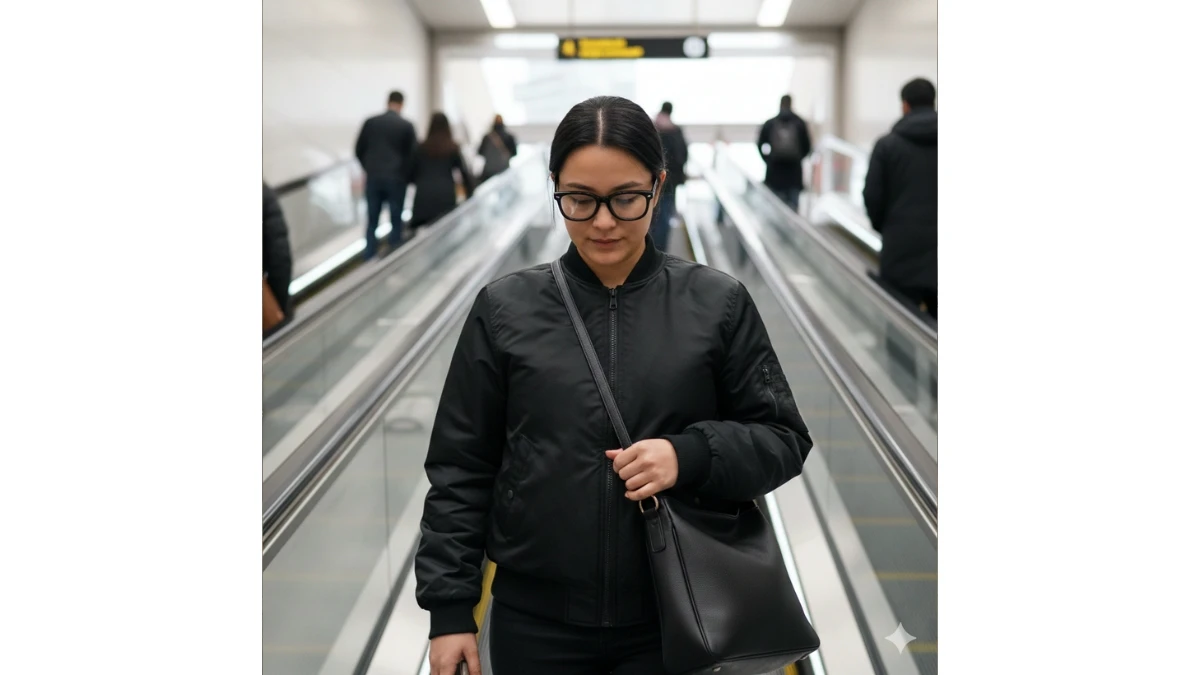
Use This:
"Using the attached face image as the exact identity reference, generate the same person in a natural iPhone candid shot on an escalator. She is wearing black horn-rimmed glasses, a black bomber jacket, and carrying a black handbag. Keep the lighting realistic and unfiltered, with no artificial blur, capturing the moment authentically."
Prompt 8:
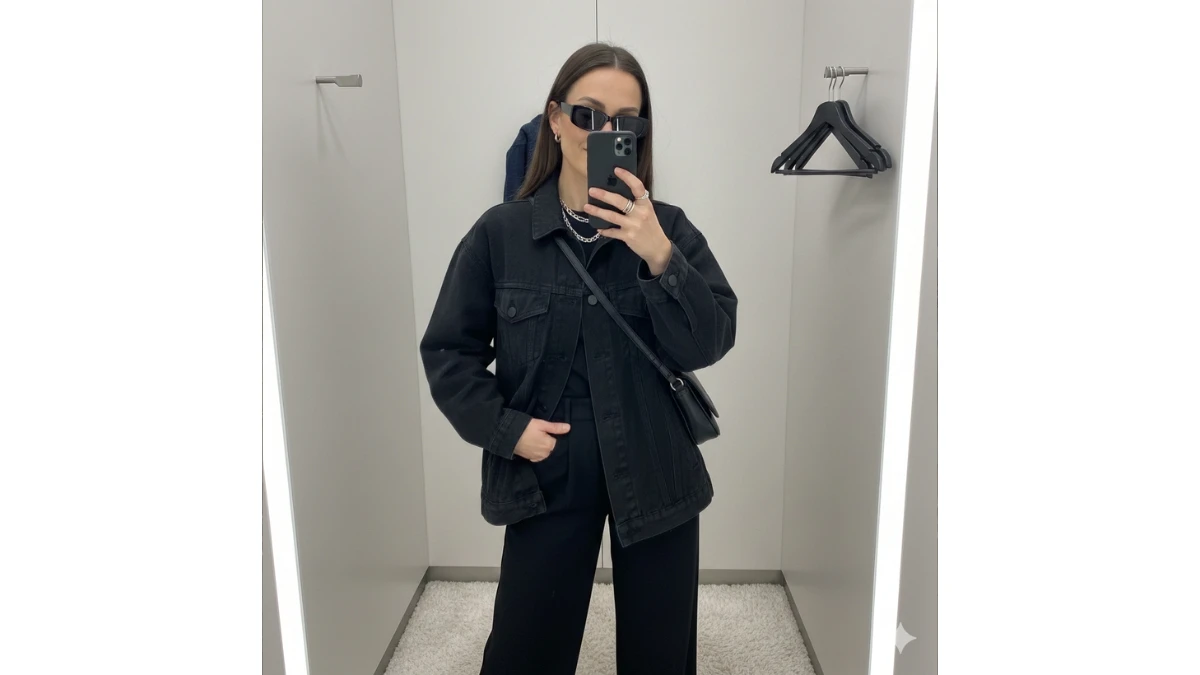
Use This:
"Using the attached face image as the identity reference, generate the same person taking an iPhone mirror selfie in a fitting room. She is wearing a black oversized jacket, wide black pants, slim sunglasses, and casual accessories. The mirror should reflect the full outfit, with the selfie taken in a natural, candid style."
MUST TRY - 8-Second Optical Illusion: Spot the Number 763
Prompt 9:
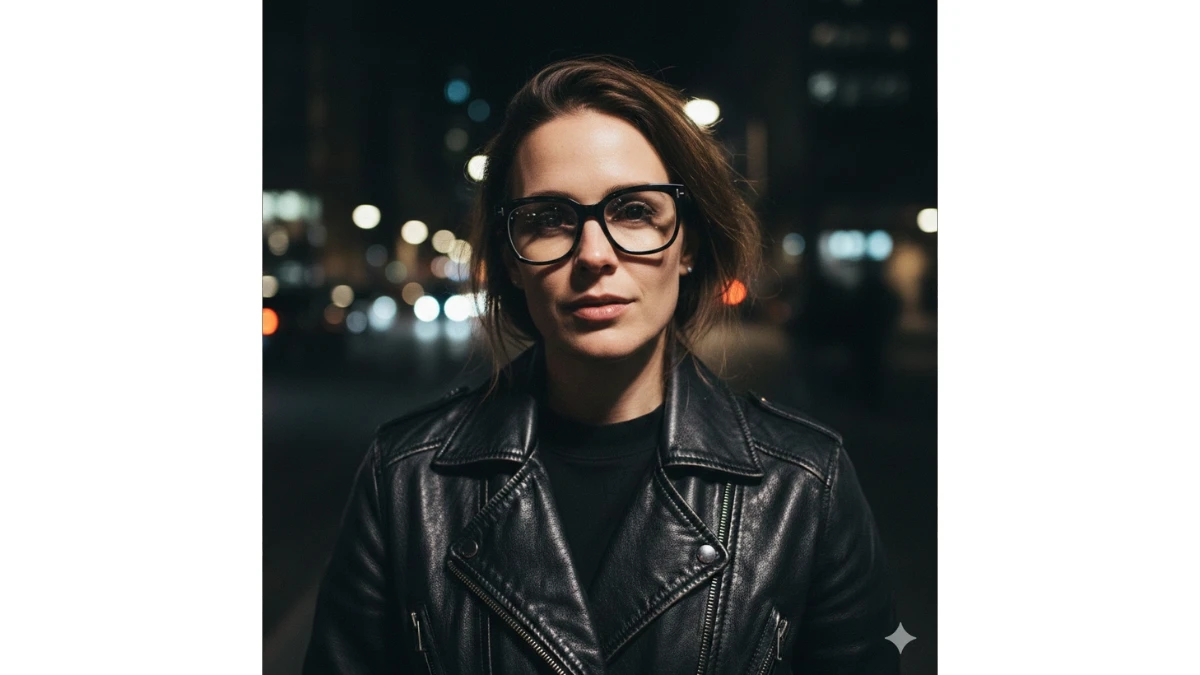
Use This:
"Using the attached face image as the identity reference, generate the same person in a nighttime iPhone flash photo. She is wearing black horn-rimmed glasses and a textured black leather jacket. The lighting should be realistic and natural, with the iPhone flash illuminating her face while maintaining the authentic atmosphere of a nighttime setting."
Prompt 10:
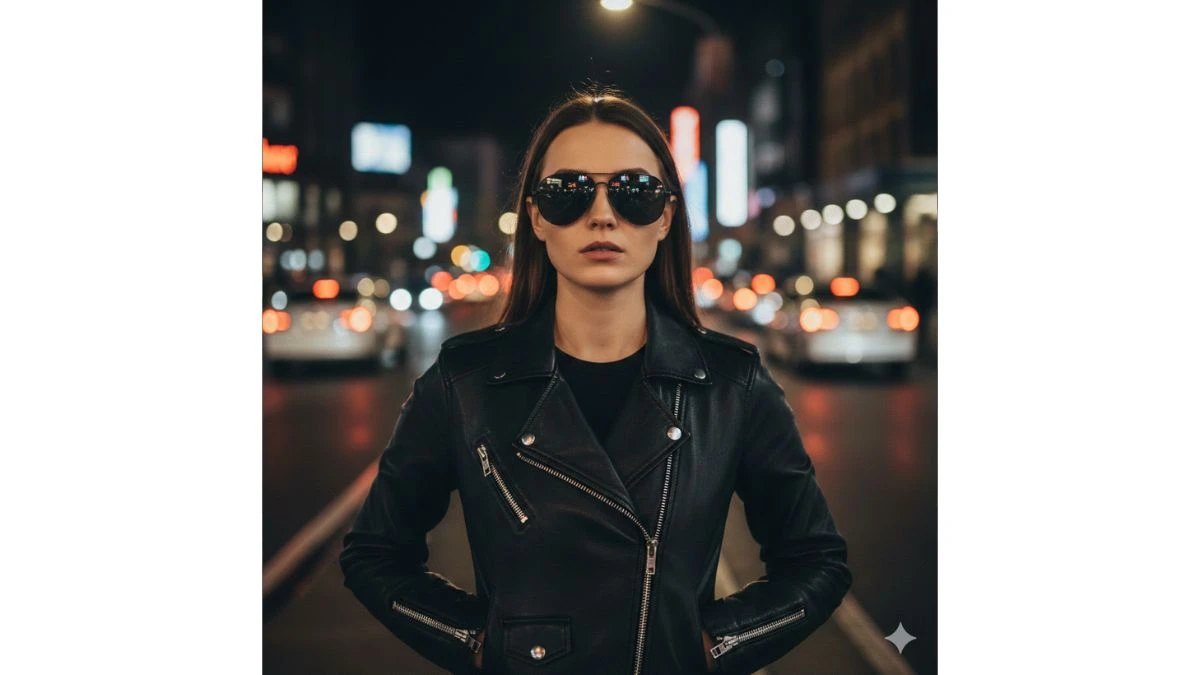
Use This:
"Using the attached face image as the identity reference, generate the same person in a nighttime iPhone flash photo. She is wearing a black leather jacket with silver zipper details and black aviator sunglasses. The flash should highlight her face naturally, while the background remains softly blurred, reflecting a casual, yet chic night-time street vibe."
15 Google Gemini AI Prompts for Ultra-Realistic Golden Hour Taj Mahal Portraits - Try Now!
Image Credits: Google Gemini AI


















































