7 Google AI Prompts That Can Replace Half Your Editing Apps: Every Creator Should Try
Discover 7 powerful Google Gemini AI prompts that can replace multiple editing apps and speed up your creative workflow. Perfect for creators, marketers, and designers who want faster, smarter content creation.
7 Google AI Prompts That Can Replace Half Your Editing Apps
In today’s fast-paced creator economy, efficiency is everything. Editing apps once essential for design, photo enhancement, and visual storytelling, are now being challenged by powerful AI tools. Google’s Gemini AI is leading this shift, offering smart prompts that can handle tasks like image generation, background removal, color correction, and creative stylin,g all from simple text instructions.
For creators, marketers, and freelancers, this means fewer apps, faster workflows, and more creative freedom. By mastering the right Gemini AI prompts, you can streamline your editing process and focus more on ideas rather than tools. Here are prompts every creator should try.
Join This Channel for Trending AI Image Prompts - CLICK HERE
Prompt 1:
Use This:
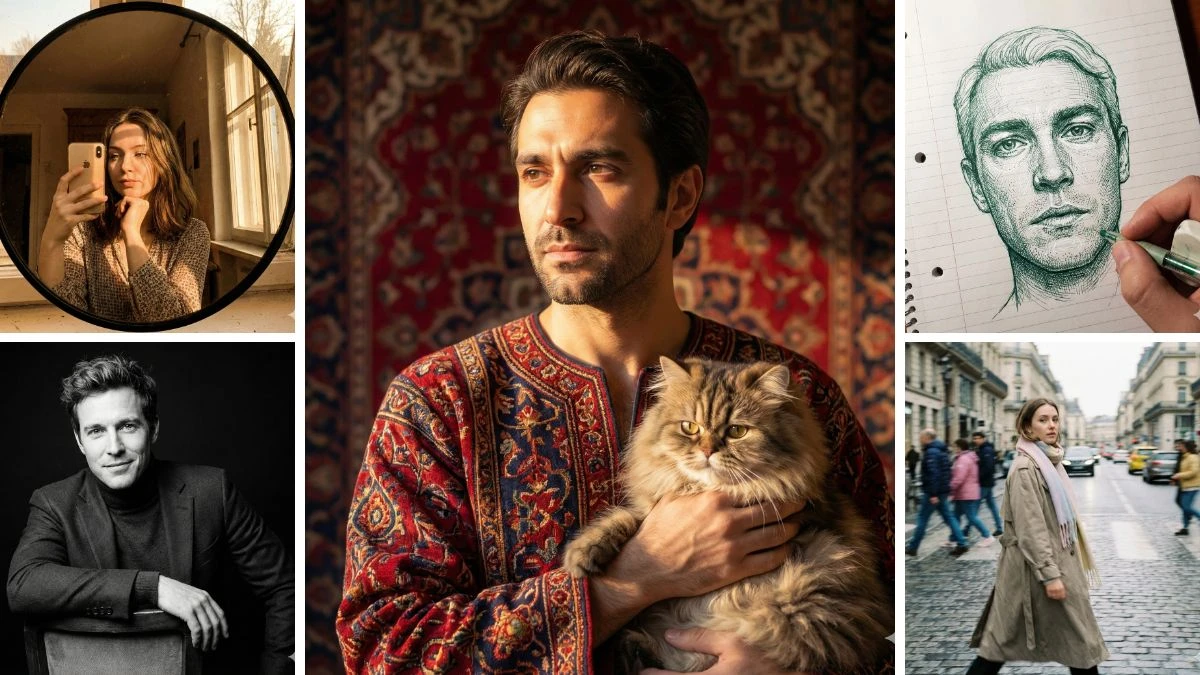
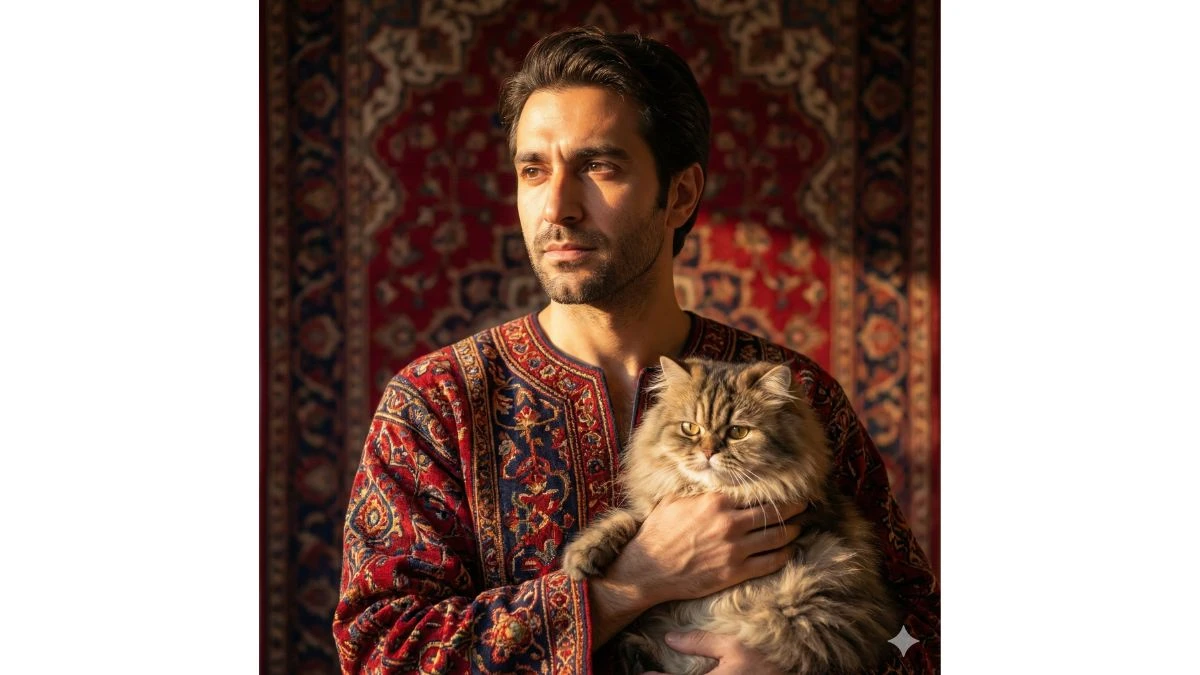
A 4K ultra-realistic portrait of {reference), framed from the chest up (not full body), designed for Instagram story or profile picture. The background is a luxurious Persian red carpet design (only behind her, not on the ground). Sunlight shines from one side, casting natural warm light across half of his face. He is wearing an elegant dress inspired by Persian carpet patterns, with authentic Iranian colors and motifs. His facial features remaiunchanged. He is holding a Persian cat in her hands.
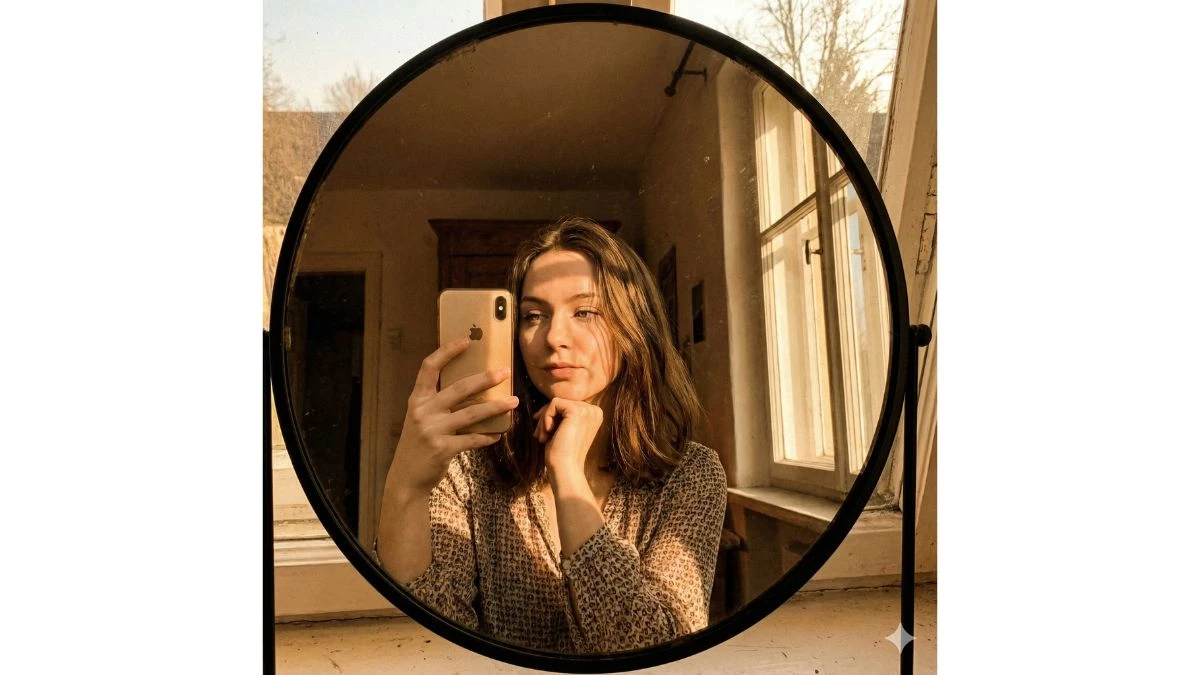
4K Ultra-HD self portrait of individual (face same as reference image), wearing outfit as reference, taken through the reflection of an round mirror with a thin black border, one holds a gold iphone in left hand, while the right hand chin as style. Afternoon sunlight streams in through the window on the right, creating dramatic shadows that highlight the face. The image has a vintage, nostalgic aesthetic.
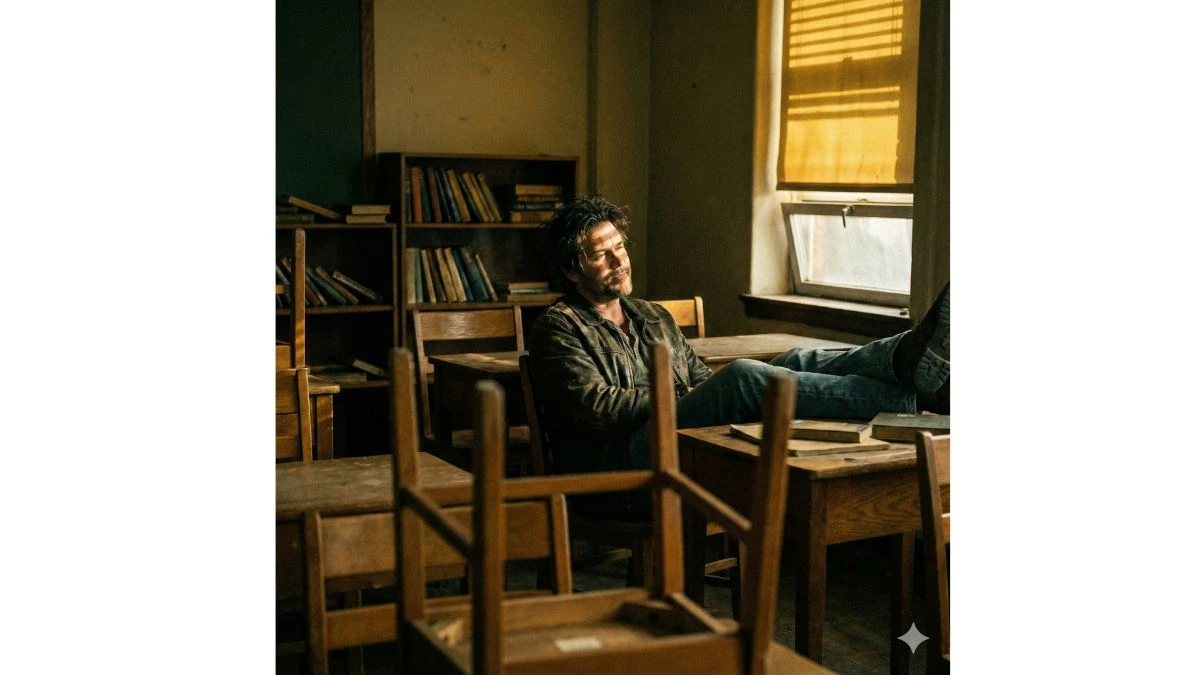
Cinematic portrait of the man in the picture (preserve 100% facial details of this man), vintage classroom. The camera is shot from a distance, with a small section of the chair's back visible in front, as if the photographer was taking the portrait discreetly or in a quiet moment. Soft, gol-den-yellow lighting reflects from a small window or gap in the right wall, forming diagonal lines of light that fall directly on the man's face, creating a dramatic and emotional contrast. The man sits alone in a chair, his feet resting on the desk, with a relaxed and cool expression, as if lost in thought
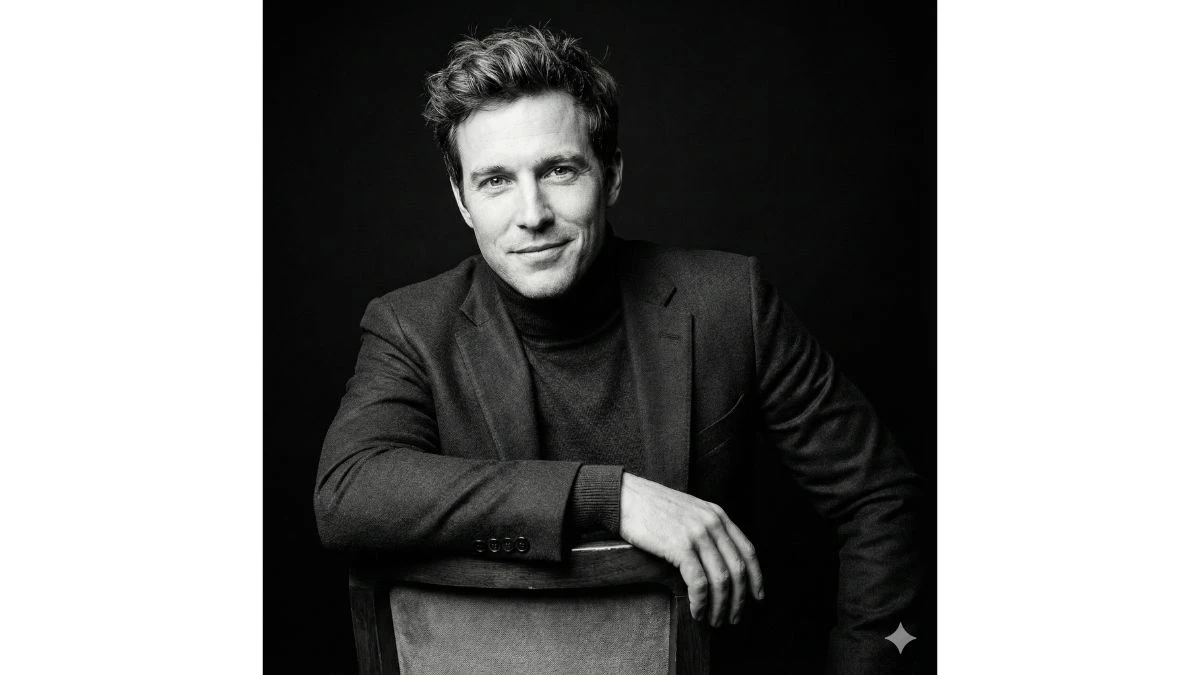
Ultra-realistic studio portrait of him leaning gracefully on the backrest of a chair, dressed in a sleek dark outfit. Shot from a subtle low-angle toaccentuate his facial features and confident expression. Cinematic black-and-white color grade with refined, natural skin tones. Solid black background with sharp 8K details, highlighting textures in her clothing, hair, and eyes for a dramatic, lifelike effect.
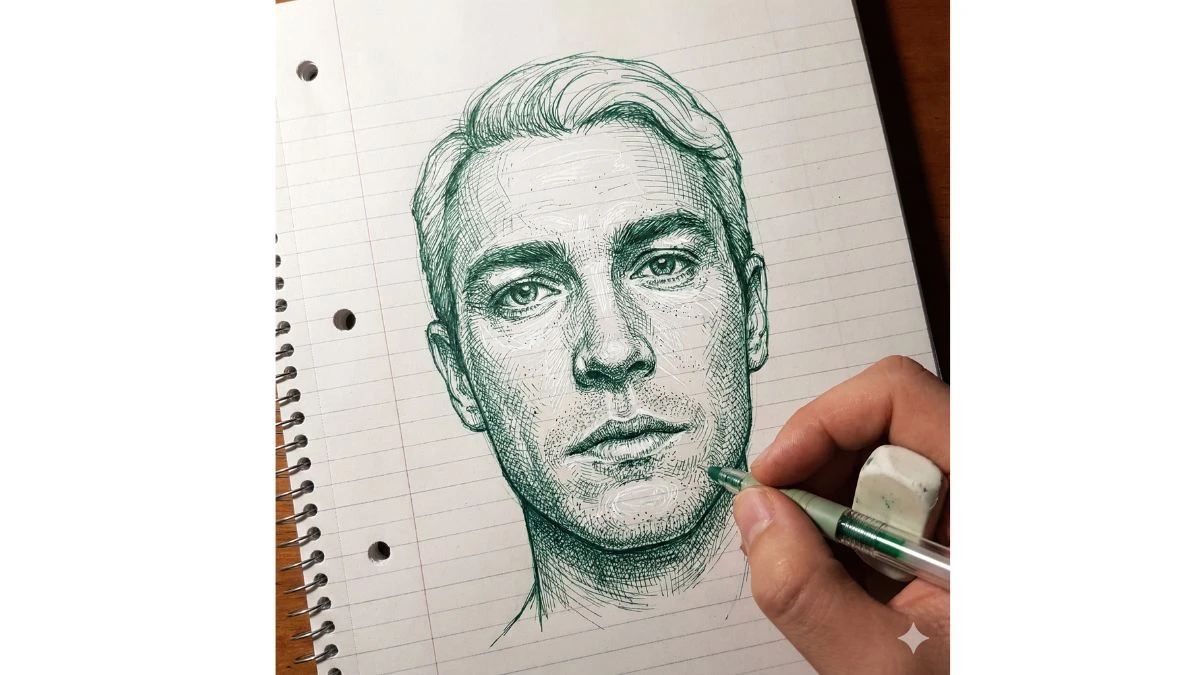
Create a photo-style line drawing / ink sketch of a face identical to the uploaded reference image - keep every facial feature, proportion, and expression exactly the same. Use green and white ink tones with intricate, fine line detailing, drawn on a notebook-page style background. Show a right hand holding a pen and an eraser near the sketch, as if the artist is still working.