
Instagram Sizes Guide 2026
Instagram keeps evolving, and so should your content dimensions. In 2026, the right aspect ratios matter more than ever — not just for aesthetics, but also for engagement and algorithm reach. If your posts are still stuck at classic 1:1 squares, you might be losing valuable screen space (and attention!). Instagram images are defined by their pixel dimensions (width × height) and aspect ratio, which control how they appear across the feed, profile grid, Stories, and Reels.
Using the correct size prevents unwanted cropping, blurry uploads, and awkward framing that can hurt engagement and brand consistency.
Here’s the updated Instagram Sizes Guide 2026 to help you create perfectly sized posts, Reels, and Stories every time.
Feed image size guide
| Type | Aspect Ratio | Recommended Size (W × H) | Key Safe-Zone Tip |
|---|---|---|---|
| Square post | 1:1 | 1080 × 1080 px | Keep the main subject centered. |
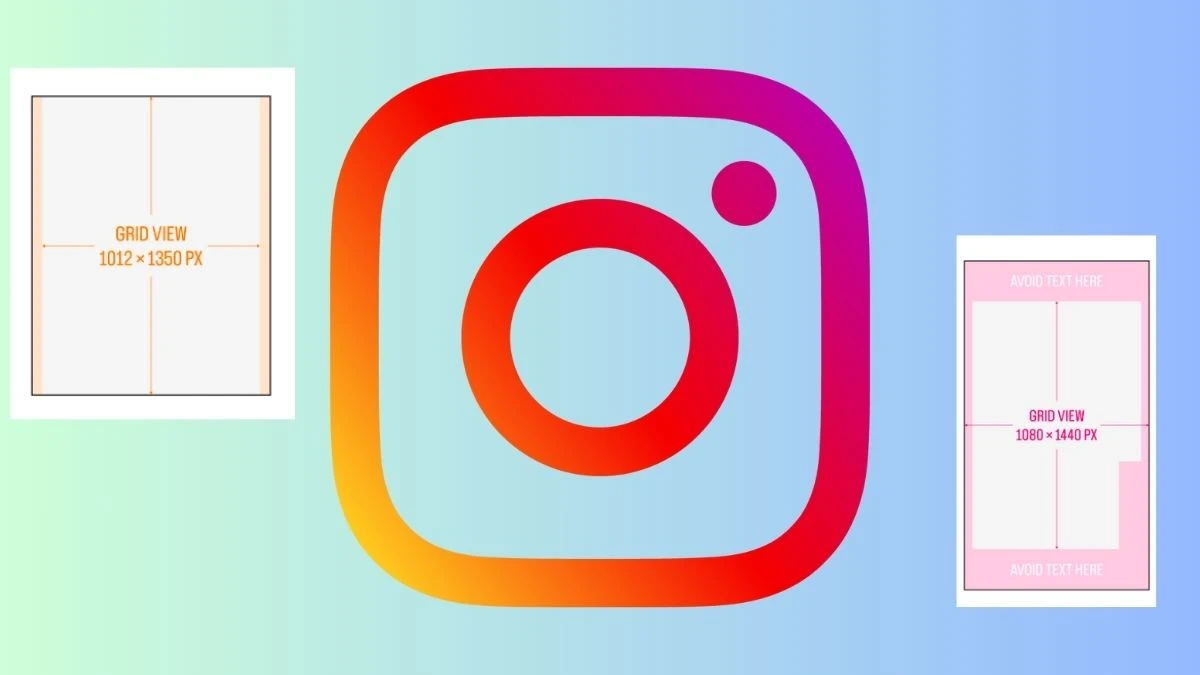
| Portrait post | 4:5 | 1080 × 1350 px | Avoid text at extreme top/bottom edges. |
| Tall post (new) | 3:4 | 1080 × 1440 px | Great for full-height portraits in the feed. |
| Landscape post | 1.91:1 | 1080 × 566 px | Keep key content in the middle third. |
Instagram accepts feed ratios roughly between 1.91:1 and 4:5; anything outside that range is auto‑cropped or padded.
For the sharpest look, upload at 1080 px width and export at 2× when possible (for example, 2160 × 2700 px for a 4:5 post) to counter compression.
Carousel image sizes
| Type | Aspect Ratio | Recommended Size (W × H) | Pro Tip |
|---|---|---|---|
| Square carousel | 1:1 | 1080 × 1080 px | Use for quotes, infographics, and tutorials. |
| Portrait carousel | 4:5 | 1080 × 1350 px | Ideal for product slides and step‑by‑steps. |
| Landscape carousel | 1.91:1 | 1080 × 566 px | Best for wide travel or scenery shots. |
Profile & Cover Sizes
| Type | Aspect Ratio | Recommended Size (W × H) | Safe-Zone Guidance |
|---|---|---|---|
| Profile picture | 1:1 (displayed round) | 320 × 320 px | Keep logo/face centered; corners will be cropped. |
Reel cover & highlight cover
| Type | Aspect Ratio | Recommended Size (W × H) | How it Displays |
|---|---|---|---|
| Reel cover / Story cover | 9:16 | 1080 × 1920 px | Shown full in Reels/Stories, cropped to 1:1 in grid. |
Story and Reel video/image size
| Format | Aspect Ratio | Recommended Size (W × H) | Safe Area / Text Zone |
|---|---|---|---|
| Story | 9:16 | 1080 × 1920 px | Keep important content away from top/bottom UI. |
| Reel | 9:16 | 1080 × 1920 px | Core safe text area about 1080 × 1610 px. |
Both Stories and Reels are designed for full‑screen vertical viewing, so 9:16 is non‑negotiable if you want to avoid borders and black bars.
Leave space at the top and bottom where usernames, captions, and buttons appear so your CTAs and titles don’t get covered.