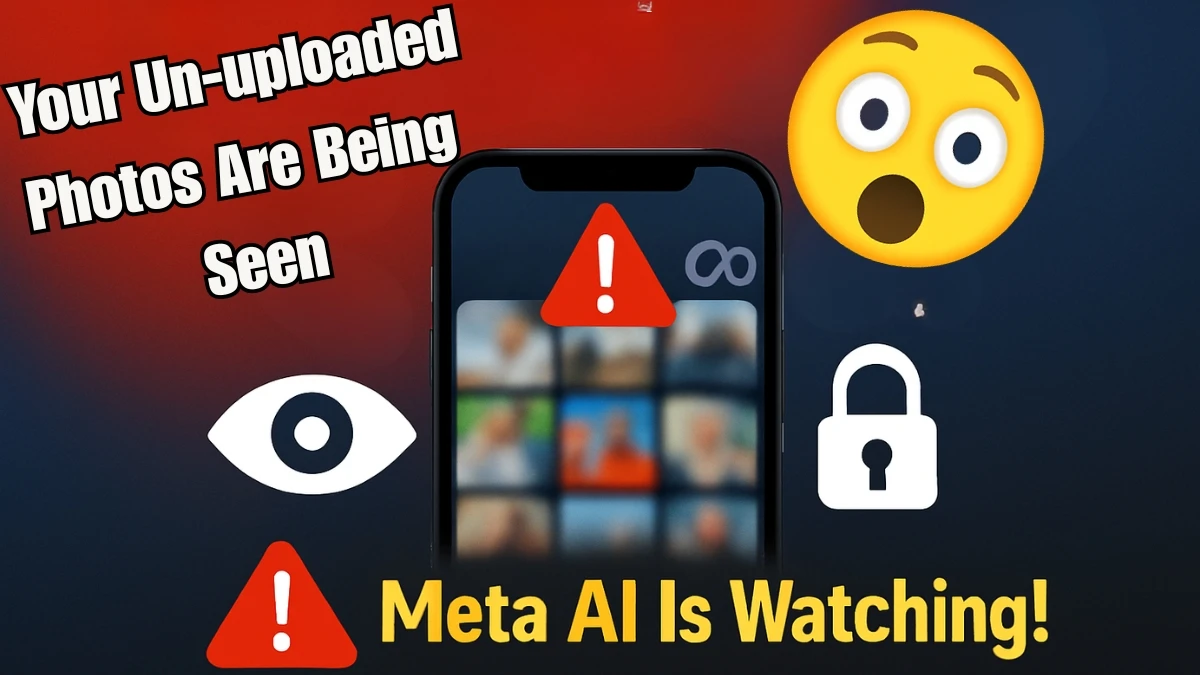

Your Un-uploaded Photos Are Being Seen by Meta AI (Like Facebook): Here's How to Turn It Off
In today’s world, privacy feels like a rare commodity, and it’s becoming harder to protect. You may have heard about Meta’s (formerly Facebook) AI-powered features, but did you know that your un-uploaded photos are being analyzed without your knowledge?
Yes, even the ones you haven’t shared online. Meta’s AI is actively digging through your device, scanning your private photos, documents, and even screenshots.
Here’s what you need to know, and how to turn off this invasive feature.
The Sneaky Feature: "Creative Suggestions"
Meta has quietly introduced a new feature called "Creative Suggestions", and many users are unaware it’s running in the background, scanning their entire phone gallery, yes, even photos you’ve never uploaded.
This feature is designed to offer “helpful” content suggestions, like AI-powered photo edits, collages, and more. But here’s the catch: Meta’s AI is digging through your personal photos, including private photos, IDs, and screenshots that you thought were just for your eyes.
How Does It Work?
So, how exactly does this feature work? Let’s break it down:
- Facial Recognition: Meta’s AI scans your personal photos to identify faces of friends, family, or even acquaintances. While this might sound convenient for tagging, it also means your private photos are being used for AI training, without you explicitly opting in.
- Location Tracking: The AI doesn’t just stop at faces; it also reads the metadata embedded in your photos to track where you’ve been, even if you didn’t “check in” to a location. This could lead to unwanted exposure of your personal movements.
- Cloud Processing: To work its magic, the AI uploads thumbnails or data points to Meta’s servers for analysis, even before you hit “post”. This means your private photos are being processed and analyzed by Meta’s servers in the background.
It’s all part of Meta’s push to improve its AI, but it’s happening without your explicit consent. And if you're someone who values privacy, you should be concerned.
Why You Should Be Worried
This feature may sound harmless, but it’s important to recognize the potential risks. Here’s why you should worry:
- Privacy Erosion: Your personal, un-uploaded photos are being analyzed and stored, often without any notification or consent. You’re essentially training Meta’s AI on your private life, and you didn’t sign up for it.
- Data Misuse: Meta has had its share of privacy controversies. The last thing you want is your photos being used in ways you didn’t authorize. Who knows where this data is going or how it could be used?
- Unwanted Targeting: With Meta analyzing your photos, there’s a chance you could be targeted with ads or content that’s based on private information. Imagine being served ads based on your personal life that Meta has gathered from your photos.
How to Turn It Off
If you’re concerned about your privacy and want to stop Meta’s AI from accessing your un-uploaded photos, don’t worry — there’s a way to turn it off. Follow these easy steps:
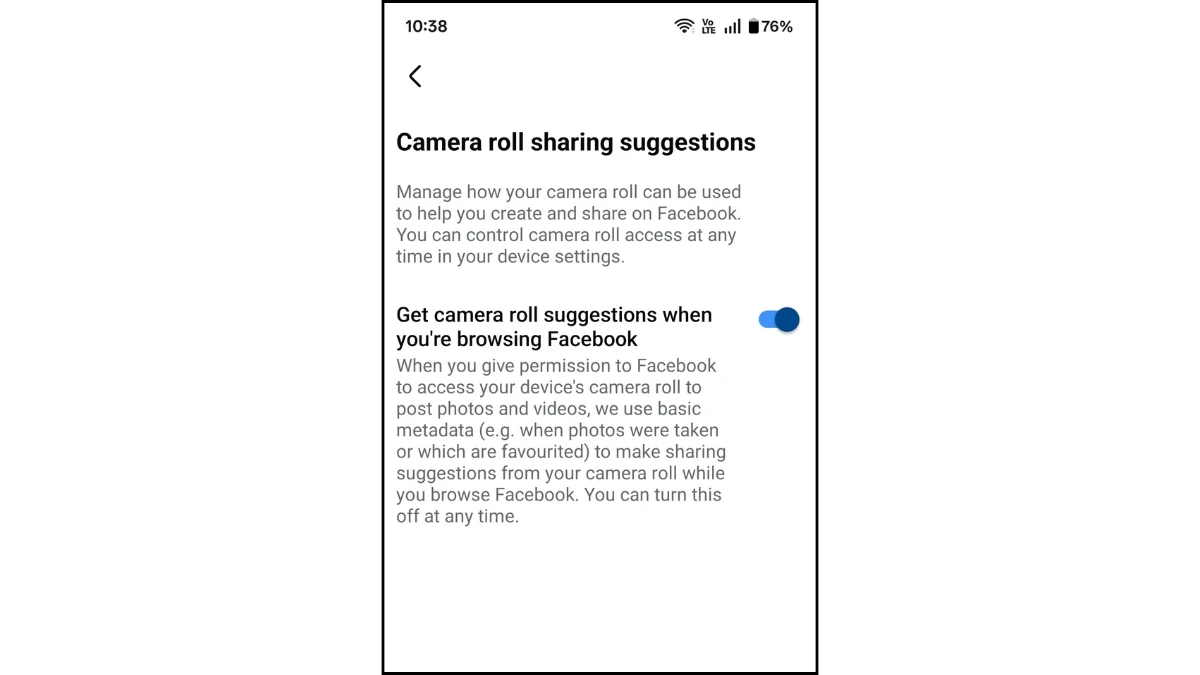
Step 1: Turn Off "Camera Roll Sharing Suggestions" in the Facebook App
-
Open the Facebook app.
-
Tap the Menu (three horizontal lines).
-
Tap Settings.
-
Look for "Camera roll sharing suggestions" in the list of settings.
-
Turn off the following options:
-
"Custom sharing suggestions"
-
"Get camera roll suggestions."
-
Step 2: Adjust Photo Access on Your Phone
-
Open your phone settings.
-
Find the Facebook app in the list of installed apps.
-
Change the photo access to "None" (for iPhone) or "Deny" (for Android).
By following these steps, you’ll stop Meta from accessing your photo gallery and using your un-uploaded photos for AI analysis.
Meta’s AI may seem like a helpful tool, but it comes at the cost of your privacy. By enabling features like Creative Suggestions, Meta is essentially scanning your private photos to improve its algorithms, all without asking for your permission.
If you want to regain control over your photos and protect your privacy, follow the steps outlined above to turn off this feature.
Remember, your photos are yours, and it’s up to you to decide how they’re used. Take action now to keep your private moments private!
Disclaimer: The information provided in this article is for informational purposes only. While we strive to ensure the accuracy and relevance of the content, we cannot guarantee the completeness or accuracy of the information presented regarding Meta’s AI features and privacy practices. Meta (formerly Facebook) may update or change its features and settings at any time, and users are encouraged to review their own privacy settings and terms of service periodically. We recommend exercising caution when sharing personal data online and staying informed about the latest updates related to privacy and data security.