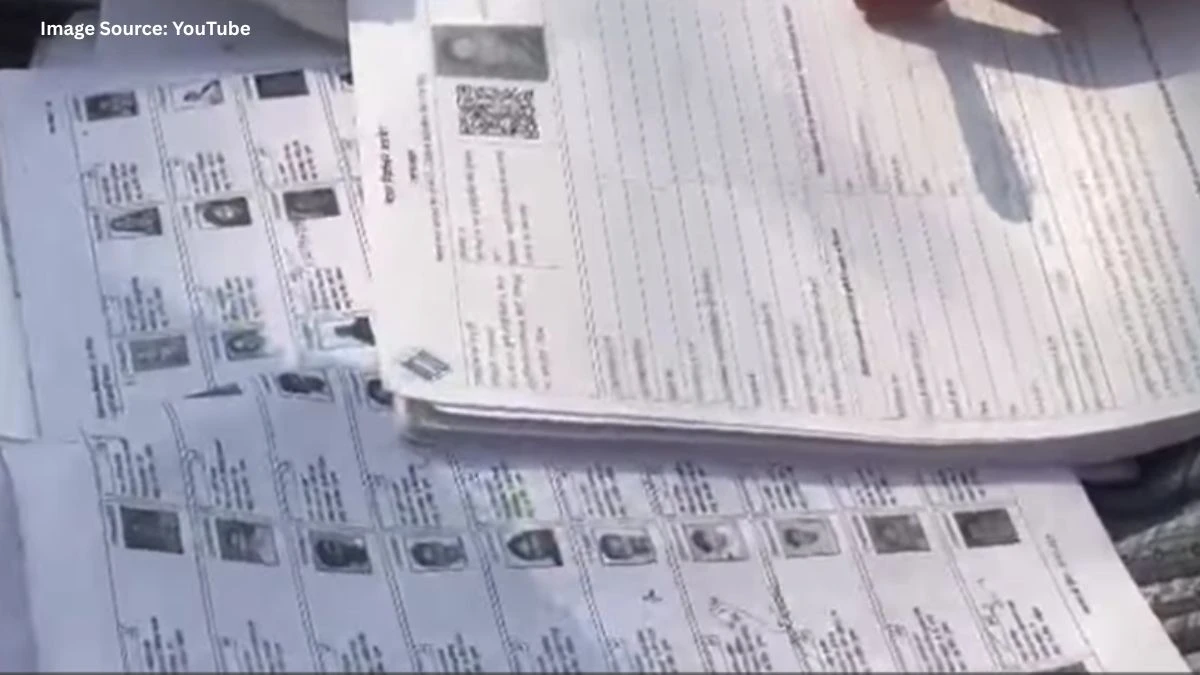

Tamil Nadu voters can now check their names in the updated rolls after the Special Intensive Revision (SIR) 2025 through online portals, mobile apps, PDFs and local polling stations, and can also file claims if their names have been deleted or are missing. Knowing the correct steps and deadlines is crucial to safeguard your voting rights in the 2026 elections.
How to Check Your Name in Voter List After SIR?
You can verify your name in the voter list using multiple methods. Use at least one online and one offline mode to be fully confident your details are correct.
1. Through Voters’ Service Portal (voters.eci.gov.in)
- Visit the Voters’ Service Portal: https://voters.eci.gov.in/.
- Click on “Search in Electoral Roll”.
- Choose any one search mode:
> EPIC number (recommended, fastest), or
> Registered mobile number, or
> Personal details (name, date of birth, gender, state, district).
- Enter the captcha and submit; if your name and details appear, you remain a registered voter after SIR.
2. Through CEO Tamil Nadu website
> Go to the CEO Tamil Nadu website: https://www.elections.tn.gov.in.
> On the homepage, open the “Electoral Rolls” section and select the revision year as “2026” (linked to the SIR exercise).
> A district-wise table will open; click “Show” next to your district.
Select:
- Your Assembly Constituency, then
- Your polling station/part number.
Download the relevant electoral roll PDF and search for your name, father’s/husband’s name and house number:
- If the PDF is text-searchable, use the search function.
- If not, scan the pages manually for your entry.
3. Through mobile apps (Voter Helpline / ECINET)
- Install the official “Voter Helpline” app from Android/iOS stores.
- Register/login with your mobile number.
- Use the “Search in Electoral Roll” option and enter your EPIC number or personal details.
- If your name appears with correct details, you are eligible to vote in upcoming elections; if not, you must file a claim.
4. Offline at polling station or BLO
- Visit your local polling station where the booth-wise draft rolls are displayed on notice boards during the claims and objections period.
- Contact the Booth Level Officer (BLO) for assistance in locating your name and part number in the SIR draft roll.
- If you find any issues (missing name, wrong address, age, etc.), the BLO will guide you on which form to submit and where.
Important Dates
- The integrated draft electoral roll for Tamil Nadu after SIR 2025 was released on 19 December 2025.
- The window for filing claims, objections and corrections (for missing or wrongly deleted names, errors in entries, etc.) is open till 18 January 2026.
- During this period, voters can submit Form 6 for inclusion of name, Form 8 for corrections, or other relevant forms through the online Voters’ Service Portal, Tamil Nadu CEO website, mobile apps or at designated centres.
What to do if your name is not in the voter list?
If your name is missing or has been deleted after SIR, you have a limited time window to restore or add it. Tamil Nadu’s SIR 2025 exercise has reportedly deleted around 97 lakh names, so proactive action is essential.
1. Apply for inclusion using Form 6
Use Form 6 if:
- Your name is completely missing from the draft roll, or
- You are a new voter (18+), or
- You have shifted to a new constituency and need fresh inclusion.
Where to file Form 6:
- Online via Voters’ Service Portal (voters.eci.gov.in) or NVSP services.
-
- Through the Voter Helpline app.
Offline at:
- Designated locations where the draft roll is displayed,
- Office of the Electoral Registration Officer (ERO) or Assistant ERO in your constituency.
Basic steps to fill Form 6:
>Address it to the ERO of your constituency, mentioning the constituency name clearly.
>Provide full name, date of birth, gender, and complete address exactly as you want it in the roll.
>Attach proof of age (for new voters) and proof of ordinary residence, such as:
- Bank/post office passbook,
- Ration card, passport, driving licence,
- Latest electricity, water, gas, or telephone bill for that address.
2. File objections or corrections for wrongful deletion
If you believe your name has been wrongly deleted (e.g., you have not shifted or died, but still find your name missing), use the claims and objections window up to 18 January 2026 to seek restoration.
Depending on local instructions, you may:
- Submit a claim application with proof that you still reside at the registered address.
- Use correction forms (like Form 8) to rectify errors in your entry (name spelling, age, address, etc.).
- Keep acknowledgement/receipt numbers safe and track your application status online through the Voters’ Service Portal or mobile app.
Common reasons for missing names and how to avoid them
- Death reported during door-to-door verification.
- Marked as “shifted/migrated” if you were not found at the address during multiple verification visits.
- Duplicate registration detected in more than one place.
To avoid future issues:
- Keep your address updated via the proper forms when you move.
- Ensure at least one family member is available during verification drives.
- Regularly check your electoral details online before every major revision or election.
How to check the list of deleted voters?
Many voters want to know whether their deletion is part of the SIR purge or a clerical error. While there is no single public “deleted list” for all voters, you can still confirm deletion and understand its scale using these methods.
1. Compare old SIR roll with the new draft
Visit the CEO Tamil Nadu website and open:
- Earlier SIR electoral roll PDF (e.g., SIR 2002/2005 or previous final roll), and
- The latest 2025 SIR draft roll for the same part and constituency.
Download both PDFs and check:
- If your name existed in the older roll but is absent in the 2025 SIR draft, your entry has been deleted.
- You can also note which family members or neighbours have been removed along with you.
2. Use “Search by name/EPIC” tools
- On voters.eci.gov.in or the CEO Tamil Nadu portal, run a search using your EPIC number.
- If earlier the search returned your details but now shows “no record found” or fails to display your entry, it indicates deletion or non-inclusion in the updated roll.
- Repeat this for family members’ EPIC numbers to see who else is affected.
3. Ask BLO / ERO about deletion category
Contact your Booth Level Officer or visit the ERO’s office with your EPIC card.
Officials can usually tell you whether your name was deleted under:
- “Dead”,
- “Shifted/migrated”, or
- “Duplicate/other”.
This information helps you decide the right remedy
- Fresh inclusion with Form 6 if marked “shifted” or “other”, or
- Correction/clarification if the deletion reason is clearly wrong.
Disclaimer
This guide is based on official notifications, publicly available election portals, and standard procedures issued by the Election Commission of India and the Chief Electoral Officer Tamil Nadu at the time of writing. Procedures, deadlines, and portal availability may change. Voters are advised to verify details through official sources or local election officials for the most accurate and current information.