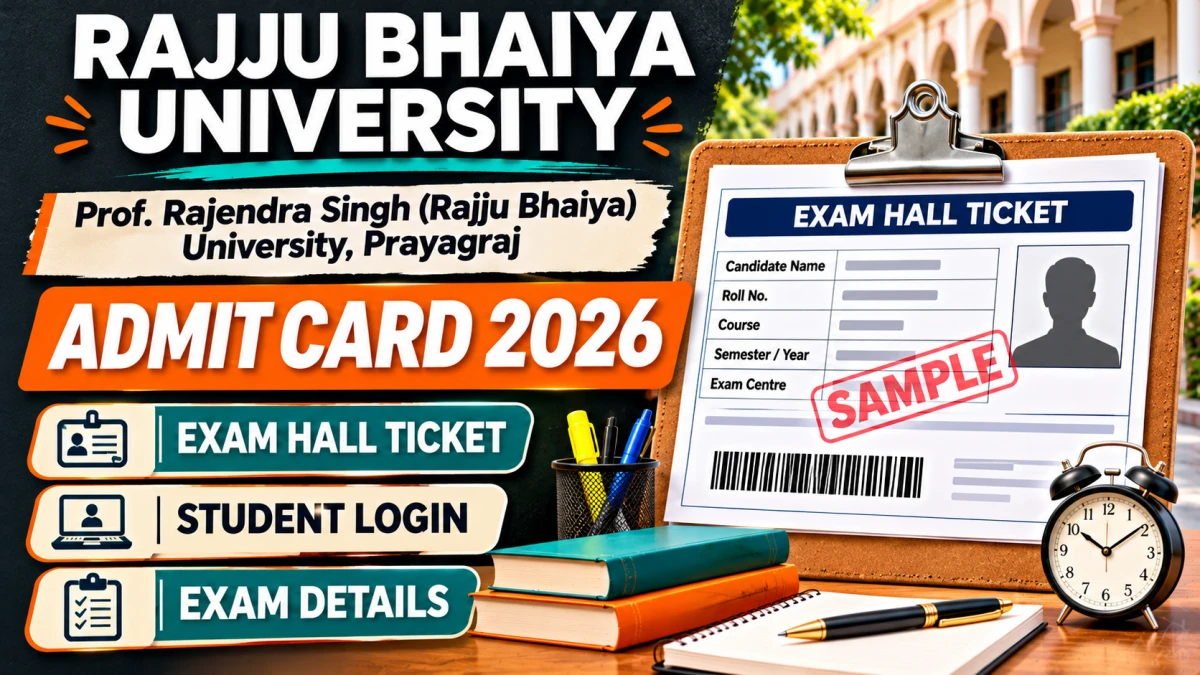
If you filled the back examination form for 2026-27 and are looking for your PRSU admit card, this page explains where to find it, how to download it, which related links are available, and who to contact if you face a problem.
Direct Link to Rajju Bhaiya University Admit Card 2026
Rajju Bhaiya University Admit Card 2026 - Quick Overview
| Detail | Information |
|---|---|
| University | Prof. Rajendra Singh (Rajju Bhaiya) University, Prayagraj |
| Admit card listed | Admit Card Back Exam 2026-27 (B.A/B.Sc/B.Com) ODD SEM |
| Section on website | Examination Corner > Admit Cards (College/Campus) |
| Applicable courses | B.A, B.Sc, B.Com (as listed) |
| Semester | Odd Semester |
| Mode of access | Online |
Direct Link to Download Rajju Bhaiya University Admit Card
Use the official links below. Check that the website address belongs to the university before entering any personal details.
How to Download PRSU Back Exam Admit Card 2026-27
- Open the PRSU Examination Corner at prsuniv.ac.in/StudentsCorner.aspx.
- Under Admit Cards (College/Campus), click Admit Card Back Exam 2026-27 (B.A/B.Sc/B.Com) ODD SEM.
- On the admit card page, enter the details the portal asks for. The exact login fields are not specified on the Examination Corner page.
- Check that your name, course, subjects and other details are correct.
- Download and print the admit card.
Details to Check on Your Admit Card
The Examination Corner page does not list the fields printed on the admit card. After downloading, check every detail carefully, including your name, course, semester, subjects and exam centre if shown. If anything is wrong, contact your college or the university helpline.
Related Back Exam Links on PRSU Examination Corner
| Category | Link |
|---|---|
| Back Examination Form (College Students) 2026-27 | Fill Back Exam Form |
| Back Form Filling Process (Samarth Portal) | View Circular |
| Left Practical Back Exam Form 2026-27 (Odd Sem) | Left Practical Form |
| Re-Admission Ex-Student Exam Form (Samarth Portal) | View Circular |
| ABC/APAAR ID Verification | ID Verification |
Important Instructions for Students
- Use only the official PRSU links to download your admit card.
- Ex-students are advised on the Examination Corner to contact their college.
- Check all details on the admit card as soon as you download it.
- Instructions about documents or ID to carry to the exam are not given on the Examination Corner page, so confirm them with your college or the university.