
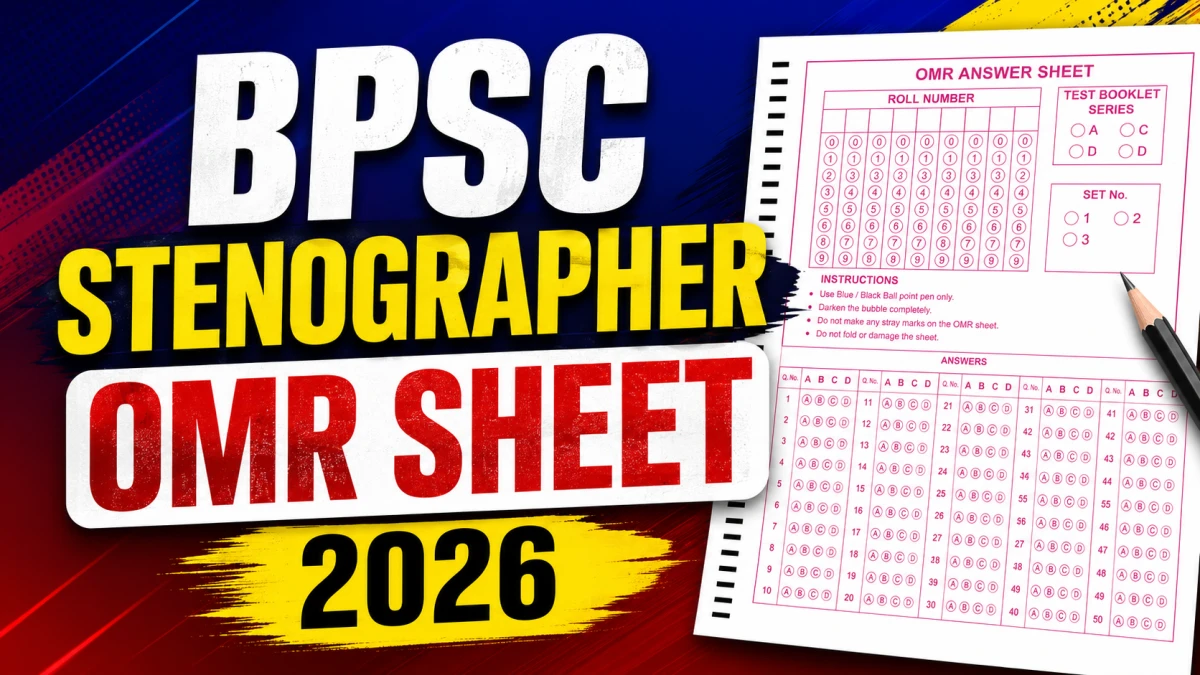
Bihar Public Service Commission (BPSC), Patna has issued an important notice for candidates who appeared in the written (objective type) competitive examination for the Stenographer (आशुलिपिक posts under Advertisement No. 01/2026. Candidates can now download their OMR Sheet (answer sheet) from the official BPSC candidate dashboard. This article covers the OMR download window, the objection process, important dates, and official links exactly as stated in the notice.
BPSC Stenographer OMR Sheet 2026 - Quick Overview
| Particular | Details |
|---|---|
| Conducting Body | Bihar Public Service Commission (BPSC), Patna |
| Advertisement Number | 01/2026 |
| Post Name | Stenographer (आशुलिपिक) |
| Exam Type | Written (Objective Type) Competitive Examination |
| Notice Subject | OMR Sheet (Answer Sheet) Download for Candidates |
| OMR Download Portal | Click Here |
| OMR Download Window | 27.07.2026 to 02.08.2026 |
| Last Date to Raise Objection on OMR Sheet | 02.08.2026 |
BPSC Stenographer OMR Sheet 2026 - Important Dates
- OMR Sheet download starts: 27 July 2026
- Last date to download OMR Sheet: 2 August 2026
- Last date to raise objection over errors in downloaded OMR Sheet: 2 August 2026
BPSC Stenographer OMR Sheet 2026 - Download Link
The BPSC Stenographer OMR Sheet 2026 is now available for candidates who appeared in the written examination under Advertisement No. 01/2026. Candidates can download their OMR answer sheet from the official BPSC candidate dashboard between 27 July and 2 August 2026 and raise objections, if any, through the prescribed email before the last date.5
Download BPSC Stenographer OMR Sheet 2026
What This Notice Says
According to the official notice, all candidates who appeared for the BPSC Stenographer written objective competitive examination under Advertisement No. 01/2026 are informed that they can log in to their own dashboard on the BPSC website and download their OMR Sheet between 27.07.2026 and 02.08.2026.
How to Download BPSC Stenographer OMR Sheet Online
- Visit the official BPSC candidate login portal: https://bpsconline.bihar.gov.in/candidate/login
- Log in using your registered candidate credentials.
- Go to your personal Dashboard.
- Locate and download your OMR Sheet (उत्तर पत्रक).
- Check the downloaded OMR Sheet carefully for any discrepancy.
How to Raise an Objection on the OMR Sheet
If there is any error in your downloaded OMR Sheet, follow these steps as per the official notice:
- Send your objection by email to [email protected].
- The objection must reach the Commission on or before 02.08.2026.
- Objections sent through any medium other than this email, or received after 02.08.2026, will not be considered.
Important Instructions
- Candidates must download their OMR Sheet within the given window (27.07.2026 to 02.08.2026).
- If a candidate does not download the OMR Sheet by 02.08.2026, the Commission will not provide a photocopy later.
- Objections must be raised only via the specified email ID, within the specified deadline.
- No objection received after the deadline, or through any other channel, will be considered.