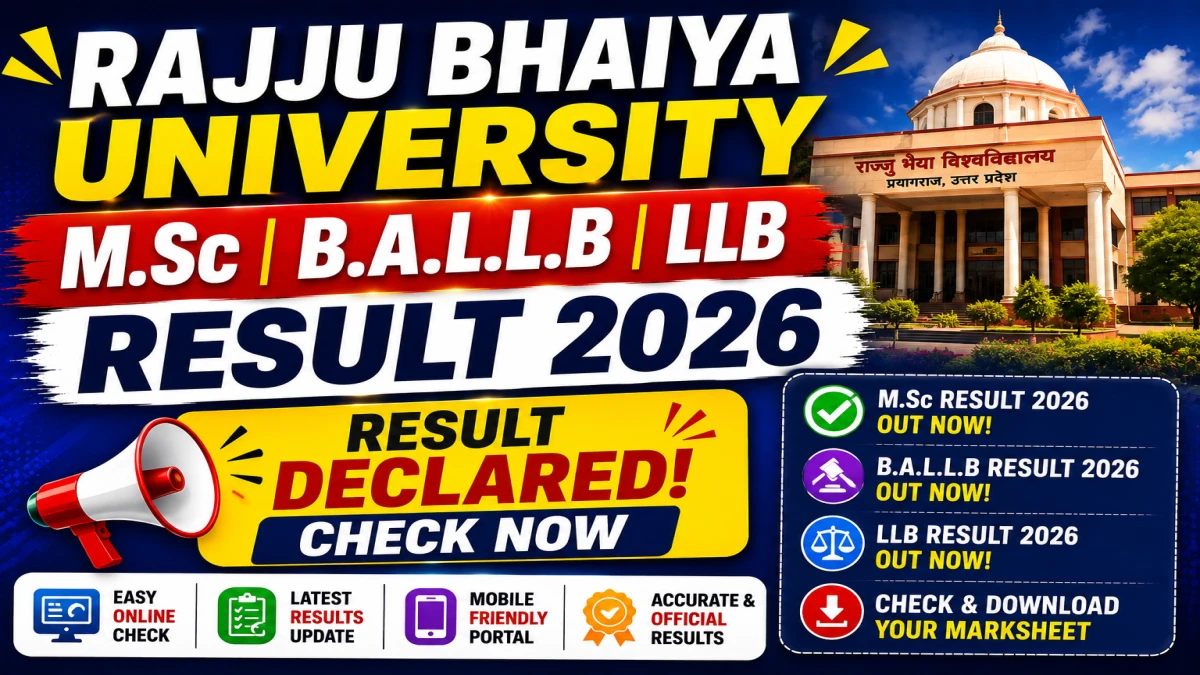
Prof. Rajendra Singh (Rajju Bhaiya) University (PRSU), Prayagraj has released examination results on 01 August 2026 for LLB II Semester, LLB IV Semester, BALLB II Semester, BALLB IV Semester, BALLB VI Semester, BALLB VIII Semester, and M.Sc (Ag) Agricultural Economics II Semester. Students who appeared for these examinations can check their results on the official result portal. This article covers the complete list of results declared on this date, the direct link to check them, and the general process to view and download your scorecard.
Direct Link to Check Rajju Bhaiya University LLB, M.Sc & B.A.L.L.B Result 2026
Rajju Bhaiya University Semester Result 2026 - Quick Overview
| Detail | Information |
|---|---|
| University Name | Prof. Rajendra Singh (Rajju Bhaiya) University, Prayagraj (PRSU) |
| Result Declared On | 01 August 2026 |
| Courses Covered | LLB II & IV Semester, BALLB II/IV/VI/VIII Semester, M.Sc (Ag) Agricultural Economics II Semester |
| Result Mode | Online |
| Official Result Portal | mresult.prsuprayagraj.in |
Important Dates
The table below lists each course/semester and its result declaration date exactly as shown on the official result portal.
| Course / Semester | Result Declared On | List |
|---|---|---|
| LLB - II Semester | 01-08-2026 | Check Here |
| LLB - IV Semester | 01-08-2026 | Check Here |
| BALLB - II Semester | 01-08-2026 | Check Here |
| BALLB - IV Semester | 01-08-2026 | Check Here |
| BALLB - VI Semester | 01-08-2026 | Check Here |
| BALLB - VIII Semester | 01-08-2026 | Check Here |
| M.Sc (Ag) Agricultural Economics - II Semester | 01-08-2026 | Check Here |
Courses Covered in This Result
The 01 August 2026 update from Rajju Bhaiya University covers both law programmes and an agriculture postgraduate programme:
- LLB (Bachelor of Laws) - II Semester and IV Semester
- BALLB (Integrated Law Programme) - II, IV, VI, and VIII Semester
- M.Sc (Ag) Agricultural Economics - II Semester
How to Check Rajju Bhaiya University Result 2026 Online
Follow these steps to view and download your result from the official portal:
- Visit the official result portal: mresult.prsuprayagraj.in
- On the dashboard page, locate the result entry matching your course and semester (for example, "LLB-II SEMESTER" or "BALLB-VIII SEMESTER") from the list of declared results dated 01-08-2026.
- Click on the link corresponding to your course and semester.
- Enter your roll number or the required student credentials in the search field on the next page.
- Submit the form to fetch your result.
- Your result will display on screen with subject-wise marks and status details.
- Download or take a screenshot/printout of your result for future reference.
Details Mentioned on the Result
Based on how PRSU results are typically structured, a scorecard generally includes the following details. This is general information about the format of PRSU results and is not a confirmed field-by-field list for this specific 01-08-2026 release, since that detail is not available on the dashboard page:
- Candidate's Name
- Roll Number / Registration Number
- Course and Semester Name
- Subject-wise Marks
- Total Marks and Result Status (Pass/Fail)
What to Do If There Is a Discrepancy in Your Result
If you notice an error in your name, roll number, marks, or any other detail on your result, you should report it to your respective college or the university examination cell. The specific complaint process, contact details, or revaluation procedure for this particular result release are not mentioned on the source page and are therefore not available here.
Important Instructions
- Keep your roll number or registration number ready before visiting the result portal.
- Download and save a copy of your result immediately after it is displayed, as online results can sometimes be temporarily unavailable due to heavy traffic.
- Cross-check all personal and academic details on your scorecard carefully.
- This online result is generally provisional; treat the original marksheet issued by the university/college as the final document. Confirmation of this policy for the current release is not stated on the source page.