
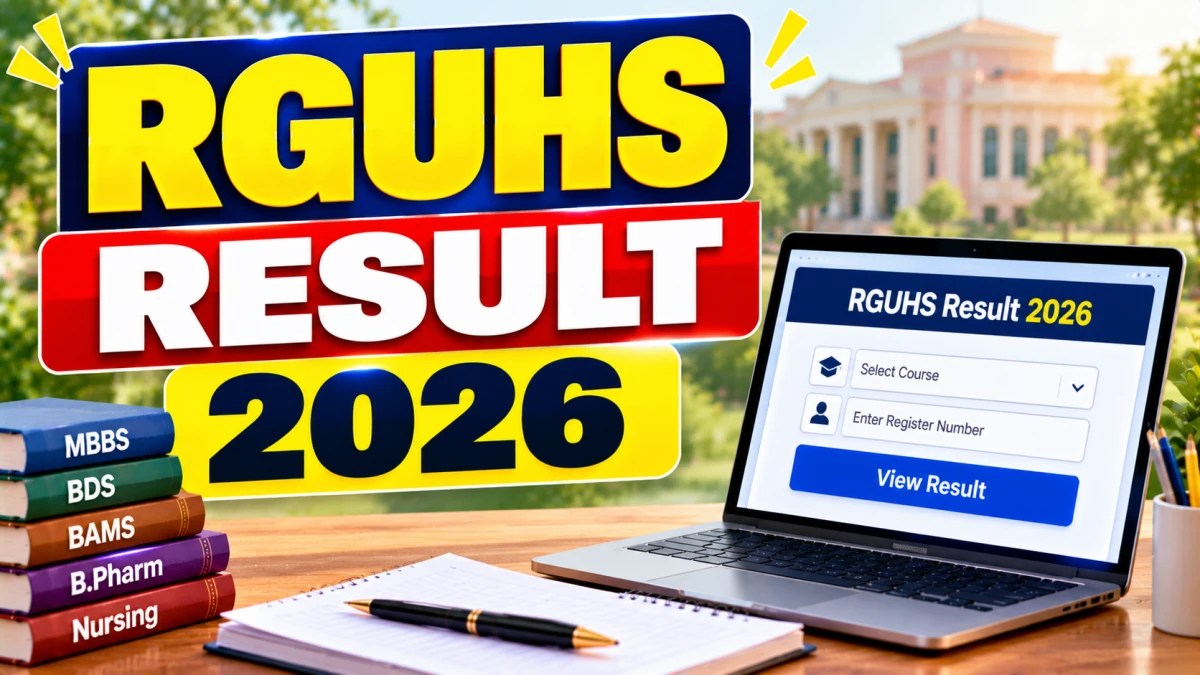
RGUHS Result 2026 has been released for several undergraduate and annual examinations. Students can check their marks and pass status on the university's Examination Management System (EMS) by entering their registration number, selecting the course and clicking View Result.
Direct Link to Check RGUHS Result 2026
RGUHS Result 2026 - Quick Overview
| Detail | Information |
|---|---|
| Conducting body | Rajiv Gandhi University of Health Sciences (RGUHS), Karnataka |
| Result type | Undergraduate and annual examination results |
| Courses reported | MBBS, BHMS, B.Pharm, B.Sc Nursing |
| Result mode | Online |
| Result portal | rguhs.karnataka.gov.in/rguresult |
| Login required | Registration number and course selection |
How to Check RGUHS Result 2026
- Open the RGUHS EMS result portal at rguhs.karnataka.gov.in/rguresult, or the Gnanasangama Karnataka portal.
- Select your course and the relevant examination.
- Enter your registration number.
- Click View or View Result.
- Your marks and pass status will appear on screen.
- Download the digital marksheet and save a copy.
What to Do After Checking Your RGUHS Result
- Download and save the digital marksheet.
- Verify your name, registration number and subject marks.
- Report any discrepancy to your college or the university examination section.
- Follow official notices if you want to apply for revaluation or a supplementary exam.
- Contact your college for the original marks card and promotion formalities.
Important Instructions for Students
- Use only official portals to view results.
- Do not share your registration number on unofficial websites.
- The online marksheet is for reference. Collect the original marks card from your college as instructed.