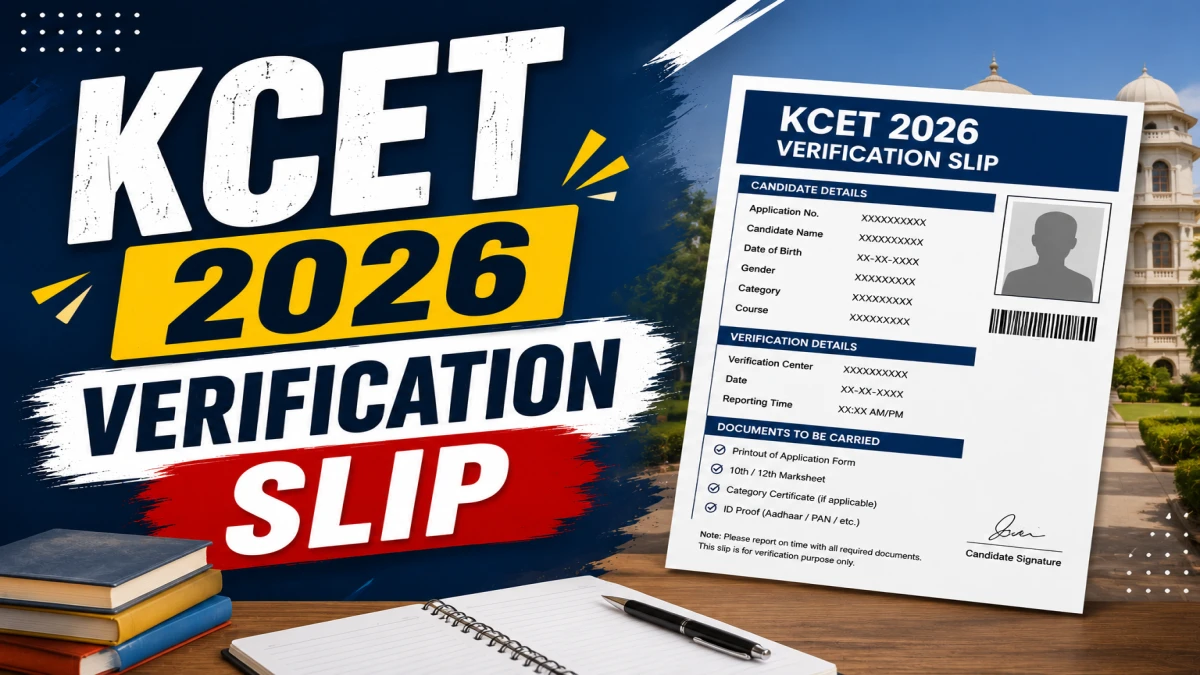
KCET 2026 Verification Slip Out - Download at cetonline.karnataka.gov.in
The Karnataka Examination Authority (KEA) has officially released the KCET 2026 Verification Slip on its portal at cetonline.karnataka.gov.in. Candidates who registered for UGCET 2026 online counselling can now log in using their registration number and password to download their verification slip in PDF format. This slip is a mandatory document for all further stages of the KCET 2026 counselling and seat allotment process.
Click Here: Direct Link to Download KCET 2026 Verification Slip
What is the KCET 2026 Verification Slip?
Before diving into the download process, it is important to understand what this document is and why it matters for your admission journey.
The KCET 2026 Verification Slip is an official confirmation from KEA that the authority has checked, verified, and accepted a candidate's submitted documents and academic records. It confirms that the candidate's submitted details, academic records, reservation claims, and category information have been scrutinized and approved by the authority. Without this slip, a candidate cannot proceed to the option entry or seat allotment rounds of the KCET 2026 counselling process.
After document verification and release of the verification slip, KEA will give students a chance to make corrections if any discrepancies are found.
KCET 2026 Verification Slip - Key Highlights
This table gives a quick overview of the essential details related to the KCET 2026 Verification Slip for fast reference.
| Detail | Information |
|---|---|
| Conducting Body | Karnataka Examination Authority (KEA) |
| Exam Name | KCET / UGCET 2026 |
| Verification Slip Release Date | June 12, 2026 |
| Official Website | cetonline.karnataka.gov.in |
| Login Credentials Required | Registration Number + Password + Captcha |
| Purpose | Confirmation of document verification for counselling |
| Courses Covered | Engineering, Technology, Pharmacy, Agriculture & other professional courses |
How to Download KCET 2026 Verification Slip - Step-by-Step
Candidates can follow these straightforward steps to access and save their KCET 2026 verification slip from the KEA official portal.
Follow these steps to download the KCET 2026 Verification Slip:
Step 1: Go to the official website at cetonline.karnataka.gov.in.
Step 2: Click on the KCET 2026 Verification Slip link available on the homepage.
Step 3: A new window will open - enter your registration number, password, and captcha code.
Step 4: Click on the Submit button.
Step 5: The KCET 2026 Verification Slip will appear on the screen.
Step 6: Check all your details carefully and download the slip.
Details Mentioned on the KCET 2026 Verification Slip
Knowing what information appears on your verification slip helps you verify its accuracy before appearing for counselling.
The verification slip contains important information related to the candidate's application and counselling process. Candidates should carefully check details such as their CET number, name, course applied for, gender, verified caste and category information, and the list of documents required for submission. The slip will also include the KCET QR code for login and a secret key.
Here is a summary of the key details mentioned:
- CET Number (Application Number)
- Candidate's Full Name
- Course Applied For
- Gender
- Verified Caste and Category Details
- Documents Submitted and Accepted Status
- QR Code for Login
- Secret Key for further process
Candidates who notice incorrect personal information, category details, academic records, or any other discrepancy on the verification slip should immediately contact the Karnataka Examinations Authority for correction before the counselling process progresses further.
Documents Required for KCET 2026 Counselling Verification
Candidates must carry the following documents when attending the KCET 2026 counselling process. Candidates should carry both original documents and photocopies, as failure to produce the required documents may affect the verification and counselling process.
Mandatory Documents
| Document | Details |
|---|---|
| KCET 2026 Admit Card | Original copy |
| KCET 2026 Result / Rank Card | Printed copy from KEA portal |
| Class 10 (SSLC) Certificate | Original + Photocopy |
| Class 12 (II PUC / 10+2) Marks Card | Original + Photocopy |
Category and Reservation Documents (If Applicable)
- Karnataka Domicile / Residence Certificate
- Caste / Category Certificate (SC, ST, OBC, EWS, etc.)
- Income Certificate (for fee concession claims)
- Physical Disability Certificate (if applicable)
- Kalyana Karnataka Region Certificate (for 371J quota candidates)
- Sports Certificate or Defence Certificate (if applicable)
Additional Documents
- At least four recent passport-sized photographs
What to Do After Downloading the KCET 2026 Verification Slip?
Once you have successfully downloaded your verification slip, here are the next steps to keep your counselling process on track:
- Verify all details - Cross-check name, CET number, category, and course details carefully.
- Report errors immediately - Contact KEA at the earliest if any discrepancy is found.
- Keep documents ready - Organise all mandatory originals and photocopies listed above.
- Watch for KEA announcements - Regularly check cetonline.karnataka.gov.in for updates on option entry dates and seat allotment schedule.
- Download the UGCET 2026 Final Seat Matrix - KEA has also published the UGCET 2026 Final Seat Matrix on its official website, which candidates should review before filling in their choices. Ummid