
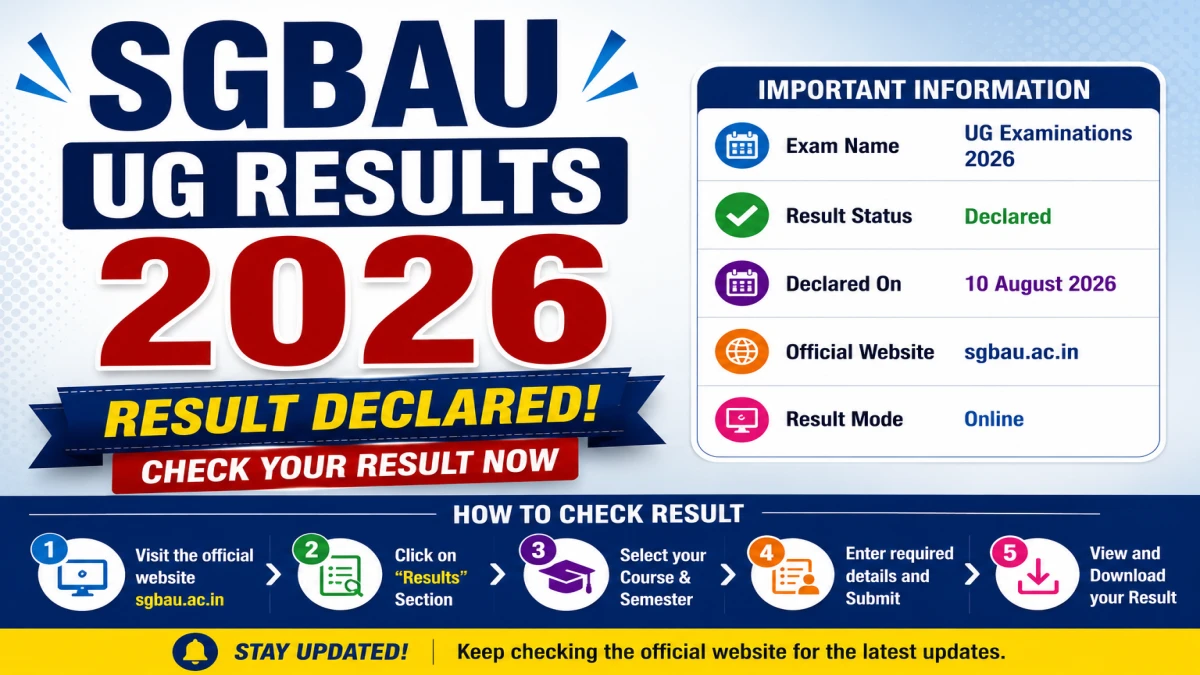
Sant Gadge Baba Amravati University (SGBAU) has declared the revaluation (reval) results for several undergraduate programmes under the Summer 2026 examination cycle on 17 August 2026. Students can check their SGBAU result 2026 online through the university's official result portal. This article covers all courses whose results were declared today, along with the steps to check your result and answers to common questions.
Direct Link to Check SGBAU UG Results 2026
SGBAU UG Results 2026 - Quick Overview
| Detail | Information |
|---|---|
| University | Sant Gadge Baba Amravati University (SGBAU), Amravati |
| Examination Session | Summer 2026 |
| Result Type | Revaluation (Reval) |
| Result Declared On | 17 August 2026 |
| Result Status | Declared |
| Official Result Portal | sgbau.ucanapply.com/result-details |
SGBAU Summer 2026 Reval Results Declared on 17/08/2026
| Course | Semester | Result Type | Date Declared | Link |
|---|---|---|---|---|
| Bachelor of Science (B.Sc.) | First Semester (Sem 1) | Reval | 17/08/2026 | Click Here |
| Bachelor of Pharmacy (B.Pharm) | Third Semester (Sem 3) | Reval | 17/08/2026 | Click Here |
| Bachelor of Pharmacy (B.Pharm) | Fifth Semester (Sem 5) | Reval | 17/08/2026 | Click Here |
| Bachelor of Library and Information Science (BLIS) | First Semester (Sem 1) | Reval | 17/08/2026 | Click Here |
| Bachelor of Pharmacy (B.Pharm) | Seventh Semester (Sem 7) | Reval | 17/08/2026 | Click Here |
| Bachelor of Pharmacy (B.Pharm) | Sixth Semester (Sem 6) | Reval | 17/08/2026 | Click Here |
| Bachelor of Education (B.Ed) | First Semester (Sem 1) | Reval | 17/08/2026 | Click Here |
| Bachelor of Education (B.Ed) | Third Semester (Sem 3) | Reval | 17/08/2026 | Click Here |
How to Check SGBAU Summer 2026 Result Online
Based on the search fields available on the official SGBAU result portal, students can follow these steps to check their result:
- Visit the official SGBAU result portal at sgbau.ucanapply.com/result-details.
- Select the Session - choose "Summer 2026".
- Select the Course Type - UG, PG, or PhD.
- Select your Course from the dropdown (e.g., B.Sc., B.Pharm, B.Ed, BLIS).
- Select the Result Type - Regular, Back, Reval, or EVS.
- Enter your Roll Number.
- Select the correct Semester.
- Click on Search Result to view your result.
Important Instructions
- Students whose result is shown as W/N (Withheld/Not declared) are required to contact their respective college for further details.
- Always cross-check your result details with your college examination department if any discrepancy appears.