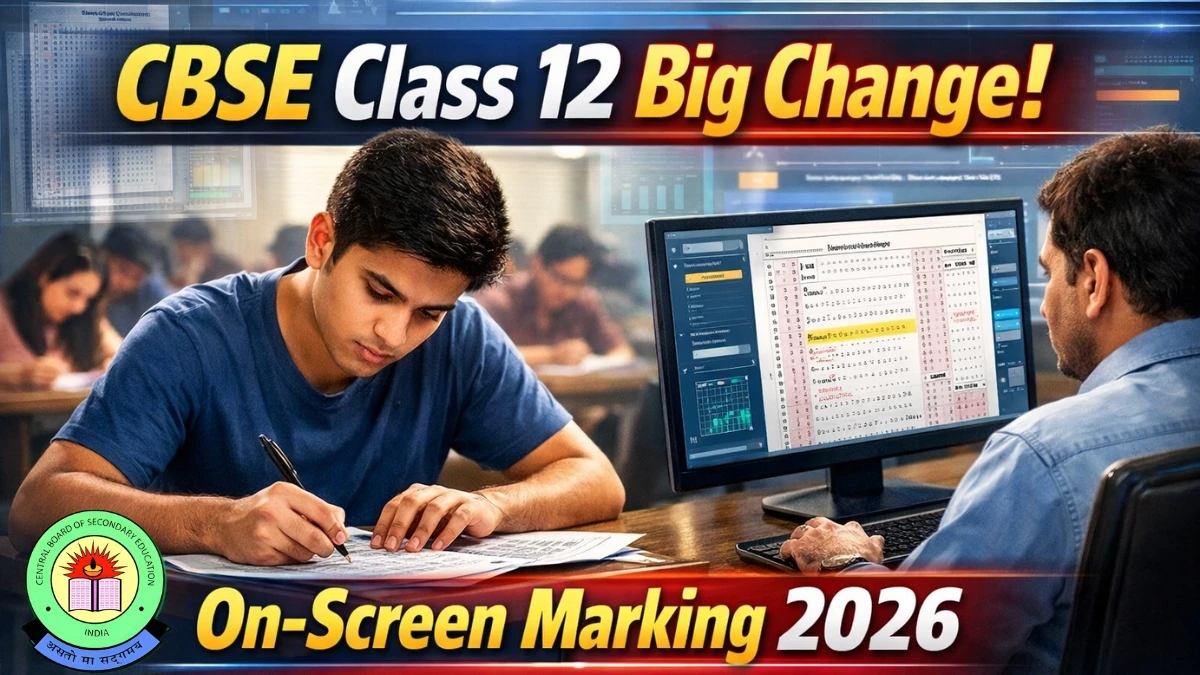
CBSE On-Screen Marking System is a digital evaluation method where Class 12 board exam answer sheets are scanned and checked online on a computer screen instead of being evaluated physically from 2026 onwards.
This major CBSE Class 12 update aims to make marking faster, more accurate, and more transparent for students. If you're wondering what the CBSE On-Screen Marking System is, how on-screen marking CBSE Class 12 works, or what the CBSE OSM 2026 changes mean, this guide breaks it down simply and clearly.
What is CBSE On-Screen Marking (OSM)?
On-Screen Marking (OSM) is basically a digital way of evaluating answer sheets. Examiners review scanned images of the handwritten answer books on a secure online platform, rather than flipping through physical copies by hand.
Students will still write their exams the traditional way, using pen and paper in the exam hall. The only thing changing is how those papers get checked after the exam. According to the latest official updates, this applies specifically to CBSE Class 12 board exams starting from 2026, while Class 10 will stick with the usual physical evaluation for now.
From Which Year is the CBSE On-Screen Marking System Applicable?
CBSE will roll out On-Screen Marking for Class 12 board exams beginning with the 2026 examination session.
The Board officially notified this through a circular dated February 9, 2026, and has been explaining the process via workshops, webcasts, and communications to schools.
Right now, only Class 12 is moving to this digital system in 2026; Class 10 answer books will continue with traditional physical checking.
How Does CBSE On-Screen Marking System Work? (Step-by-Step Process)
Here's the workflow in straightforward steps, perfect for understanding the shift:
-
Step 1 – Scanning of Answer Sheets
-
Once exams end, Class 12 answer books head to designated evaluation centres. Every page, even blank ones, gets scanned carefully. The scans are reviewed for clarity, proper sequence, and completeness before moving forward.
-
-
Step 2 – Upload to Secure Digital Platform
-
The high-quality scanned images are uploaded to CBSE's secure evaluation portal. Each answer script gets a unique digital ID, so there's no need to physically transport bundles between centres anymore.
-
-
Step 3 – Allotment of Copies to Examiners
-
Examiners, associate examiners, and head examiners get secure login credentials. The system automatically assigns scripts to them. It also tracks progress, showing how many scripts each person has handled.
-
-
Step 4 – On-Screen Marking by Teachers
-
Evaluators open the scanned sheet on one side of the screen and a marking panel on the other. They award marks question by question, following the official marking scheme. The system won't let you submit unless every question is addressed, even unattempted ones get marked as "NA" or similar, to avoid skipping anything.
-
-
Step 5 – Quality Check and Moderation
-
Associate and head examiners can digitally review scripts, compare markings, and fix inconsistencies right in the system. Everything is logged, including time spent and any changes, for better oversight and uniform standards.
-
-
Step 6 – Automatic Totalling and Result Processing
-
Marks get added up automatically, no more manual calculations or separate data entry. This should cut down on total errors big time and reduce the need for post-result mark verifications.
-
Why is CBSE Introducing On-Screen Marking for Class 12?
CBSE is making this switch to modernize evaluation and fix common pain points. Here are the key reasons:
-
Faster Evaluation & Results: Digital assignment lets more teachers work at once (even from their schools), potentially shortening the whole process and speeding up result announcements.
-
Error-Free Totalling: Direct entry and auto-calculation eliminate common manual mistakes in adding marks or posting them.
-
Greater Transparency: Question-wise marking, digital logs, and audit trails make it easier to check quality and spot issues.
-
Reduced Need for Post-Result Verification: With fewer calculation errors, expect far less rechecking or changes after results.
-
Better Monitoring of Examiners: The system tracks login times, scripts evaluated, and patterns for stronger supervision.
-
Less Physical Handling & Risk: No more moving thousands of bundles, so less chance of damage, loss, or delays.
-
Eco-Friendly and Efficient: Cuts down on paper movement, travel, and coordination, better for everyone.
What Will NOT Change with CBSE On-Screen Marking System?
Don't worry, the core exam stays the same:
-
The question paper pattern and syllabus for Class 12 remain unchanged; only the evaluation goes digital.
-
Students keep writing answers by hand on physical sheets, no shift to computer-based exams.
-
The team setup (evaluators, associates, heads) is the same; they just do their job online.
Impact of CBSE On-Screen Marking System on Students
What Does OSM Mean for Class 12 Students?
Your scanned answer sheets will appear on screens, so neatness and clarity matter more than ever. The upside? Faster, more precise checking should mean fewer delays in results and hardly any totalling slip-ups or missed questions.
How Should Students Write Answers Under CBSE On-Screen Marking?
Here are practical tips to help your answers shine digitally:
-
Write clearly and legibly, and avoid tiny, cramped, or messy handwriting since examiners read from screens.
-
Use proper margins, number questions boldly, and keep answers aligned in the allotted space to prevent confusion post-scanning.
-
Don't overwrite or scratch excessively; clean corrections scan better.
-
Draw diagrams, tables, and graphs neatly with bold labels; they need to stay sharp and readable digitally.
-
Stick to the correct sections or pages for each question; scattered answers can get harder to follow in scans.
How Does CBSE On-Screen Marking Affect Teachers and Schools?
Changes for Examiners
Teachers now log into a portal (like cbse.onmark.co.in or cbseevalweb), get digital scripts assigned, and mark them from their own locations or centres. The system logs activity for accountability, and seniors can moderate online easily.
Requirements and Training for Schools & Teachers
CBSE is running workshops, mock sessions, and training to get everyone comfortable with the portal. Schools need a solid setup: reliable internet, computers (Windows OS, decent specs), browsers, Adobe Reader, and power backup. Teachers update details via OASIS for access.
Advantages and Disadvantages of CBSE On-Screen Marking System
| Aspect | Advantages of CBSE OSM | Concerns / Challenges |
|---|---|---|
| Speed | Faster evaluation and quicker result processing | Initial setup time and training may slow early cycles |
| Accuracy | Automatic totalling, fewer posting errors, and all questions must be marked | Dependence on high-quality scanning and stable internet |
| Transparency | Digital audit trail, monitoring of evaluators, and better moderation | Concerns about data security and privacy if not managed properly |
| Logistics | No physical movement of scripts, less risk of loss/damage | Need for robust infrastructure at evaluation centres |
| Experience | More consistent marking and reduced verification needs | Possible eye strain and screen fatigue for examiners |
Will CBSE On-Screen Marking System Change Marks or Difficulty Level?
No, the marking scheme and question difficulty stay exactly the same. The shift is only in how evaluation happens, from manual to digital.
OSM should actually help marks reflect true performance better by cutting errors and improving consistency. Students with clear, well-structured answers will likely see the benefits most.
Will OSM really improve transparency and reduce errors?
Yes, that is exactly what the CBSE on-screen marking system is trying to achieve, and the design of the platform reflects that goal quite clearly.
Every script carries a digital trail: who evaluated it, who reviewed it, what marks were changed, and how long the process took. Partial evaluation isn’t allowed; the system forces examiners to address each question, even if it’s just to mark it as not attempted.
Because marks are entered directly into the digital system, there’s no separate data entry step where numbers can be mistyped. Monitoring tools can flag unusual marking patterns or speed, making it easier to intervene before an entire batch of scripts is affected.
For students, that should translate into fewer rude surprises when they apply for rechecking, and over time, maybe even a shift where verification becomes more of a formality than a rescue operation.
It’s not a perfect solution to every exam‑related worry, of course. But as a structural move, OSM pushes the system closer to a world where “I lost marks because somebody forgot to total” stops being a story you hear at every result season. And that alone is a pretty big win.